How Does the Smart Connections Plugin Enhance Obsidian?
TL;DR
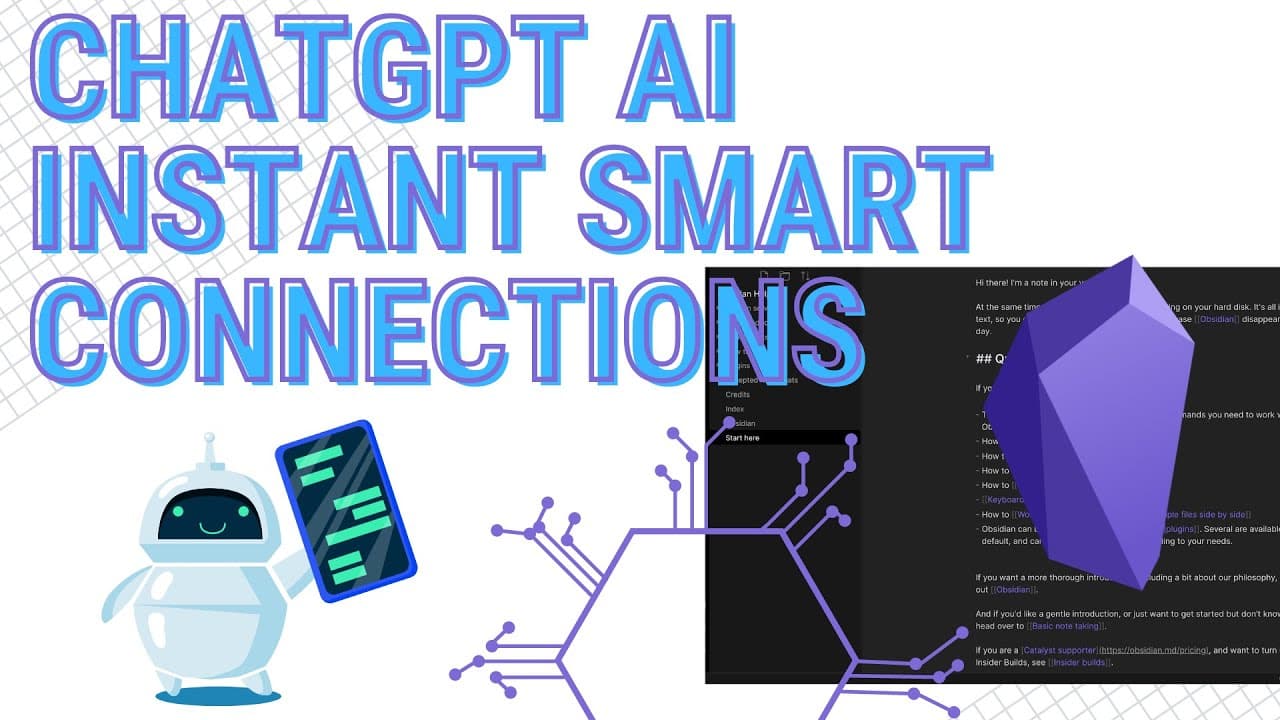
The Smart Connections plugin for Obsidian uses AI to automatically scan your Vault, linking relevant information to any selected note without manual effort. It helps users rediscover overlooked content and enhances their personal knowledge management experience, requiring an API key to integrate with the OpenAI model.
Transcript
hello everyone in this video I want to get into one of the best AI plug-ins for a obsidian that I've found now there are a number of AI plugins in obsidian that has been created by the community so if you go in and you just chart search chat gbt or maybe even open AI might work here you can see the different ones that are out here and try them out ... Read More
Key Insights
- 👋 There are various AI plugins available for Obsidian, but the Smart Connections plugin stands out as one of the best.
- 👤 The Smart Connections plugin uses AI to scan and analyze a user's Vault in Obsidian, automatically linking relevant content.
- 💁 The plugin helps users discover forgotten or overlooked information within their Vault, maximizing the potential of their personal knowledge management system.
- 👹 It offers options to customize the display of information in the side pane, making it convenient for users.
- 🛀 The Smart Connections plugin can identify relevant content based on user activities such as reading or note-taking.
- 👤 Users can use the plugin to summarize notes by providing the link to the specific note they want to summarize.
- 🤩 The plugin requires an API key and allows users to select the GPT version and language they prefer for analysis.
Install to Summarize YouTube Videos and Get Transcripts
Explore YouTube Video Summarizer or Get YouTube Transcript Extractor
Questions & Answers
Q: How does the Smart Connections plugin work?
The plugin scans through your Vault in Obsidian using AI to find and link relevant information to a selected note without any manual input required. It uses the OpenAI API and the Smart Chat model for analysis.
Q: Can the plugin fix errors or retry failed file scans?
Yes, if there are any errors or failed file scans, the plugin displays them in the side pane. From there, you can retry the failed files to see if the plugin picks up any missed information or fixes any issues.
Q: What benefits does the Smart Connections plugin offer over other linking options?
Unlike other options like backlinks or unlinked mentions, the Smart Connections plugin goes deeper into your Vault and provides more comprehensive insights. It automatically links relevant content, even if you haven't manually connected them.
Q: How does the Smart Connections Chat feature work?
The Smart Connections Chat feature is similar to other chat GBT plugins. You can prompt it to perform actions like summarizing a note by providing the link to the specific note you want to summarize. The plugin uses AI to generate the summary.
Key Insights:
- There are various AI plugins available for Obsidian, but the Smart Connections plugin stands out as one of the best.
- The Smart Connections plugin uses AI to scan and analyze a user's Vault in Obsidian, automatically linking relevant content.
- The plugin helps users discover forgotten or overlooked information within their Vault, maximizing the potential of their personal knowledge management system.
- It offers options to customize the display of information in the side pane, making it convenient for users.
- The Smart Connections plugin can identify relevant content based on user activities such as reading or note-taking.
- Users can use the plugin to summarize notes by providing the link to the specific note they want to summarize.
- The plugin requires an API key and allows users to select the GPT version and language they prefer for analysis.
- It provides fast and accurate results, giving users valuable insights without manual effort.
Summary & Key Takeaways
-
The video introduces the Smart Connections plugin, one of the best AI plugins for Obsidian.
-
The plugin scans through a user's Vault to find and link relevant information without any manual input.
-
It offers insights into forgotten or overlooked content, maximizing the usage of information within the personal knowledge management (PKM) system.
Read in Other Languages (beta)
Share This Summary 📚
Summarize YouTube Videos and Get Video Transcripts with 1-Click
Try YouTube Summary with ChatGPT & Claude or YouTube Transcript Generator
Explore More Summaries from Antone Heyward 📚
Summarize YouTube Videos and Get Video Transcripts with 1-Click
Try YouTube Summary with ChatGPT & Claude or YouTube Transcript Generator