Photoshop CC 2014 Spin Blur Tutorial | Photoshop CC 2014
TL;DR
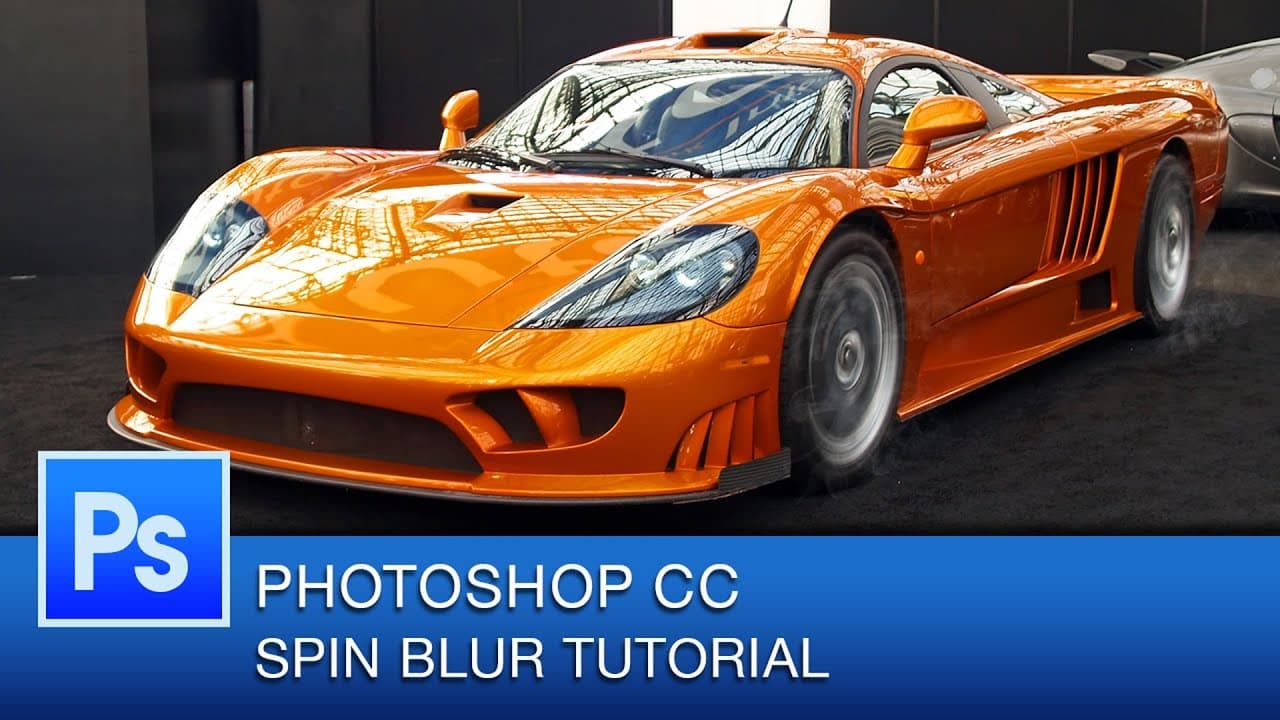
Learn how to create a spin blur effect in Photoshop with adjustable settings for creative editing.
Transcript
so so so so so so that is the cool spin blur effect and just one thing that you can do with it and again because this is non-destructive we can go ahead and go to our smart filter and we can just toggle this on or off we can even go right back into it and we could actually um you know adjust the effect if we want to so we could just go back in and ... Read More
Key Insights
- 👻 The spin blur effect in Photoshop is non-destructive, allowing for flexible adjustments.
- 📱 Smart filters are used to apply and modify the spin blur effect without altering the original image.
- 👤 Users can create varying degrees of blur intensity by adjusting the settings.
- 🫵 Regular viewers are encouraged to subscribe for weekly Photoshop CC tutorial videos.
- 🪜 The spin blur effect adds a dynamic and creative touch to images in Photoshop.
- 👻 Toggling the effect on or off allows for quick comparisons and edits.
- 🎮 Subscribers can access a library of tutorial videos on the creator's YouTube channel.
Install to Summarize YouTube Videos and Get Transcripts
Explore YouTube Video Summarizer or Get YouTube Transcript Extractor
Questions & Answers
Q: What is the key feature of the spin blur effect in Photoshop?
The key feature of the spin blur effect in Photoshop is its non-destructive nature, allowing users to toggle the effect on or off and adjust the blur intensity even after application.
Q: How can users adjust the blur intensity of the spin blur effect?
Users can adjust the blur intensity of the spin blur effect by going back into the smart filter settings, selecting the effect, and using the slider to create more or less blur as desired.
Q: Why is it beneficial to use smart filters for creating the spin blur effect?
Using smart filters for creating the spin blur effect is beneficial because it preserves the original image and allows for easy adjustment and toggling of the effect without permanently altering the image.
Q: How often does the creator post new Photoshop CC tutorial videos?
The creator posts new Photoshop CC tutorial videos every Thursday for viewers to learn new techniques and enhance their Photoshop skills.
Summary & Key Takeaways
-
The video demonstrates how to create a spin blur effect in Photoshop using smart filters.
-
The effect is non-destructive, allowing you to toggle it on or off and adjust the blur intensity as desired.
-
Viewers are encouraged to subscribe for more Photoshop CC tutorial videos every Thursday.
Read in Other Languages (beta)
Share This Summary 📚
Summarize YouTube Videos and Get Video Transcripts with 1-Click
Try YouTube Summary with ChatGPT & Claude or YouTube Transcript Generator
Explore More Summaries from Roberto Blake 📚






Summarize YouTube Videos and Get Video Transcripts with 1-Click
Try YouTube Summary with ChatGPT & Claude or YouTube Transcript Generator