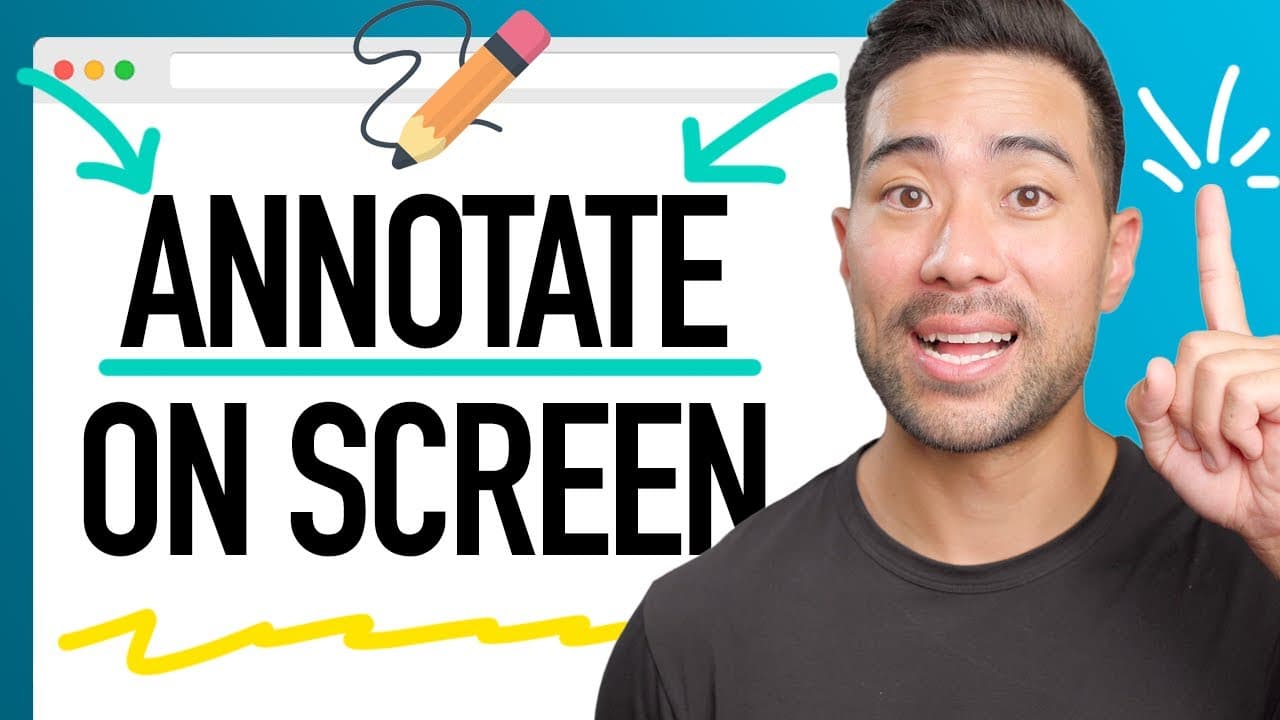
How To Draw and Annotate on Screen to Present Better!
TL;DR
Make your presentations more engaging with Pro Mouse, a Mac-only app that allows you to draw attention, annotate, zoom, and spotlight on your screen.
Transcript
- This might be the most useful tool to level up your presentations, whether you do Zoom meetings to present to a board or if you're a teacher or coach wanting to make your workshops, programmes or courses more engaging for your students. Let me show you exactly what this is in this video. All right, so what exactly am I talking about? Well, if you... Read More
Key Insights
- 😀 Pro Mouse is a Mac-only app that enhances presentations by drawing attention to important elements on your screen.
- 👏 The app allows you to annotate and draw on any application, making it versatile for various use cases.
- 🔍 The zoom feature enables you to focus on specific details, while the spotlight feature highlights a particular area.
- 😇 Customization options, such as adjusting the halo color and size, allow users to personalize their experience.
- 🏪 Pro Mouse offers the convenience of custom shortcuts, making it easy to access its tools quickly.
- 👤 Windows users can use an alternative called Epic Pen, which provides similar functionality.
- 🥶 Pro Mouse is available for a one-time purchase of $3.99, while Epic Pen has a free basic option with the option to upgrade for additional features.
Install to Summarize YouTube Videos and Get Transcripts
Explore YouTube Video Summarizer or Get YouTube Transcript Extractor
Questions & Answers
Q: What can Pro Mouse do to enhance presentations?
Pro Mouse can draw attention to specific features on your screen using the yellow halo effect on your mouse cursor, allowing viewers to focus on important elements.
Q: Can you annotate on any app with Pro Mouse?
Yes, Pro Mouse allows you to draw shapes, arrows, and freehand drawings on any application, making it useful for explaining and highlighting information during presentations.
Q: Can Pro Mouse zoom in on important details?
Yes, Pro Mouse includes a zoom feature that allows you to magnify specific areas on your screen, ensuring that viewers can see important details clearly.
Q: How can you customize Pro Mouse to make it suit your needs?
Pro Mouse provides options to customize the halo color, size, and style. You can also adjust the zoom amount, spotlight color, size, and opacity. Additionally, you can set custom shortcuts for various functions.
Key Insights:
- Pro Mouse is a Mac-only app that enhances presentations by drawing attention to important elements on your screen.
- The app allows you to annotate and draw on any application, making it versatile for various use cases.
- The zoom feature enables you to focus on specific details, while the spotlight feature highlights a particular area.
- Customization options, such as adjusting the halo color and size, allow users to personalize their experience.
- Pro Mouse offers the convenience of custom shortcuts, making it easy to access its tools quickly.
- Windows users can use an alternative called Epic Pen, which provides similar functionality.
- Pro Mouse is available for a one-time purchase of $3.99, while Epic Pen has a free basic option with the option to upgrade for additional features.
- By using Pro Mouse or Epic Pen, you can significantly improve your communication and engagement during presentations or screen tutorials.
Summary & Key Takeaways
-
Pro Mouse is a Mac-only app that adds a yellow halo effect to your mouse cursor, allowing you to draw attention to specific features on your screen.
-
It also enables you to draw and annotate on any app, making it useful for presentations or tutorials.
-
The app includes features like zooming, spotlighting, and customizing shortcuts for a personalized experience.
Read in Other Languages (beta)
Share This Summary 📚
Summarize YouTube Videos and Get Video Transcripts with 1-Click
Try YouTube Summary with ChatGPT & Claude or YouTube Transcript Generator
Explore More Summaries from Aurelius Tjin 📚



Summarize YouTube Videos and Get Video Transcripts with 1-Click
Try YouTube Summary with ChatGPT & Claude or YouTube Transcript Generator