Component of Windows
TL;DR
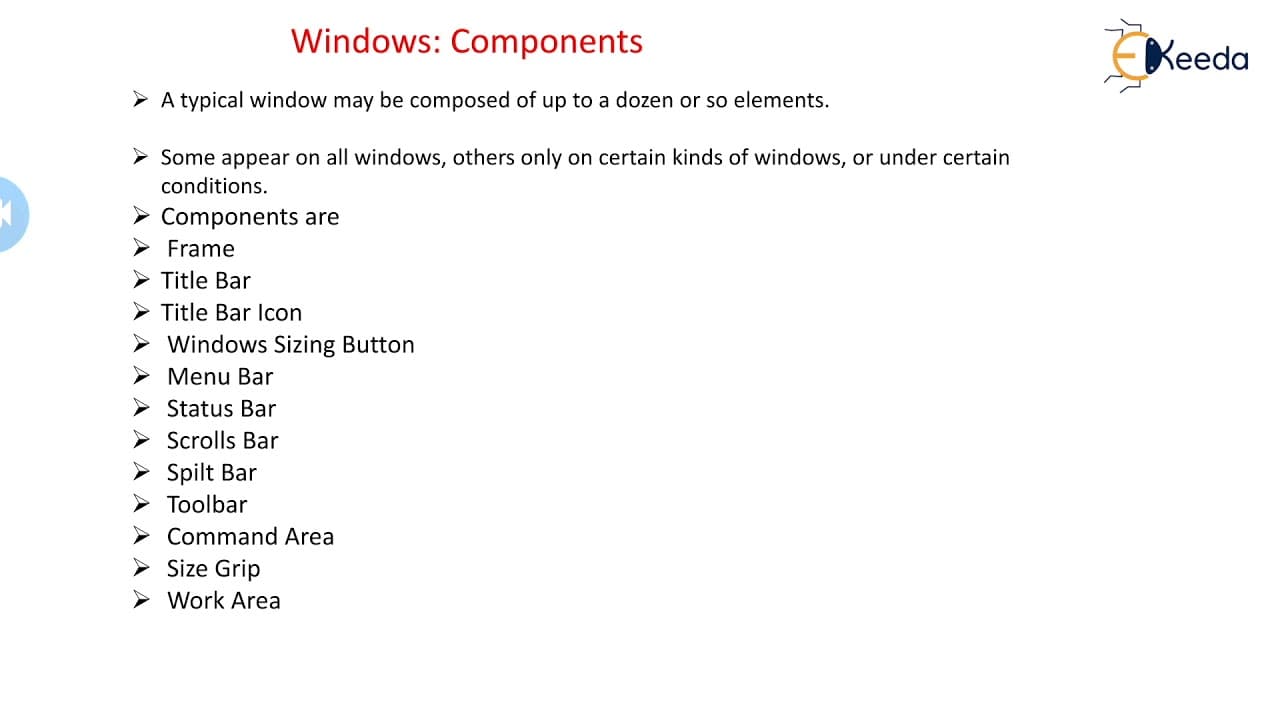
Windows components like frame, title bar, menu bar, status bar, and more play essential roles in window functionality.
Transcript
hello friends so let us talk about windows components components are that some appears on all windows or others only i have a certain kind of windows or other another certain condition so it's a typical window which may be comfort composed up a dozen or four elements so for consistency purposes this element should be located in the same positions w... Read More
Key Insights
- 🤢 Windows components like frame and title bar define window boundaries and enhance user interaction.
- 🤢 Menu bars organize access to features and actions, streamlining user navigation.
- 🤢 Status bars display relevant information about the window's current state or viewing context.
- 🤢 Scroll bars facilitate scrolling through lengthy or large content within a window.
- 🫵 Split boxes enable windows to be divided into multiple viewing areas for multitasking.
- 👤 Toolbars provide access to specific commands or options for users.
- 👻 Command areas allow users to input commands or perform specific actions within a window.
Install to Summarize YouTube Videos and Get Transcripts
Explore YouTube Video Summarizer or Get YouTube Transcript Extractor
Questions & Answers
Q: What is the purpose of a frame in a window?
A frame in a window defines its boundary and distinguishes it from other windows. It typically has a rectangular shape and can contain control buttons for resizing or manipulating the window.
Q: How does the title bar contribute to a window's functionality?
The title bar is located at the top of a window and contains a descriptive title. It may also have control buttons for specific actions like minimizing or closing the window, enhancing user interaction.
Q: What role does a menu bar play in window organization?
A menu bar is used to organize and provide access to features or actions in a window. It typically contains a list of items that can be selected to display a dropdown menu with further options for the user.
Q: Why are scroll bars important in windows?
Scroll bars allow users to navigate through content that extends beyond the visible area of a window. They enable vertical or horizontal scrolling, making it easier to access information within a confined space.
Summary & Key Takeaways
-
Windows components like frame and title bar define window boundaries and contain control buttons for manipulation.
-
Menu bars organize access to features, while status bars display relevant information.
-
Scroll bars, split boxes, toolbars, command areas, size grips, and work areas enhance user experience and functionality.
Read in Other Languages (beta)
Share This Summary 📚
Summarize YouTube Videos and Get Video Transcripts with 1-Click
Try YouTube Summary with ChatGPT & Claude or YouTube Transcript Generator
Explore More Summaries from Ekeeda 📚






Summarize YouTube Videos and Get Video Transcripts with 1-Click
Try YouTube Summary with ChatGPT & Claude or YouTube Transcript Generator