Refactoring some code and maybe working on a project
TL;DR
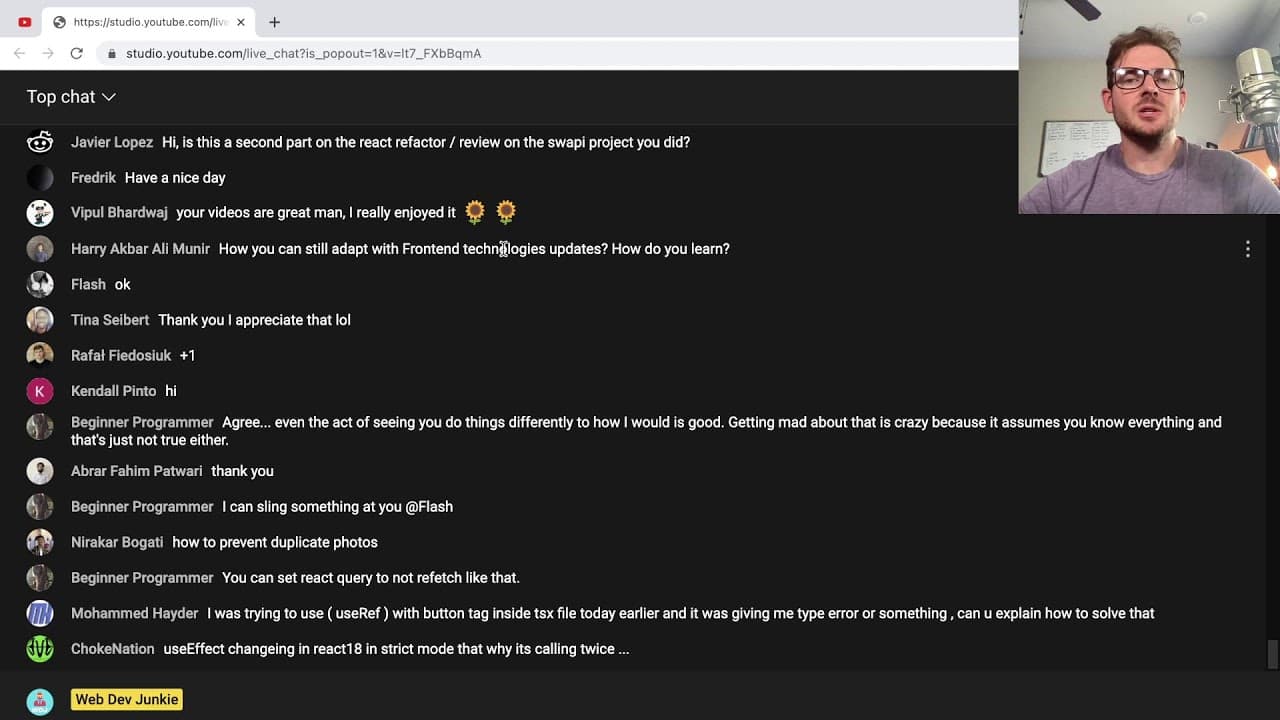
A live stream focused on refactoring code and building a project for managing YouTube video ideas.
Transcript
all right let me just go ahead and notify uh my discord then i'm doing a stream all right so i don't know i'm gonna wait for some more people to get in but the plan of this stream is to just refactor some code and maybe work on a side project and i think someone sent me some a message about refactoring code forget who it was though actually i could... Read More
Key Insights
- 👨💻 Effective refactoring focuses not only on improving code quality but also on addressing user needs and feedback, enhancing the overall project usability.
- 👻 Utilizing libraries like React Query can significantly reduce the complexity of data fetching and state management, allowing for cleaner code.
- 👨💻 Balancing between performance and maintainability is crucial; ensuring code is understandable can be as important as making it performant.
- 🫵 Viewer interaction during live streams adds value, creating a collaborative environment for learning and sharing programming knowledge.
- 👨💻 Pure functions simplify testing and debugging, making it easier to reason about code and streamline development processes.
- 👨💻 Adopting a systematic approach to code reviews and refactoring helps in identifying and mitigating potential issues early in development cycles.
- 👨💻 Commenters’ feedback can influence how coding practices evolve in educational content, highlighting the importance of community input in development.
Install to Summarize YouTube Videos and Get Transcripts
Explore YouTube Video Summarizer or Get YouTube Transcript Extractor
Questions & Answers
Q: What is the primary goal of the live stream?
The main objective is to refactor existing code for a project that helps manage YouTube video ideas, while also addressing viewer feedback on previous coding practices and comments.
Q: Why was React Query introduced during the stream?
React Query was brought in to simplify data fetching and state management. It allows for automatic cache management, makes it easier to handle loading states, and reduces the need for custom implementation through useEffect hooks.
Q: How do you handle potential race conditions in your code?
To manage race conditions, it's essential to implement proper state management—either through setting loading states or utilizing libraries like React Query that handle refetching and caching efficiently, preventing overlaps in async operations.
Q: What was the presenter’s approach to handling user feedback from previous videos?
The presenter took viewer feedback seriously, revisiting previously posted content to address inaccuracies and adapt better coding practices, ensuring the content delivered is valuable and accurate.
Q: How does live coding differ from pre-prepared tutorials?
Live coding showcases the real-time thought process of the developer, including debugging, problem-solving, and adaptation to new challenges, while pre-prepared tutorials often present a polished version without the nuances of real-time coding challenges.
Q: What coding practices do you prioritize during refactoring?
Key practices include ensuring functions are pure, avoiding magic numbers, minimizing state management complexity, and gradually iterating to improve code quality without introducing new bugs.
Q: What tools or extensions were mentioned during the stream?
The use of the Error Lens extension for improved error visibility and react-query for managing server state efficiently were highlighted as useful tools for boosting developer productivity.
Summary & Key Takeaways
-
The stream revolves around refactoring existing code to improve functionality and user experience, addressing both technical debt and user feedback.
-
The presenter explores various coding practices, including the use of React Query to simplify data management and state management in React applications.
-
Viewer engagement is emphasized, allowing for interaction and questions during the stream, with a focus on community learning and collaboration.
Read in Other Languages (beta)
Share This Summary 📚
Summarize YouTube Videos and Get Video Transcripts with 1-Click
Try YouTube Summary with ChatGPT & Claude or YouTube Transcript Generator
Explore More Summaries from Web Dev Cody 📚





Summarize YouTube Videos and Get Video Transcripts with 1-Click
Try YouTube Summary with ChatGPT & Claude or YouTube Transcript Generator