Live Coding an Emoji Panel using React | Part 1
TL;DR
A live coding session demonstrating how to create an emoji pop-up similar to Discord using React.
Transcript
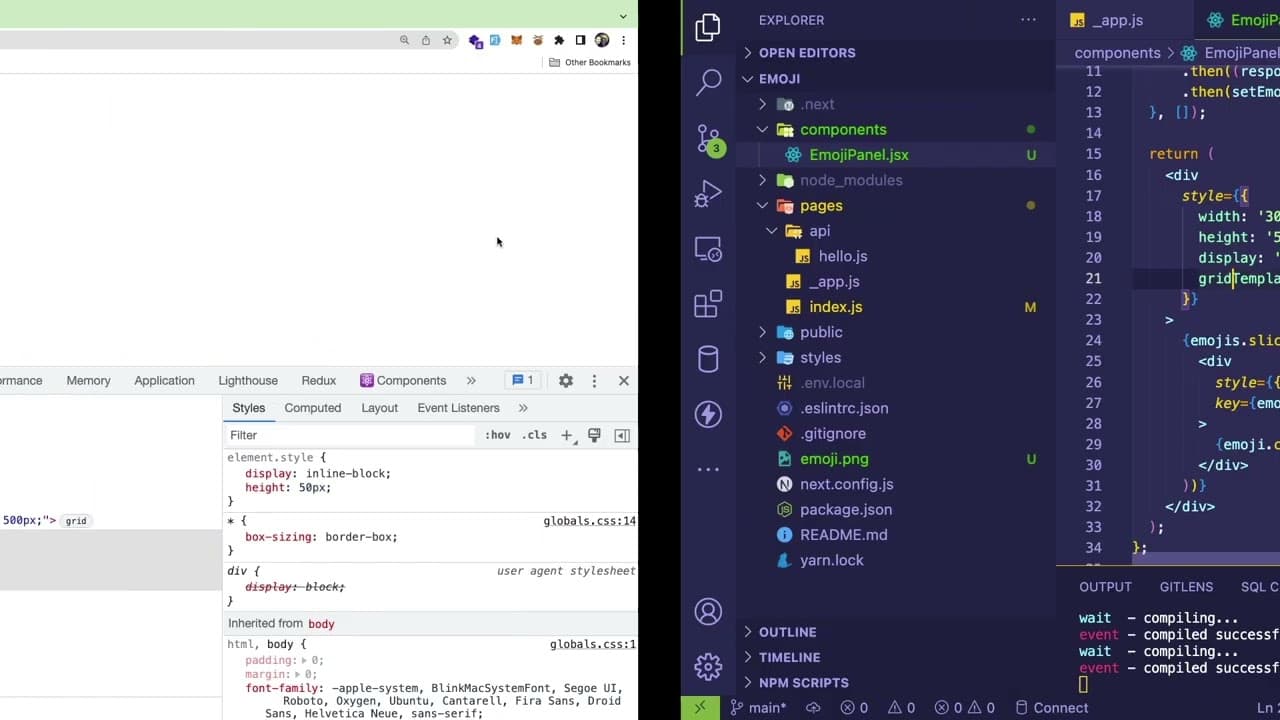
hey everyone so um i'm just gonna try to do a live coding session right here where i'm gonna basically just try to build out a an emoji pop-up kind of similar to discord like let me show you a picture that i'm kind of kind of gonna try to build i'm not gonna spend too much time doing this sorry i can only speak right now so in discord you have mess... Read More
Key Insights
- 😒 The use of React hooks, such as useState and useEffect, is pivotal for managing component state and lifecycle effectively.
- 🥳 Integrating third-party APIs allows for dynamic content fetching, enhancing user interfaces with real-time data.
- 👤 Efficient state management is crucial, particularly in interactive applications where user actions repeatedly trigger updates.
- 👂 Understanding CSS layouts, such as Flexbox and Grid, can significantly improve the UI’s appearance and functionality for displaying complex elements like lists.
- 👂 Performance bottlenecks in React applications often stem from rendering large lists, which can be mitigated through thoughtful design patterns like debouncing.
- 👤 Providing users with feedback through a responsive UI is essential for maintaining engagement and improving overall experience.
- 🦻 Continuous learning and community engagement, such as joining support groups or forums, can aid developers in navigating coding challenges and gaining knowledge.
Install to Summarize YouTube Videos and Get Transcripts
Explore YouTube Video Summarizer or Get YouTube Transcript Extractor
Questions & Answers
Q: What technology stack is used in this project?
The project utilizes React for building the user interface and Next.js for server-side rendering capabilities. This combination allows for improved performance and SEO, enabling the application to handle dynamic content, like emojis, effectively.
Q: How does the presenter fetch emojis from the API?
The presenter uses the Open Emoji API to fetch emojis. After signing up for an access token, a fetch request is made within a React component's useEffect hook that triggers on component mounting. The response is processed and stored in the component's state.
Q: Why is there a need for debouncing when searching for emojis?
Debouncing is necessary to optimize performance when filtering emojis as it reduces the number of renders triggered by each keystroke. By implementing debounce, the filtering function would only execute after the user has stopped typing for a specified duration, preventing unnecessary computations and improving responsiveness.
Q: What are some challenges faced during UI rendering?
The presenter encounters issues with the initial rendering speed when displaying a large number of emojis. At one point, the UI crashes, prompting a temporary solution to limit the number of emojis shown. The challenge highlights React's slower performance with extensive lists and renders.
Q: How are selected emojis stored in the application?
The application maintains a state variable to track selected emojis. When an emoji from the panel is clicked, it's appended to the selected emojis string, allowing users to see their choices reflected in the UI, emulating a component similar to what’s found in messaging applications.
Q: What improvements are suggested for the emoji panel?
The presenter recommends further performance optimizations, like implementing lazy loading for emojis, refining the emoji filtering process, and enhancing UI/UX through improved styling. These improvements would make the panel more user-friendly and efficient.
Summary & Key Takeaways
-
The video showcases a live coding session where the presenter creates an emoji pop-up panel using React and Next.js, resembling Discord's functionality.
-
The presenter explains how to integrate an external API, specifically the Open Emoji API, to fetch and display emojis dynamically within the application.
-
Viewers are guided through state management in React, including toggling visibility, managing search functionality, and rendering emoji lists.
Read in Other Languages (beta)
Share This Summary 📚
Summarize YouTube Videos and Get Video Transcripts with 1-Click
Try YouTube Summary with ChatGPT & Claude or YouTube Transcript Generator
Explore More Summaries from Web Dev Cody 📚





Summarize YouTube Videos and Get Video Transcripts with 1-Click
Try YouTube Summary with ChatGPT & Claude or YouTube Transcript Generator