Products
Features
YouTube Video Summarizer
Summarize YouTube videos
Web & PDF Highlighter
Highlight web pages & PDFs
Chat with PDF
Ask any PDF questions with AI
Ask AI Clone
Chat with your highlights & memories
Audio Transcriber
Transcribe audio files to text
Glasp Reader
Read and highlight articles
Kindle Highlight Export
Export your Kindle highlights
Idea Hatch
Hatch ideas from your highlights
Integrations
Obsidian Plugin
Notion Integration
Pocket Integration
Instapaper Integration
Medium Integration
Readwise Integration
Snipd Integration
Hypothesis Integration
Apps & Extensions
Chrome Extension
Safari Extension
Edge Add-ons
Firefox Add-ons
iOS App
Android App
Discover
Discover
Ideas
Discover new ideas and insights
Articles
Curated articles and insights
Books
Book recommendations by great minds
Posts
Essays and notes from readers
Quotes
Inspiring quotes collection
Videos
Curated videos and summaries
Explore Glasp
Glasp Newsletter
Weekly insights and updates
Glasp Talk
Interview series with great minds
Glasp Blog
Latest news and articles
Glasp Use Cases
Learn how others use Glasp
Build & Support
Glasp API
Access Glasp's API for developers
MCP Connector
Connect Glasp to Claude & ChatGPT
Community
Glasp Reddit Community
Students
Student discount and benefits
FAQs
Frequently Asked Questions
AboutPricing
DashboardLog inSign up

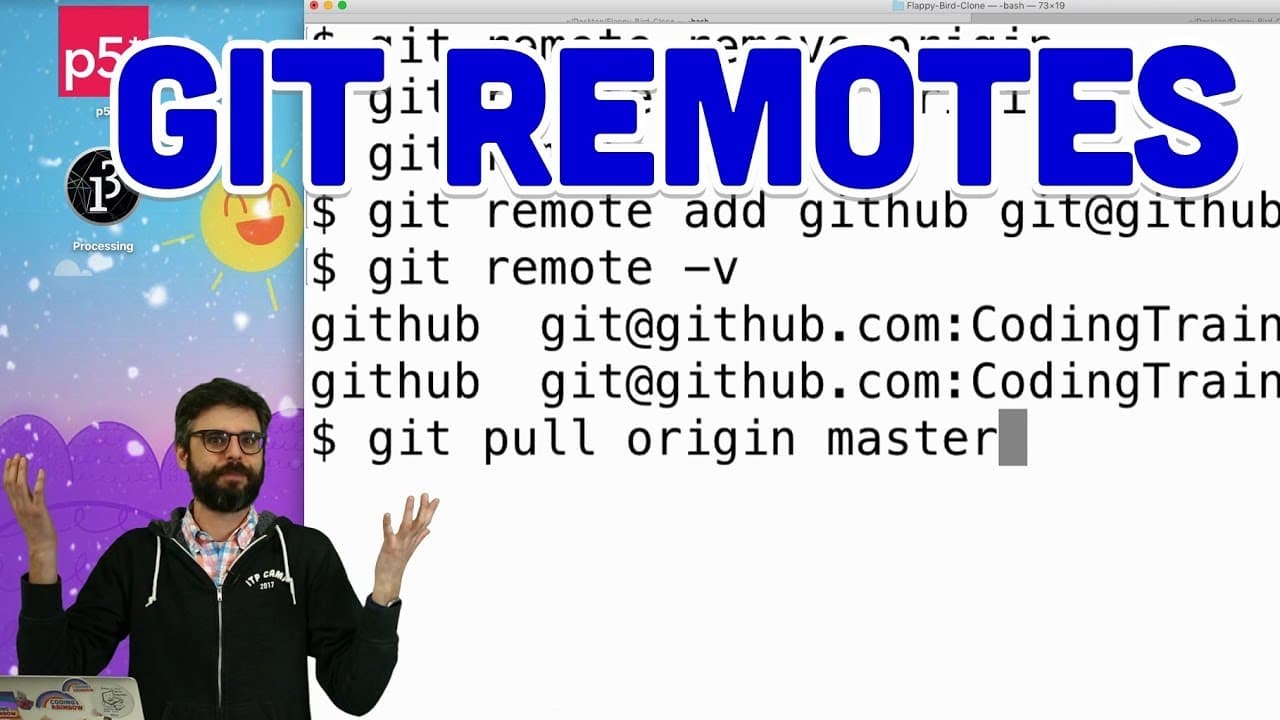
1.10: Git Remotes - Git and GitHub for Poets
73.7K views
•
March 16, 2018
by
The Coding Train
YouTube video player
1.10: Git Remotes - Git and GitHub for Poets

TL;DR

Learn how to work with remotes in Git and GitHub efficiently.

Transcript

(dinging) - Hello, this is another video, which is a tutorial about working with git and GitHub, and in this tutorial, I'm going to talk about remotes. (laughs) So, I'm in the middle of livestreaming and I'm working on this project that has to do with this Flappy Bird clone, and I'm going to train a bot using a genetic algorithm and a neural networ... Read More

Key Insights

  • 👤 Remotes in Git serve as pointers to remote repositories, enabling users to interact with and synchronize changes from different locations.
  • 📽️ Adding, renaming, and deleting remotes are essential operations that streamline the management of project repositories on both Git and GitHub platforms.
  • 🚨 Merging changes from a remote branch into the local branch requires attention to conflict resolution and ensuring that the project remains consistent.
  • 🫥 Leveraging command line instructions for Git operations enhances control and flexibility when working with remotes and collaborating on projects.

Install to Summarize YouTube Videos and Get Transcripts

Explore YouTube Video Summarizer or Get YouTube Transcript Extractor

Questions & Answers

Q: What is the significance of remotes in Git and GitHub?

Remotes act as references to the versions of a project stored on another server, enabling collaboration and synchronization among team members working on the same project.

Q: How can you add a new remote in Git and rename it?

To add a new remote, you can use the command "git remote add <name> <URL>", and to rename it, you can use "git remote rename <old_name> <new_name>".

Q: What is the purpose of merging changes from a remote branch?

Merging allows you to incorporate the changes made in a remote branch into your local branch, ensuring that the project remains up-to-date and in sync with the contributions from other collaborators.

Q: Why is it important to understand Git remotes when collaborating on a project?

Understanding Git remotes is crucial for effective collaboration as they facilitate version control, efficient communication, and seamless integration of changes from multiple contributors into the project.

Summary & Key Takeaways

  • The video tutorial focuses on working with remotes in Git and GitHub, specifically in the context of accepting a pull request for a Flappy Bird project.

  • It demonstrates how to add, delete, and rename remotes, as well as how to fetch changes from other branches.

  • The narrator also showcases merging changes from a remote branch into the local branch using command line instructions.


Read in Other Languages (beta)

English

Share This Summary 📚

Summarize YouTube Videos and Get Video Transcripts with 1-Click

Download browser extensions on:

Try YouTube Summary with ChatGPT & Claude or YouTube Transcript Generator

Explore More Summaries from The Coding Train 📚

Coding Challenge #116: Lissajous Curve Table thumbnail
Coding Challenge #116: Lissajous Curve Table
The Coding Train
Coding Challenge #126: Toothpicks thumbnail
Coding Challenge #126: Toothpicks
The Coding Train
ITP/IMA Winter Show 2018 thumbnail
ITP/IMA Winter Show 2018
The Coding Train
Computer Mouse Conference Demos! (node.js + tensorflow.js) thumbnail
Computer Mouse Conference Demos! (node.js + tensorflow.js)
The Coding Train
9.4: Genetic Algorithm: Looking at Code - The Nature of Code thumbnail
9.4: Genetic Algorithm: Looking at Code - The Nature of Code
The Coding Train
Text Generation using Spell with Nabil Hassein thumbnail
Text Generation using Spell with Nabil Hassein
The Coding Train

Summarize YouTube Videos and Get Video Transcripts with 1-Click

Download browser extensions on:

Try YouTube Summary with ChatGPT & Claude or YouTube Transcript Generator

Apps & Extensions

  • Chrome Extension
  • Safari Extension
  • Edge Add-ons
  • Firefox Add-ons
  • iOS App
  • Android App

Key Features

  • YouTube Video Summarizer
  • Web & PDF Summarizer
  • Web & PDF Highlighter
  • Chat with PDF
  • Ask AI Clone
  • Audio Transcriber
  • Glasp Reader
  • Kindle Highlight Export
  • Idea Hatch

Integrations

  • Obsidian Plugin
  • Notion Integration
  • Pocket Integration
  • Instapaper Integration
  • Medium Integration
  • Readwise Integration
  • Snipd Integration
  • Hypothesis Integration

More Features

  • APIs
  • MCP Connector
  • Blog & Post
  • Embed Links
  • Image Highlight
  • Personality Test
  • Quote Shots

Company

  • About us
  • Blog
  • Community
  • FAQs
  • Job Board
  • Newsletter
  • Pricing
Terms

•

Privacy

•

Guidelines

© 2026 Glasp Inc. All rights reserved.




