Products
Features
YouTube Video Summarizer
Summarize YouTube videos
Web & PDF Highlighter
Highlight web pages & PDFs
Chat with PDF
Ask any PDF questions with AI
Ask AI Clone
Chat with your highlights & memories
Audio Transcriber
Transcribe audio files to text
Glasp Reader
Read and highlight articles
Kindle Highlight Export
Export your Kindle highlights
Idea Hatch
Hatch ideas from your highlights
Integrations
Obsidian Plugin
Notion Integration
Pocket Integration
Instapaper Integration
Medium Integration
Readwise Integration
Snipd Integration
Hypothesis Integration
Apps & Extensions
Chrome Extension
Safari Extension
Edge Add-ons
Firefox Add-ons
iOS App
Android App
Discover
Discover
Ideas
Discover new ideas and insights
Articles
Curated articles and insights
Books
Book recommendations by great minds
Posts
Essays and notes from readers
Quotes
Inspiring quotes collection
Videos
Curated videos and summaries
Explore Glasp
Glasp Newsletter
Weekly insights and updates
Glasp Talk
Interview series with great minds
Glasp Blog
Latest news and articles
Glasp Use Cases
Learn how others use Glasp
Build & Support
Glasp API
Access Glasp's API for developers
MCP Connector
Connect Glasp to Claude & ChatGPT
Community
Glasp Reddit Community
Students
Student discount and benefits
FAQs
Frequently Asked Questions
AboutPricing
DashboardLog inSign up

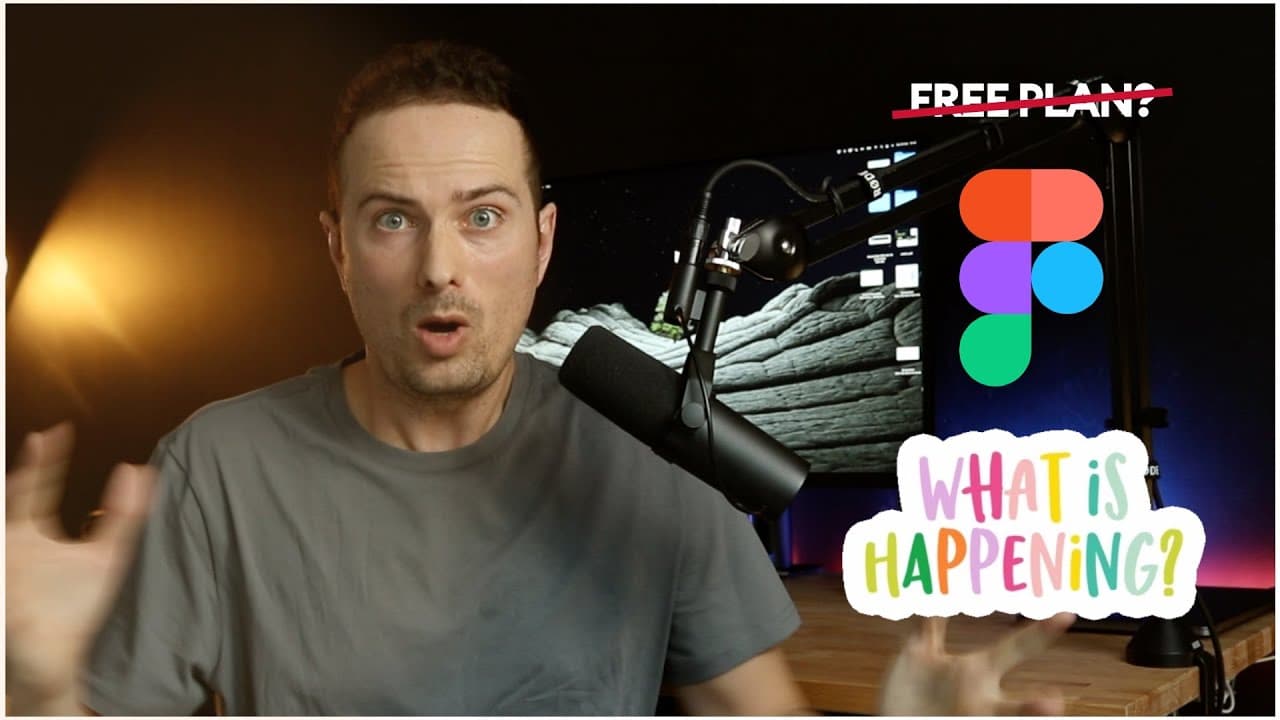
Figma moves away from FREE plan?
10.7K views
•
March 22, 2021
by
Malewicz
YouTube video player
Figma moves away from FREE plan?

TL;DR

Figma is modifying its free plan on April 21st, limiting files, pages, and projects; signaling a potential move towards a paid model.

Transcript

hey friends so today i want to talk to you about the latest announcement from figma and as you probably know i'm not really a fan of figma but that's a story for another video so today let's focus on what they said so is figma going to be paid now what's gonna happen what's going on are they cancelling the free plan no well the thing is on april 21... Read More

Key Insights

  • 🥶 Figma is modifying its free plan with file, page, and project limitations.
  • ⛩️ The changes hint at Figma's move towards a paid model for sustainability.
  • ❓ Investor funding sustains Figma, but profitability remains elusive.
  • 🌚 Users may face workflow challenges with the new plan restrictions.
  • 🥶 The trend of free-to-paid transitions is prevalent in the design software industry.
  • 💱 Figma's changes reflect a strategic shift towards monetization.
  • 🥶 Free software often lures users in with the intent to convert them to paid models.

Install to Summarize YouTube Videos and Get Transcripts

Explore YouTube Video Summarizer or Get YouTube Transcript Extractor

Questions & Answers

Q: What are the main changes to Figma's free plan?

Figma's free plan will now limit users to three files, three pages per file, and one project, despite offering unlimited views and editors.

Q: Why is Figma making these changes?

Figma aims to shift towards a paid model to generate revenue as they struggle to be profitable despite receiving substantial investor funding.

Q: How do these changes impact users' workflow?

Users may find their workflow constrained as they adapt to fewer files and pages, potentially leading to limitations on project complexity and organization.

Q: What insights do these changes provide about free software models?

The evolution of Figma's free plan showcases the common trajectory of free software transitioning to paid models to sustain profitability and growth.

Summary & Key Takeaways

  • Figma is altering its free plan, allowing unlimited views and editors but limiting files to three, pages to three per file, and projects to one.

  • The changes are likely a step towards a future paid model, following the trend of industry competitors.

  • The move signifies Figma's need to generate revenue and transition from a solely free tool.


Read in Other Languages (beta)

English

Share This Summary 📚

Summarize YouTube Videos and Get Video Transcripts with 1-Click

Download browser extensions on:

Try YouTube Summary with ChatGPT & Claude or YouTube Transcript Generator

Explore More Summaries from Malewicz 📚
Looking at your designs - UI UX audit and tutorial thumbnail
Looking at your designs - UI UX audit and tutorial
Malewicz
High-fidelity UI design - Google UX Course review by a senior designer - part 5 thumbnail
High-fidelity UI design - Google UX Course review by a senior designer - part 5
Malewicz
How to design a mobile app tutorial - a step by step guide thumbnail
How to design a mobile app tutorial - a step by step guide
Malewicz
I need to say this. thumbnail
I need to say this.
Malewicz
The hidden UX tricks of Uber thumbnail
The hidden UX tricks of Uber
Malewicz
How to Design Better Products - The method of Raspberry, Blueberry, Tomato, Brick thumbnail
How to Design Better Products - The method of Raspberry, Blueberry, Tomato, Brick
Malewicz

Summarize YouTube Videos and Get Video Transcripts with 1-Click

Download browser extensions on:

Try YouTube Summary with ChatGPT & Claude or YouTube Transcript Generator

Apps & Extensions

  • Chrome Extension
  • Safari Extension
  • Edge Add-ons
  • Firefox Add-ons
  • iOS App
  • Android App

Key Features

  • YouTube Video Summarizer
  • Web & PDF Summarizer
  • Web & PDF Highlighter
  • Chat with PDF
  • Ask AI Clone
  • Audio Transcriber
  • Glasp Reader
  • Kindle Highlight Export
  • Idea Hatch

Integrations

  • Obsidian Plugin
  • Notion Integration
  • Pocket Integration
  • Instapaper Integration
  • Medium Integration
  • Readwise Integration
  • Snipd Integration
  • Hypothesis Integration

More Features

  • APIs
  • MCP Connector
  • Blog & Post
  • Embed Links
  • Image Highlight
  • Personality Test
  • Quote Shots

Company

  • About us
  • Blog
  • Community
  • FAQs
  • Job Board
  • Newsletter
  • Pricing
Terms

•

Privacy

•

Guidelines

© 2026 Glasp Inc. All rights reserved.