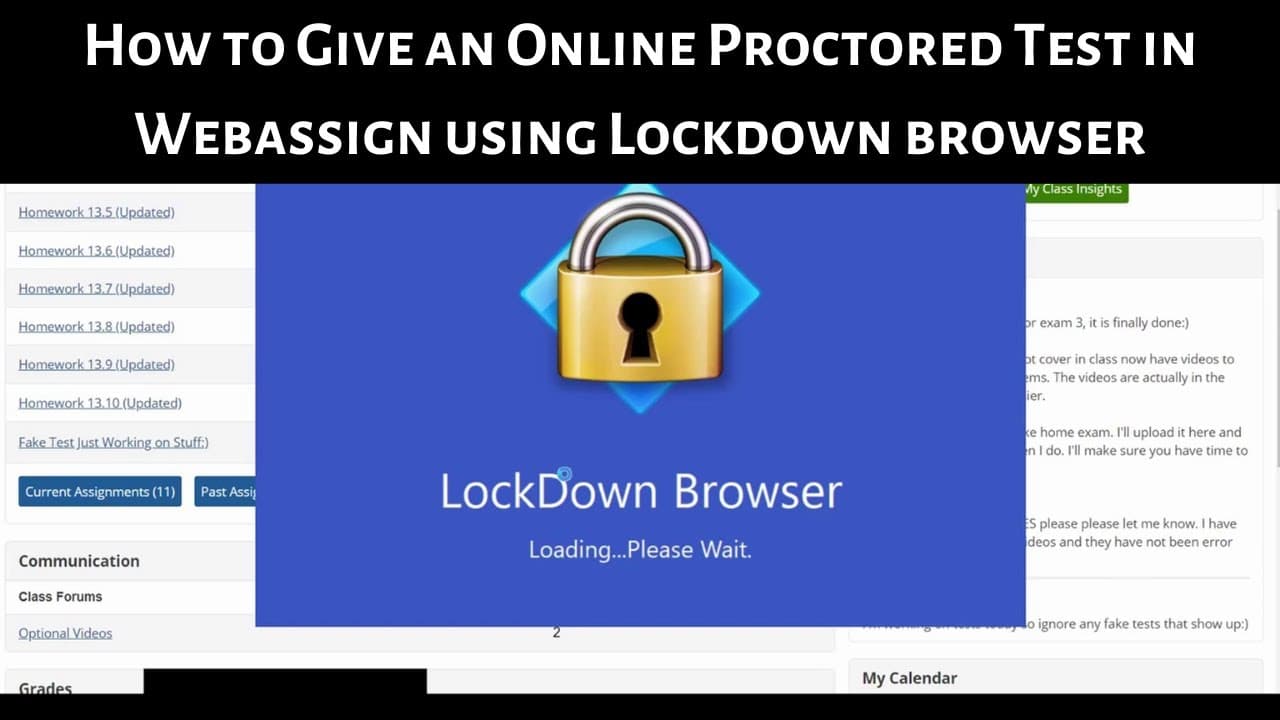
How to Give an Online Proctored Test with Webassign's LockDown Browser
TL;DR
Learn how to administer proctored tests via WebAssign with LockDown Browser to monitor student activity.
Transcript
hi everyone in this video I'm going to show you how to give a proctored test directly if your WebAssign using something called lockdown browser so the first thing you want to do is create a test so I'm going to click up here on the top left corner where it says create and then you want to click on where it says assignment so left click on assignmen... Read More
Key Insights
- 🏆 WebAssign offers a feature to create and schedule proctored tests.
- 🏆 Lockdown Browser ensures test integrity by restricting other applications.
- 💁 Instructors can monitor student activity through log information.
- 🏆 Clear indications of cheating behavior through repeated test entries.
- ⌛ Lockdown Browser enhances test security by time restrictions and monitoring.
- 🧑🎓 Students need to download and install Lockdown Browser for proctored tests.
- ❓ Using Lockdown Browser provides a practical solution for proctored online testing.
Install to Summarize YouTube Videos and Get Transcripts
Explore YouTube Video Summarizer or Get YouTube Transcript Extractor
Questions & Answers
Q: How do you create a test in WebAssign?
To create a test in WebAssign, click on "Create," select "Assignment," choose settings, and add questions.
Q: How can you schedule a test in WebAssign?
You can schedule a test in WebAssign by clicking on "Schedule," choosing the class, setting the due date, and availability.
Q: What is Lockdown Browser and how does it work?
Lockdown Browser is a secure browser to prevent cheating during tests by locking down other applications and monitoring student activity.
Q: How can instructors monitor student activity during a Lockdown Browser test?
Instructors can track student log information to see if they have left the test and reentered, indicating potential cheating behavior.
Summary & Key Takeaways
-
Create a test in WebAssign and select settings.
-
Schedule the test for a specific class.
-
Require LockDown Browser for proctored testing to prevent cheating.
Read in Other Languages (beta)
Share This Summary 📚
Summarize YouTube Videos and Get Video Transcripts with 1-Click
Try YouTube Summary with ChatGPT & Claude or YouTube Transcript Generator
Explore More Summaries from The Math Sorcerer 📚






Summarize YouTube Videos and Get Video Transcripts with 1-Click
Try YouTube Summary with ChatGPT & Claude or YouTube Transcript Generator