How to Add a Chat Feature to Project Planner AI
TL;DR
To add a chat feature to Project Planner AI, create a chat panel that integrates ChatGPT for project-related questions. This feature should provide context-aware assistance by utilizing data from completed tasks and current projects, enhancing the user experience by offering tailored guidance.
Transcript
e e e e hey everyone what's up how's it going so I'm just going to try to work on Project planner AI um me do something real quick try to figure out what task I could work on I think one thing that I was going to try to add in was the ability to kind of use like a create like a chat panel where I can ask use chat GPT to ask questions over my specif... Read More
Key Insights
- 👊 The addition of a chat panel in Project Planner AI is meant to enhance user experience by providing context-aware AI-driven guidance.
- 😀 The speaker emphasizes the importance of user feedback in shaping the features and functionalities of their app while addressing viewer concerns and questions.
- 🥳 Coding fatigue can impact productivity; it's essential to pace development work and keep tasks manageable, especially after a long day.
- 😑 The development process involves using pre-built components to speed up UI creation and ensure a consistent look and feel throughout the application.
- 👻 The speaker's choice of using Convex allows them to simplify backend management while focusing on frontend development.
- 👶 They acknowledge the potential challenges and time needed to implement new features and keep the application evolving without compromising quality.
- 👤 Engaging with community feedback can enrich the development process, providing real-world insights into user needs and desires.
Install to Summarize YouTube Videos and Get Transcripts
Explore YouTube Video Summarizer or Get YouTube Transcript Extractor
Questions & Answers
Q: What is the primary goal of adding a chat feature to Project Planner AI?
The main objective of introducing the chat feature is to allow users to ask questions regarding their specific projects in a conversational manner. This feature aims to leverage AI capabilities to provide context-aware insights, guiding users on what tasks to work on next based on their project history and current activities.
Q: How does the speaker handle coding challenges after a long workday?
The speaker mentions that after a full day of coding at their job, transitioning to a side project can be challenging due to mental fatigue. They often need to simplify their tasks, focus on smaller features, and incorporate breaks, allowing space to recharge while still making progress on their work.
Q: What feedback mechanism is in place for premium users of the application?
The speaker discusses plans to reach out to premium users for feedback on their experiences with the application. This involves understanding the features they appreciate, those they feel need improvement, and any additional functionalities they would like to see implemented, thereby enhancing user engagement and satisfaction.
Q: What technology stack is the speaker using for this project?
The project is built using React, integrated with a backend service called Convex, which manages data connections and storage. The development leverages various UI components and themes, specifically mentioning ShadCN and Tailwind CSS for styling.
Summary & Key Takeaways
-
The speaker discusses adding a chat panel to their Project Planner AI, aiming to integrate ChatGPT for project-related inquiries.
-
They reflect on their coding workflow, utilizing ShadCN components, and express the importance of user feedback for improving project functionality.
-
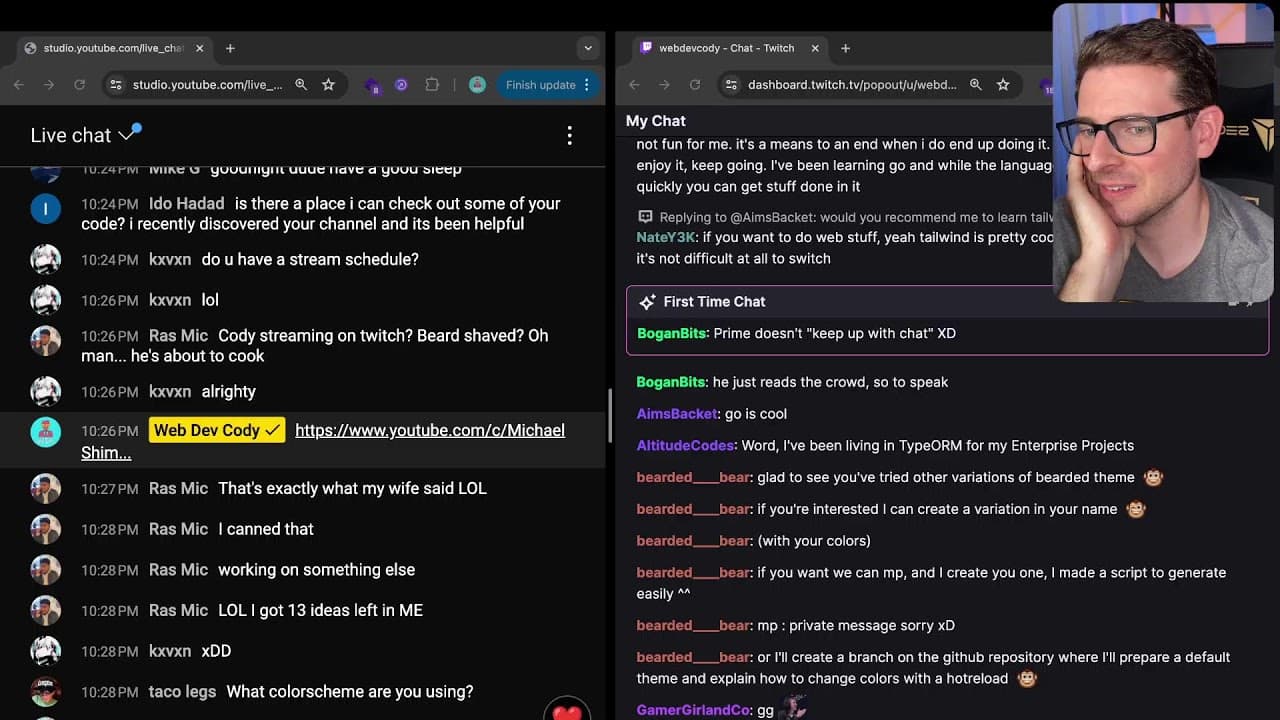
The speaker engages with viewers, addressing questions about tech choices and advice for budding developers while demonstrating coding challenges live.
Read in Other Languages (beta)
Share This Summary 📚
Summarize YouTube Videos and Get Video Transcripts with 1-Click
Try YouTube Summary with ChatGPT & Claude or YouTube Transcript Generator
Explore More Summaries from Web Dev Cody 📚





Summarize YouTube Videos and Get Video Transcripts with 1-Click
Try YouTube Summary with ChatGPT & Claude or YouTube Transcript Generator