Compositions in Adobe After Effects Ep4/48 [Adobe After Effects for Beginners]
TL;DR
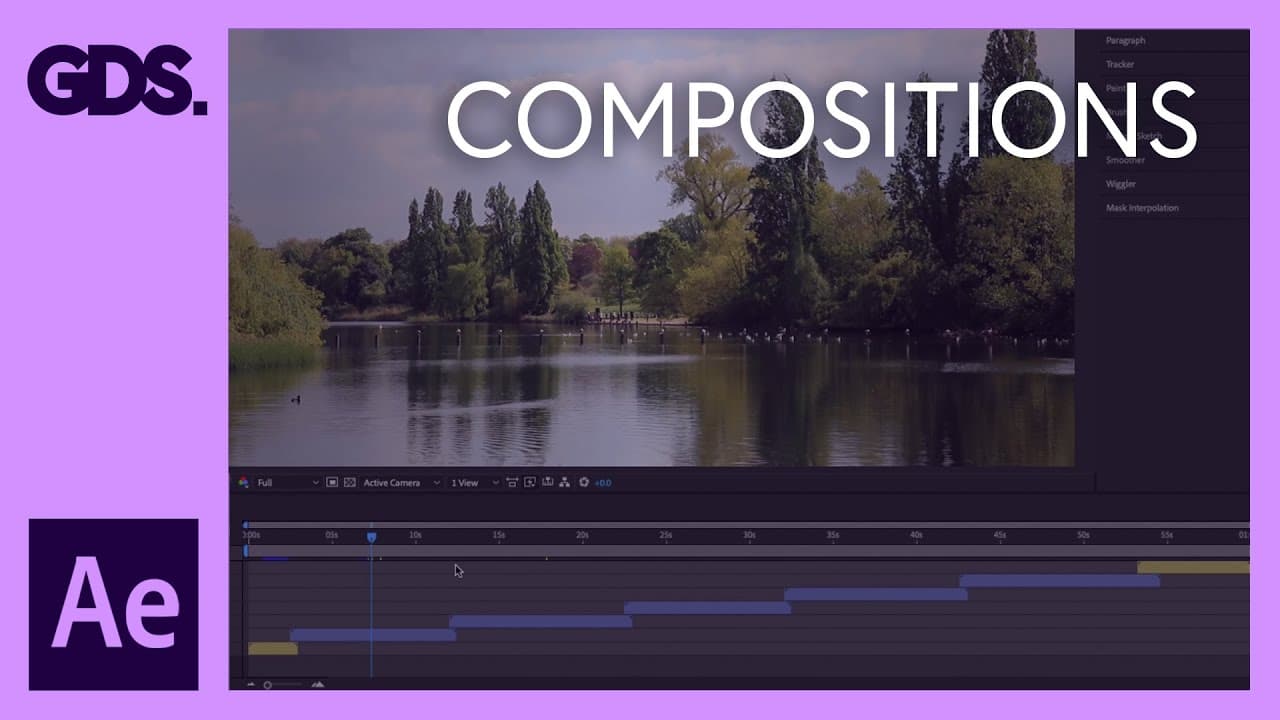
This video tutorial explains what compositions are in Adobe After Effects and how they are used to build video presentations.
Transcript
Hello and welcome to the fourth video in this Beginner's Guide to Adobe After Effects. In this tutorial I'm going to discuss compositions in After Effects. In the previous episode I discussed in depth the timeline panel and how layers work. Now in After Effects all the layers we see down in the timeline panel are contained in what is called a compo... Read More
Key Insights
- 🏛️ Compositions are containers for layers that help in building video presentations in After Effects.
- 👻 They allow for the organization and management of complex sequences.
- 🪹 Compositions can be nested within other compositions for better organization.
- 💁 Visual and time information in a composition is represented in separate panels, the timeline panel and the visual composition panel.
- ☠️ Compositions are created by customizing settings like dimension, frame rate, and duration.
- 🏪 The project panel stores all the compositions and other media elements brought into After Effects.
- 🧑🏭 Compositions act as individual video sequences within an After Effects project.
Install to Summarize YouTube Videos and Get Transcripts
Explore YouTube Video Summarizer or Get YouTube Transcript Extractor
Questions & Answers
Q: What is a composition in Adobe After Effects?
A composition is a container that holds layers and is used to build video presentations in After Effects. It acts as a blank canvas where you can add video, text, animations, or audio files.
Q: How are compositions created in After Effects?
Compositions can be created by clicking the new composition button in the project panel or by going to the composition menu and selecting new composition. You can customize settings like dimension, frame rate, and duration.
Q: Why are compositions used in After Effects?
Compositions are used to organize and manage complex sequences. They act as groups for different layers, allowing you to focus on specific sections and easily rearrange the video sequence if needed.
Q: How are compositions represented in After Effects?
Compositions are represented by a graphic of a film clip with shapes. Each composition can contain multiple layers and can be nested within other compositions for further organization and management.
Key Insights:
- Compositions are containers for layers that help in building video presentations in After Effects.
- They allow for the organization and management of complex sequences.
- Compositions can be nested within other compositions for better organization.
- Visual and time information in a composition is represented in separate panels, the timeline panel and the visual composition panel.
- Compositions are created by customizing settings like dimension, frame rate, and duration.
- The project panel stores all the compositions and other media elements brought into After Effects.
- Compositions act as individual video sequences within an After Effects project.
- They provide flexibility for editing and rearranging the video sequence.
Summary & Key Takeaways
-
Compositions in After Effects are containers for layers that help in building video presentations.
-
They are like groups that can be used to organize and manage complex sequences.
-
Compositions contain both visual and time information in separate panels, the timeline panel and the visual composition panel.
Read in Other Languages (beta)
Share This Summary 📚
Summarize YouTube Videos and Get Video Transcripts with 1-Click
Try YouTube Summary with ChatGPT & Claude or YouTube Transcript Generator
Explore More Summaries from Gareth David Studio 📚

![ESSENTIAL Logo Design Tools Revealed! [EP 4/44] thumbnail](/_next/image?url=https%3A%2F%2Fi.ytimg.com%2Fvi%2FrcKCp1vCs6w%2Fhqdefault.jpg&w=750&q=75)
![Education to be a Graphic designer? Ep28/45 [Beginners Guide to Graphic Design] thumbnail](/_next/image?url=https%3A%2F%2Fi.ytimg.com%2Fvi%2FrqCPJKHxPUk%2Fhqdefault.jpg&w=750&q=75)
![Psychological skills to be a Graphic designer? Ep20/45 [Beginners Guide to Graphic Design] thumbnail](/_next/image?url=https%3A%2F%2Fi.ytimg.com%2Fvi%2FoaNzjtx9jjo%2Fhqdefault.jpg&w=750&q=75)
Summarize YouTube Videos and Get Video Transcripts with 1-Click
Try YouTube Summary with ChatGPT & Claude or YouTube Transcript Generator