How to Secure Your Digital Accounts from Attacks
TL;DR
To secure your digital accounts, use strong, unique passwords that are at least eight characters long and include a mix of letters, numbers, and symbols. Implement two-factor authentication (2FA) to add an extra layer of security. Additionally, utilize password managers to generate and manage complex passwords, and be aware of phishing attempts and social engineering threats.
Transcript
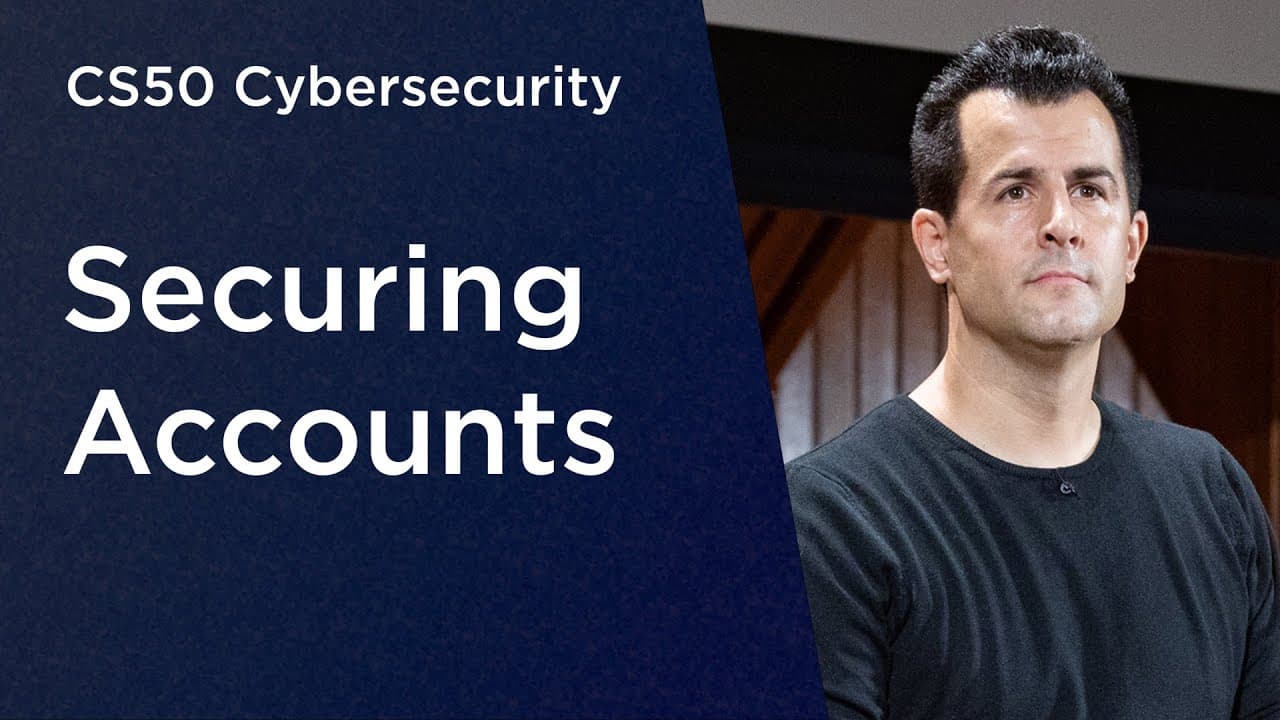
[MUSIC PLAYING] DAVID MALAN: This is CS50's introduction to cybersecurity. My name is David Malan. And this week, let's focus on securing accounts. You and I have so many accounts nowadays, be it for websites or apps or the like. And we'll focus today on exactly what the threats are to all of those accounts but more importantly, what some of the de... Read More
Key Insights
- The lecture emphasizes the importance of strong, unique passwords to protect digital accounts from threats like dictionary and brute force attacks. It suggests using complex passwords that are not easily guessable.
- Two-factor authentication (2FA) is recommended as an additional security measure. It involves using two different types of factors, like a password and a possession factor, to verify identity.
- Credential stuffing is a threat where attackers use stolen usernames and passwords from one site to access accounts on other sites. Using unique passwords for each account can mitigate this risk.
- Social engineering and phishing are non-technical attacks that exploit human psychology to gain access to sensitive information. Users should be cautious about sharing personal information.
- Machine-in-the-middle attacks involve intercepting communications between a user and a website. Using encryption can help protect against this threat.
- Single sign-on (SSO) allows users to log in to multiple sites using one account, such as Google or Facebook. This can simplify account management and improve security if the primary account is well-protected.
- Password managers can help users generate and store complex, unique passwords for each account, reducing the risk of credential stuffing and simplifying password management.
- Passkeys are an emerging technology that uses cryptographic keys to authenticate users without requiring them to remember passwords, enhancing security and usability.
Install to Summarize YouTube Videos and Get Transcripts
Explore YouTube Video Summarizer or Get YouTube Transcript Extractor
Questions & Answers
Q: What is the main focus of the lecture?
The main focus of the lecture is on securing digital accounts by understanding the threats posed to them and implementing defenses like strong passwords, two-factor authentication, and awareness of social engineering tactics. It emphasizes the importance of using unique and complex passwords to protect against attacks such as dictionary and brute force attacks.
Q: How can two-factor authentication enhance security?
Two-factor authentication (2FA) enhances security by requiring two different types of factors to verify a user's identity. These factors can include something the user knows (like a password), something the user has (like a phone or a key fob), or something inherent to the user (like a fingerprint). This additional layer of security makes it more difficult for attackers to gain unauthorized access to accounts, even if they have the user's password.
Q: What is credential stuffing and how can it be prevented?
Credential stuffing is an attack where attackers use stolen usernames and passwords from one site to try to access accounts on other sites. This is possible when users reuse the same credentials across multiple sites. To prevent credential stuffing, users should use unique passwords for each account. Password managers can assist in generating and storing these unique passwords, making it easier for users to manage them securely.
Q: What are social engineering and phishing attacks?
Social engineering and phishing attacks are tactics that exploit human psychology to gain access to sensitive information. Social engineering involves manipulating people into divulging confidential information, while phishing typically involves sending emails that appear legitimate to trick recipients into clicking malicious links or providing personal information. Users should be cautious about sharing personal information and verify the authenticity of communications before responding.
Q: How do machine-in-the-middle attacks work?
Machine-in-the-middle attacks occur when an attacker intercepts communications between a user and a website, potentially capturing sensitive information like login credentials. These attacks exploit the fact that data passes through multiple machines on the internet. To defend against such attacks, users should ensure their communications are encrypted, typically by using websites that support HTTPS, which secures data in transit.
Q: What are the benefits of using single sign-on (SSO)?
Single sign-on (SSO) allows users to log in to multiple websites using one account, such as Google or Facebook. This simplifies account management by reducing the number of passwords users need to remember. If the primary account is well-protected with strong security measures like two-factor authentication, SSO can improve security by leveraging the robust protections of the primary account across other sites.
Q: Why should users consider using a password manager?
Users should consider using a password manager because it helps generate and store complex, unique passwords for each account. This reduces the risk of credential stuffing and simplifies password management by allowing users to remember just one strong master password. Password managers also offer features like auto-filling login details and checking for weak or compromised passwords, enhancing overall security.
Q: What are passkeys and how do they improve security?
Passkeys are an emerging technology that uses cryptographic keys to authenticate users without requiring them to remember passwords. When registering for a new website or app, a device generates a pair of keys: a private key kept on the device and a public key shared with the service. This method enhances security by eliminating the need for passwords, reducing the risk of credential theft and simplifying the login process across devices.
Summary & Key Takeaways
-
The lecture discusses the importance of securing digital accounts using strong passwords and two-factor authentication. It highlights threats like dictionary and brute force attacks, and advises using complex passwords.
-
Credential stuffing and social engineering are explained as significant threats. The lecture emphasizes the need for unique passwords and awareness of phishing attempts to protect against these attacks.
-
The lecture introduces tools like single sign-on, password managers, and passkeys as solutions to improve account security. These tools help manage passwords and protect against common cybersecurity threats.
Read in Other Languages (beta)
Share This Summary 📚
Summarize YouTube Videos and Get Video Transcripts with 1-Click
Try YouTube Summary with ChatGPT & Claude or YouTube Transcript Generator
Explore More Summaries from CS50 📚




Summarize YouTube Videos and Get Video Transcripts with 1-Click
Try YouTube Summary with ChatGPT & Claude or YouTube Transcript Generator