18.3: Light and Material - WebGL and p5.js Tutorial
TL;DR
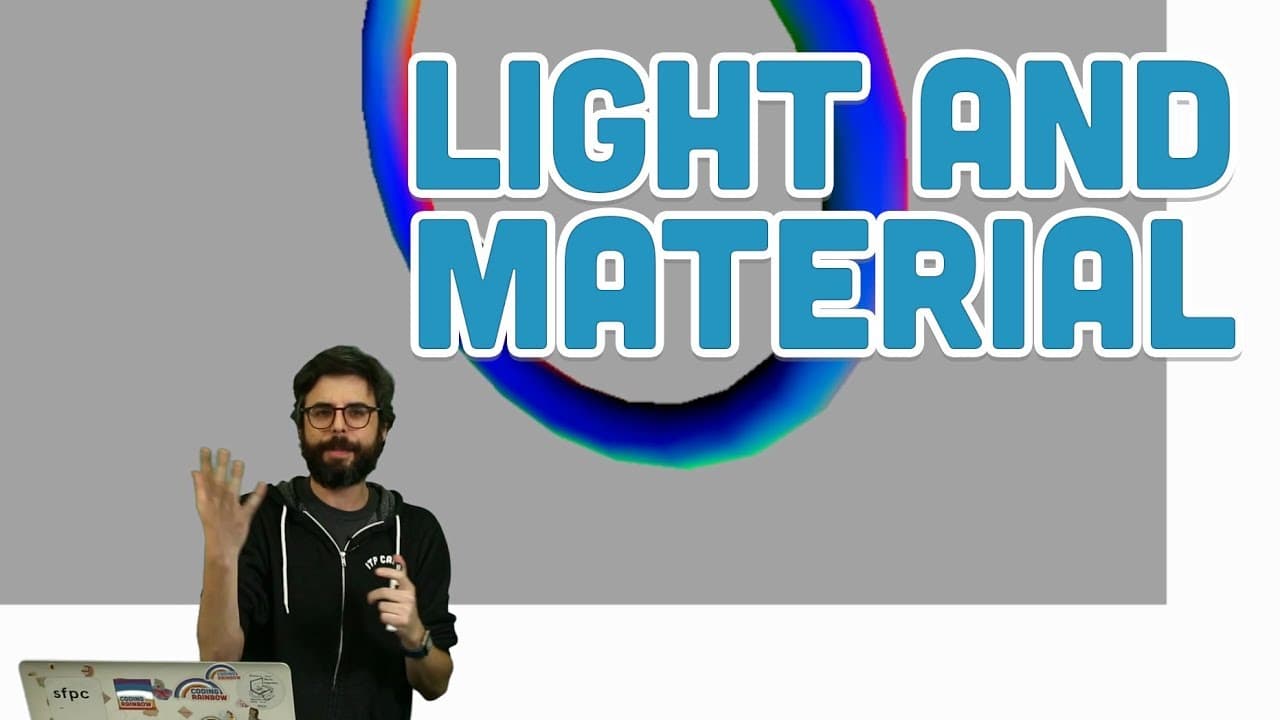
Learn about applying materials and lights in 3D rendering with p5.js for enhanced visual effects.
Transcript
okay this is yet another video about 3d 3d or WebGL rendering mode in p5 yes this is where I last left off essentially in the lab in the previous video where I spent most of my time simply looking at 3d geometry so what does it mean to suddenly use translate with a z-axis what does it mean to rotate with an x-axis a y-axis or is the axis and what k... Read More
Key Insights
- 👾 Translate with different axes affects the position and orientation of objects in 3D space.
- 🎑 Utilizing various 3D primitives like cone and torus adds visual complexity and diversity to the scene.
- 🙂 Applying different materials to objects influences how they respond to light, affecting the overall look and feel of the 3D rendering.
- 🙂 Experimenting with ambient, specular, and directional lights offers opportunities for creating diverse lighting effects.
- 🦻 Normal material aids in visual debugging by assigning colors based on vertex positions in 3D objects.
- 🙂 Understanding how lights interact with materials can enhance the shadowing and three-dimensional perspective in 3D rendering.
- 🙂 Mixing different lights and materials can lead to creating psychedelic and visually captivating 3D scenes.
Install to Summarize YouTube Videos and Get Transcripts
Explore YouTube Video Summarizer or Get YouTube Transcript Extractor
Questions & Answers
Q: What is the significance of using translate with a z-axis in 3D rendering?
Using translate with a z-axis allows for positioning objects in the 3D space along the depth dimension, creating a sense of distance within the scene.
Q: How do different types of 3D primitives like cone and box impact the visual representation in 3D rendering?
Each 3D primitive has its unique geometry, influencing the shape and structure of rendered objects, adding diversity to the scene composition.
Q: What role does material play in 3D rendering, and how does it interact with light?
Material describes the surface of a 3D object and dictates how it responds to light, enabling the creation of varied looks based on light interaction and material properties.
Q: How do ambient, specular, and directional lights differ in 3D rendering?
Ambient light provides a general wash of light, directional light has a specific direction with no position, and point light emanates from a specific position in all directions, offering versatility in lighting effects.
Summary & Key Takeaways
-
Understanding the use of translate with a z-axis and rotating with x and y-axis in 3D rendering.
-
Exploring different types of 3D primitives like cone, box, and torus.
-
Delving into applying materials and lights to achieve shadowing and lighting effects in 3D rendering.
Read in Other Languages (beta)
Share This Summary 📚
Summarize YouTube Videos and Get Video Transcripts with 1-Click
Try YouTube Summary with ChatGPT & Claude or YouTube Transcript Generator
Explore More Summaries from The Coding Train 📚






Summarize YouTube Videos and Get Video Transcripts with 1-Click
Try YouTube Summary with ChatGPT & Claude or YouTube Transcript Generator