Instagram Carousel Tutorial - How to Make Seamless Multi Post Using Lightroom + Adobe XD
TL;DR
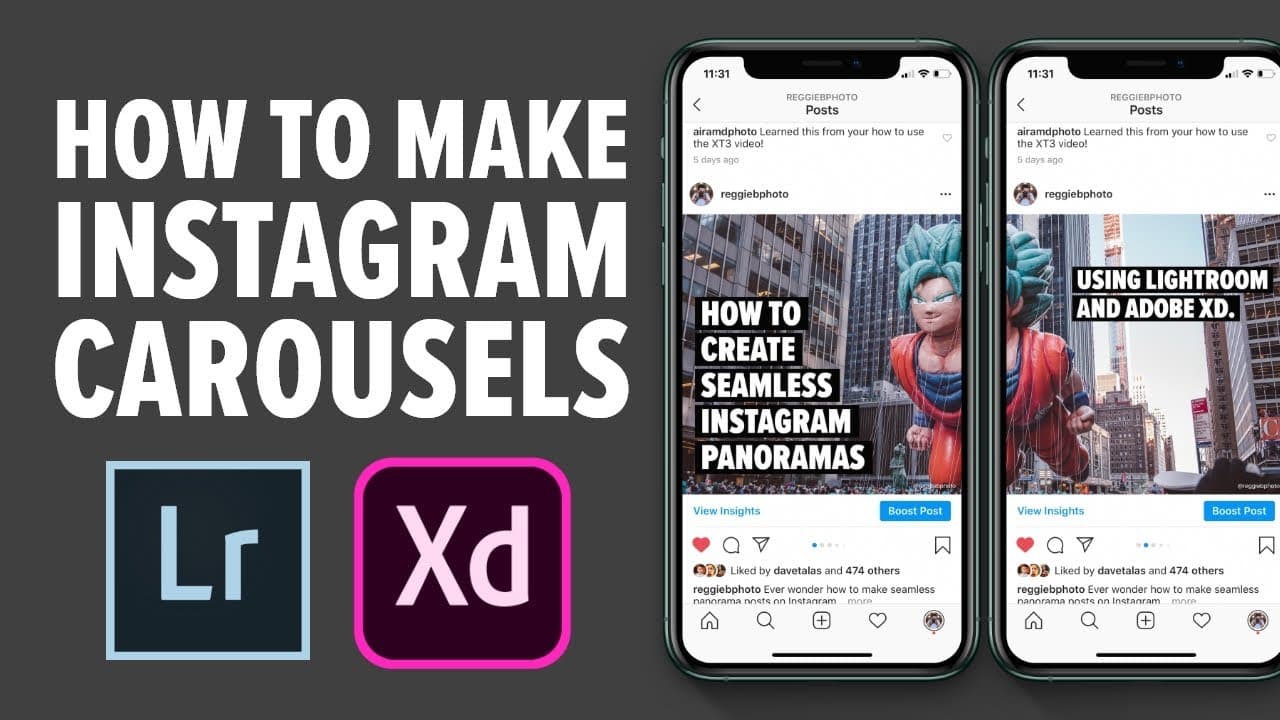
The video explains how to create engaging mini photography tutorials for Instagram using Lightroom and Adobe XD.
Transcript
in this video I'm going to show you all how I create these mini photography tutorials on Instagram using a combination of Lightroom and Adobe XD what's up everyone Reggie be photo here and welcome back to the channel so for those of you who are new my name is roger Ballesteros and I'm a wedding photographer based in the San Francisco Bay Area so fo... Read More
Key Insights
- 💨 Reggie's shift to mini tutorials aims to provide educational value to his audience, enhancing their photography skills while engaging them in a more meaningful way.
- 🫵 He effectively employs Instagram carousels to communicate complex concepts through multiple slides, maximizing viewer retention and understanding.
- 👻 Lightroom serves as a pivotal tool for preparing images, allowing for necessary edits that enhance the overall quality of tutorial content.
- 🏣 Adobe XD is instrumental in designing visually cohesive and engaging posts, enabling better communication of tutorial content through professional layout techniques.
- 🫵 Emphasizing storytelling in tutorials fosters viewer connection by transforming technical advice into relatable content.
- 🎨 Reggie's design process is iterative, showing the importance of experimentation and adaptation in creative workflows, especially for those new to design software.
- 🦻 The inclusion of summary slides aids in boosting post engagement, an effective method of encouraging followers to save and revisit informative content.
Install to Summarize YouTube Videos and Get Transcripts
Explore YouTube Video Summarizer or Get YouTube Transcript Extractor
Questions & Answers
Q: What motivated Reggie to shift his Instagram content strategy?
Reggie shifted his content strategy to offer more value to his audience through educational mini tutorials. Instead of solely showcasing client work, he aimed to share knowledge about photography and editing techniques, which can help aspiring photographers and engage more actively with his followers.
Q: How does Reggie utilize Lightroom in his tutorial creation process?
In creating his Instagram carousels, Reggie uses Lightroom primarily to source and edit photos that support his tutorials. He re-edits and crops images to ensure they fit well within his carousel design, helping demonstrate various photography mistakes and their corrections effectively.
Q: What role does Adobe XD play in Reggie’s design process?
Adobe XD is crucial for Reggie's design process as it allows him to create visually appealing slides for Instagram carousels. He uses it to set up artboards, arrange images, graphics, and text, and ensure that his tutorials look professional, fostering better viewer engagement.
Q: What type of content does Reggie include in his Instagram carousels?
Reggie's Instagram carousels often include cover photos, example images, graphics, and informative text discussing common photography mistakes. He combines these elements to create a narrative that guides his viewers towards improved photography skills and concepts.
Q: Why does Reggie emphasize the importance of designing a summary slide?
Reggie highlights summary slides as a strategic tool for increasing engagement on Instagram. By summarizing key points from earlier slides and encouraging viewers to save posts, he boosts interaction and retention, contributing to better reach on social media platforms.
Q: How does Reggie recommend utilizing Skillshare for learning Adobe XD?
Reggie suggests Skillshare as an excellent resource for learning Adobe XD because it offers a variety of classes that cater to different skill levels. He specifically mentions taking a focused class to master essential features, emphasizing how approachable and accessible the platform is for acquiring new skills.
Summary & Key Takeaways
-
Reggie Ballesteros, a wedding photographer, discusses his transition from sharing client work to providing educational mini tutorials on Instagram, focusing on photography techniques and editing.
-
He utilizes Instagram carousels, using all ten slides to maximize educational impact, coupled with images edited in Lightroom and designed in Adobe XD.
-
The tutorial outlines his design process, including selecting photos, making adjustments in Lightroom, and creating an engaging layout in Adobe XD, enhancing viewer understanding of common photography mistakes.
Read in Other Languages (beta)
Share This Summary 📚
Summarize YouTube Videos and Get Video Transcripts with 1-Click
Try YouTube Summary with ChatGPT & Claude or YouTube Transcript Generator
Explore More Summaries from Reggie Ballesteros 📚





Summarize YouTube Videos and Get Video Transcripts with 1-Click
Try YouTube Summary with ChatGPT & Claude or YouTube Transcript Generator