NEW IG MULTIPAGE Post, WOW traveler's PHOTOS, TASKS, folder BANNERS | What's HOT in Canva 🔥 [03]
TL;DR
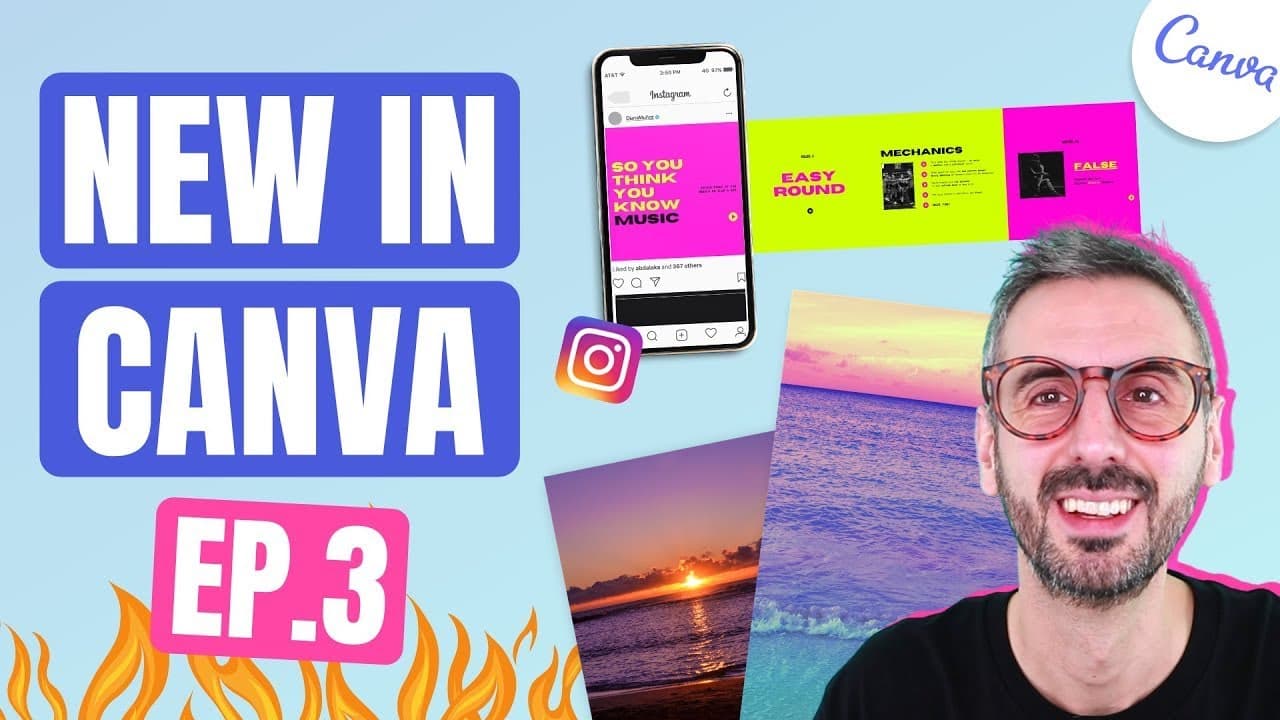
Discover new Canva templates, photographer highlights, features, and pro tips in this informative episode.
Transcript
what is up guys ronnie here your go-to canva guru today we continue our series and discover what's hot in canva so special episode today for you we discover and we discuss everything that's new with canva and i have a jam-packed episode for you this is episode three so by all means if you like this series go and watch the previous episode we will l... Read More
Key Insights
- 👶 Canva's new template categories for multi-page posts cater to the trend of interactive storytelling on social media platforms like Instagram and LinkedIn.
- 🗺️ Photographer highlight segments showcase talented individuals like Cat Gaskin, whose travel photography adds aesthetic value to design projects.
- 😤 New collaborative features in Canva facilitate seamless communication and task assignment among team members, enhancing workflow efficiency.
- 📁 Folder banners in Canva offer users the ability to customize and personalize their folder visuals for better organization and a unique touch.
- ✖️ Pro tips, like repurposing presentation templates for multi-page Instagram posts, demonstrate the versatility and creativity achievable in Canva designs.
- 👶 Canva continues to innovate with new features and templates, empowering users to create engaging and visually appealing content across various platforms.
- 👤 User-friendly functionalities in Canva, such as magic resizing and task assignments, simplify design processes and enhance project management capabilities.
Install to Summarize YouTube Videos and Get Transcripts
Explore YouTube Video Summarizer or Get YouTube Transcript Extractor
Questions & Answers
Q: What are the new template categories Canva has introduced?
Canva now offers multi-page templates for Instagram and LinkedIn, allowing users to create captivating carousel posts for storytelling and engagement.
Q: Who is Cat Gaskin, and why is her photography highlighted in Canva?
Cat Gaskin is a graphic designer, photographer, and content creator featured for her travel photography in Canva. Her images, including palm trees and pineapples, add a refreshing touch to designs.
Q: How can users collaborate in Canva using the new task assignment feature?
Users can assign tasks to team members within Canva by sharing designs and leaving comments to streamline collaboration and enhance team productivity.
Q: What is the significance of the folder banners feature in Canva?
The folder banners feature allows users to customize folder visuals by adding banners, providing a personalized touch to organization within Canva for easy navigation and identification.
Summary & Key Takeaways
-
Canva introduces new multi-page templates for Instagram and LinkedIn, enabling storytelling through carousel posts.
-
Photographer highlight features Cat Gaskin's travel photography, offering inspiration for design projects.
-
New Canva features include collaborative task assignments and folder banners for customization.
Read in Other Languages (beta)
Share This Summary 📚
Summarize YouTube Videos and Get Video Transcripts with 1-Click
Try YouTube Summary with ChatGPT & Claude or YouTube Transcript Generator
Explore More Summaries from Design with Canva 📚






Summarize YouTube Videos and Get Video Transcripts with 1-Click
Try YouTube Summary with ChatGPT & Claude or YouTube Transcript Generator