How to Create Thumbnails That Improve YouTube Clicks
TL;DR
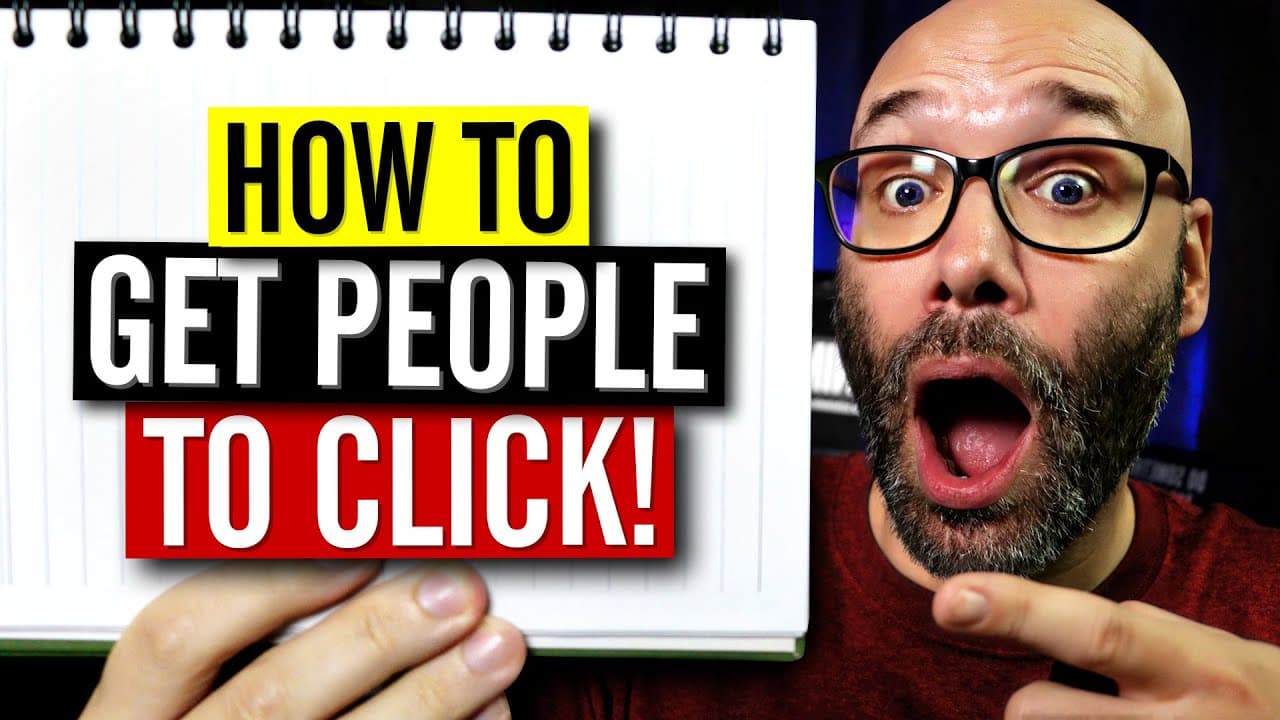
To create effective thumbnails that boost YouTube views, ensure they are clear and appealing to your target audience. Use bold, easy-to-read text sparingly, incorporate graphics and color for emphasis, and optimize for mobile since the majority of viewers use phones. Experiment with design elements like faces and always test different styles to find what resonates best.
Transcript
- I'm gonna tell you how to make thumbnails that people will click on so you can get more views on your videos, and we're starting right now. This video is brought to you by Placeit. Placeit has easy to edit YouTube intros, channel banners, end screens, and more for YouTubers, and the best part is, you don't have to have any additional software to ... Read More
Key Insights
- 😤 Thumbnails and titles should work together as a team to capture viewers' attention.
- 🎯 Consider your target audience when designing thumbnails.
- 😥 Clearly highlight the focal point of the thumbnail.
- 💦 Test different thumbnail designs to find what works best for your content.
- 😒 Use graphics, arrows, and color strategically to draw attention.
- 🤗 Experiment with including faces in thumbnails, but stay open to other options.
- 🚗 Optimize thumbnails for mobile devices, as the majority of YouTube viewers watch on mobile.
Install to Summarize YouTube Videos and Get Transcripts
Explore YouTube Video Summarizer or Get YouTube Transcript Extractor
Questions & Answers
Q: How do thumbnails and titles work together to increase click-through rates?
Thumbnails and titles complement each other as a team. While the title may provide more information about the video, the thumbnail should also give context and entice viewers to click.
Q: What are some best practices for designing thumbnails?
- Make sure the thumbnail aligns with your target audience's preferences. 2) Clearly highlight the focal point of the thumbnail, especially when using images. 3) If using text, ensure it is bold, easy to read, and minimal. 4) Use graphics, arrows, and color to draw attention to important elements.
Q: Should I include faces in my thumbnails?
Faces in thumbnails can be effective in attracting clicks, but it's essential to test what works best for your content. Experiment with different facial expressions and consider the preferences of your target audience.
Q: Why is it important to optimize thumbnails for mobile devices?
Over 70% of YouTube's total watched time comes from mobile devices. By making your thumbnails mobile-friendly, you increase the chances of attracting viewers, even on smaller screens.
Summary & Key Takeaways
-
Thumbnails and titles should work together to capture viewers' attention and encourage them to click on your video.
-
Consider your target audience and design thumbnails that appeal to them.
-
Make sure the focal point of your thumbnail is clear and stands out.
-
Use bold, easy-to-read text sparingly, if at all.
-
Use graphics, arrows, and color to draw attention to important elements in your thumbnail.
-
Experiment with incorporating faces in thumbnails, but don't be limited by it.
-
Optimize your thumbnails for mobile devices, as most viewers watch YouTube on mobile.
-
Take a look at how your thumbnails appear on YouTube and compare them to others in search results.
-
Stay flexible and open to testing different thumbnail designs to find what works best for your channel.
Read in Other Languages (beta)
Share This Summary 📚
Summarize YouTube Videos and Get Video Transcripts with 1-Click
Try YouTube Summary with ChatGPT & Claude or YouTube Transcript Generator
Explore More Summaries from Nick Nimmin 📚



Summarize YouTube Videos and Get Video Transcripts with 1-Click
Try YouTube Summary with ChatGPT & Claude or YouTube Transcript Generator