How to Use Built-in Variables for Animation in Processing
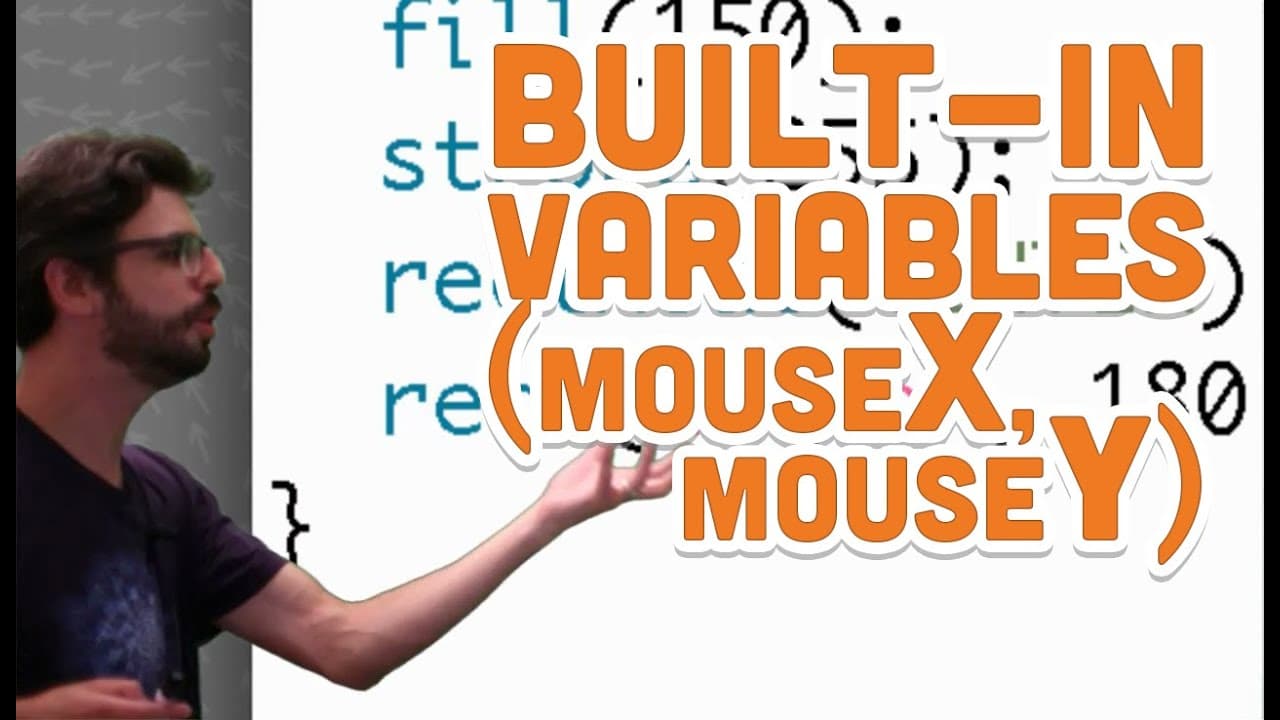
TL;DR
To create animations in Processing, use built-in variables like mouseX and mouseY to dynamically control object positioning based on mouse movement. Properly placing the background in the draw function allows for continuous updates, resulting in smooth animations. Implementing previous mouse positions with pmouseX and pmouseY can enhance interactive drawing effects.
Transcript
Remember this program right? We just finished [with] this It's a dynamic program. It has one line of code that executes its set up a bunch of lines of code [that] happen over and over again and Draw repeating repeating repeating and what's the result this static rectangle that just sits there in the window? So what is it that? We want to do we want... Read More
Key Insights
- 🏛️ Built-in variables like mouseX and mouseY in Processing can be used to introduce variation into programs.
- ❓ Background placement in setup versus draw affects the appearance of graphics in Processing sketches.
- 🤗 Utilizing variables for animation manipulation opens up possibilities for creating interactive and dynamic visual experiences.
- 🤩 Events like mouse clicks and key presses can be incorporated into Processing programs for interactivity.
- 🫥 Understanding strokeWeight() function in Processing enables control over line thickness for visual effects.
- 🫥 Continuous drawing from previous to current positions can create a flowing line effect in Processing.
- 🏛️ Building drawing applications in Processing involves creativity in utilizing variables and functions for diverse functionalities.
Install to Summarize YouTube Videos and Get Transcripts
Explore YouTube Video Summarizer or Get YouTube Transcript Extractor
Questions & Answers
Q: How can you introduce variation into a Processing sketch for animation?
By utilizing built-in variables like mouseX, mouseY, pmouseX, and pmouseY to control the position and attributes of shapes based on mouse movement.
Q: Why is the placement of the background function important in a Processing sketch?
Placing the background function in setup ensures a clean canvas at the start of the program, while placing it in draw creates the illusion of motion by continuously updating the canvas.
Q: What are some possibilities for creating drawing applications in Processing?
Drawing applications can be created by utilizing variables to control color, thickness, brushstrokes, saving drawings, and implementing logic for interactive drawing experiences.
Q: How can strokeWeight() function be used in Processing for animation?
The strokeWeight() function allows for controlling the thickness of lines drawn in Processing, providing a way to vary line thickness based on different conditions like mouse movements.
Summary & Key Takeaways
-
Understand the concept of introducing variation into a program by using variables in Processing.
-
Learn about built-in variables like mouseX, mouseY, pmouseX, and pmouseY for animation manipulation.
-
Explore the use of background placement in setup versus draw for creating continuous animations.
Read in Other Languages (beta)
Share This Summary 📚
Summarize YouTube Videos and Get Video Transcripts with 1-Click
Try YouTube Summary with ChatGPT & Claude or YouTube Transcript Generator
Explore More Summaries from The Coding Train 📚






Summarize YouTube Videos and Get Video Transcripts with 1-Click
Try YouTube Summary with ChatGPT & Claude or YouTube Transcript Generator