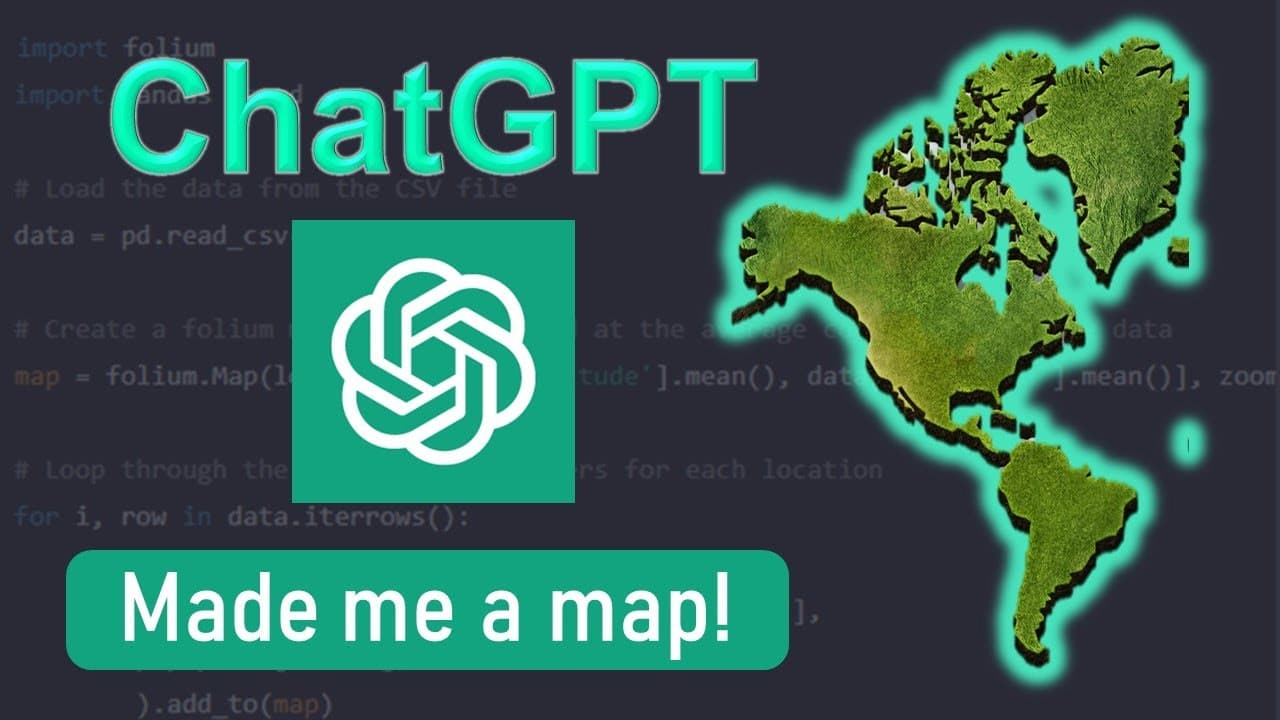
ChatGPT Made me a Map!
TL;DR
Learn how to use Chat GPT, a large language model developed by Open AI, to generate Python code for creating interactive web maps using leaflet and volume libraries.
Transcript
hi guys in this video I'm going to show you how chat GPT which is a large language model developed by open AI which is apparently taking the Internet by storm as we speak help me to create an interactive web map in just a few minutes guys it's pretty amazing how we can give very specific directions on how we need the map to be done using what data ... Read More
Key Insights
- 👊 Chat GPT is a valuable tool for generating Python code for interactive web maps.
- 👨💻 Specific directions on data, platform, and programming language are needed for generating accurate code.
- 😥 The generated code can serve as a starting point and can be customized further based on individual requirements.
- 🕸️ The generated web maps are interactive and can display details when icons are clicked.
- 🫠 The leaflet and volume libraries are used for reading CSV data and plotting data points on the map.
- 🎚️ The zoom level, marker size, and color can be easily modified to achieve the desired visual representation.
- 👊 Chat GPT can assist in installing libraries like volume within a Jupyter Notebook environment.
Install to Summarize YouTube Videos and Get Transcripts
Explore YouTube Video Summarizer or Get YouTube Transcript Extractor
Questions & Answers
Q: How can Chat GPT help in creating interactive web maps?
Chat GPT can generate Python code for creating interactive web maps using libraries like leaflet and volume. It takes specific directions on data, platform, and programming language to generate the code.
Q: What should be the format of the CSV file for creating a web map?
The CSV file should have columns named name, latitude, and longitude, similar to the provided example. Chat GPT will generate code that reads these columns and plots the data on the map.
Q: Can the generated code be modified to customize the web map further?
Yes, the generated code serves as a starting point. You can modify it to change the zoom level, marker size and color, and other aspects of the web map to suit your requirements.
Q: How can I save the web map as an HTML file?
After modifying the code to your liking, you can uncomment the line of code that saves the map as an HTML file. Simply remove the hash sign (#) and run the command again to generate the HTML file.
Summary & Key Takeaways
-
Chat GPT is a powerful tool that can generate Python code for creating interactive web maps.
-
The tool takes specific directions such as data, platform, and programming language to generate the code.
-
By using Chat GPT, you can easily plot data points on a map and make it interactive.
Read in Other Languages (beta)
Share This Summary 📚
Summarize YouTube Videos and Get Video Transcripts with 1-Click
Try YouTube Summary with ChatGPT & Claude or YouTube Transcript Generator
Explore More Summaries from GeoDelta Labs 📚
Summarize YouTube Videos and Get Video Transcripts with 1-Click
Try YouTube Summary with ChatGPT & Claude or YouTube Transcript Generator