How to Analyze Cricket Data in R Using Cricut Package
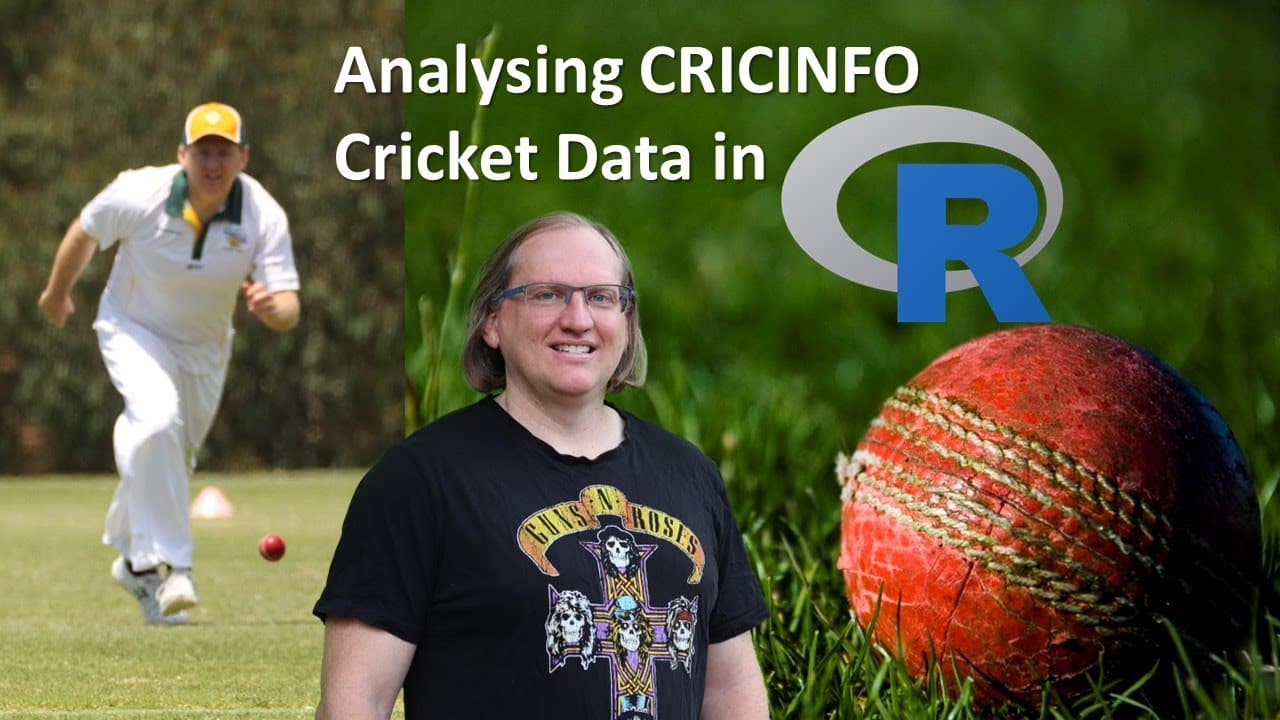
TL;DR
You can analyze cricket data in R using the 'cricut data' package, which allows users to easily download international cricket statistics from ESPN Cricinfo. The package contains four main functions to retrieve team data, match data, player statistics, and ball-by-ball records, facilitating seamless data analysis and visualization.
Transcript
hi friends welcome back to the channel today we have a pretty exciting one if you are a fan of cricket so it's a fairly recent r package on cran that lets you download data from espn qrik info so you are able to get all sorts of international statistics about the games uh test matches one days t20s for both men and women and get them nice and easil... Read More
Key Insights
- 💁 The "cricut data" package simplifies access to cricket statistics from various international formats, including T20, ODIs, and Tests.
- 🤯 There are four core functions within the package, each designed with a specific task in mind for better user experience.
- 💬 The package allows users to retrieve not just aggregated player stats but detailed match data including ball-by-ball occurrences.
- 🤢 Data analysis capabilities are enhanced with the use of R's ggplot library to visualize cricket statistics effectively.
- 👻 Handling large datasets efficiently is a noted feature, allowing users to focus on analysis rather than data retrieval processes.
- 👥 Users can compare players' performances over time, providing insights into career progressions and team dynamics.
- 🧔♀️ The package caters to both men’s and women’s cricket, promoting inclusivity in statistical appreciation.
Install to Summarize YouTube Videos and Get Transcripts
Explore YouTube Video Summarizer or Get YouTube Transcript Extractor
Questions & Answers
Q: What are the main functions of the "cricut data" R package?
The "cricut data" R package consists of four main functions: fetchcrecinfo, fetch quick sheet, fetch player data, and fetch player data by player name. These functions allow users to pull team statistics, match records, and player performances from different formats of cricket matches, making it a versatile tool for cricket analysis.
Q: How does the "fetchcrecinfo" function work?
The "fetchcrecinfo" function enables users to access various international match data, including batting, bowling, and fielding statistics for either male or female players. Users specify parameters like country and format, after which the function retrieves comprehensive player statistics. The processing time may vary depending on the data size, but the results are extensive.
Q: What types of visualizations can be created using the package data?
Users can create various visualizations with the data retrieved from the package, such as bar graphs and line charts. For instance, the creator illustrated creating a cumulative sum line graph showing Sir Richard Hadley's wickets over time, providing insights into performance trends, which can help compare players or analyze team progress.
Q: Does the cricut data package handle large datasets efficiently?
Yes, while the package is capable of pulling large datasets, such as ball-by-ball records which can have thousands of observations, it efficiently processes and returns data. The package uses temporary files to manage data behind the scenes, minimizing the need for users to handle extensive CSV files manually.
Q: Why might one prefer this package over other cricket data packages?
This package offers a more streamlined experience compared to other cricket packages because it operates using a few specific functions and does not require downloading and managing CSV files locally. This cleaner approach allows users to focus directly on data analysis rather than file management, which can simplify workflows.
Q: How can users visualize their data analysis results?
Users can utilize R's visualization libraries, like ggplot2, to create visually engaging representations of their cricket statistics. By manipulating the data frames retrieved from the package, users can create various plot types, enabling better presentation and understanding of trends in player or team performance.
Q: What is the intended audience for the "cricut data" package?
The primary audience for the "cricut data" package includes cricket fans, statisticians, data analysts, and researchers interested in cricket analytics. It caters to those who seek to work with cricket statistics in R programming, making it suitable for both recreational users and serious analysts in sports statistics.
Summary & Key Takeaways
-
The video introduces the "cricut data" R package that allows users to easily download international cricket statistics from ESPN Cricinfo, enhancing data accessibility for enthusiasts and analysts.
-
Viewers learn about four primary functions within the package, enabling the retrieval of team data, match data, player statistics, and ball-by-ball records in a straightforward manner.
-
The creator demonstrates the use of the package through examples involving T20 and ODI data, showcasing different approaches to data visualization, such as ggplots for performance analysis.
Read in Other Languages (beta)
Share This Summary 📚
Summarize YouTube Videos and Get Video Transcripts with 1-Click
Try YouTube Summary with ChatGPT & Claude or YouTube Transcript Generator
Explore More Summaries from Dr Lyndon Walker 📚






Summarize YouTube Videos and Get Video Transcripts with 1-Click
Try YouTube Summary with ChatGPT & Claude or YouTube Transcript Generator