Live coding features - Student can upload their assignment files | T3 Stack
TL;DR
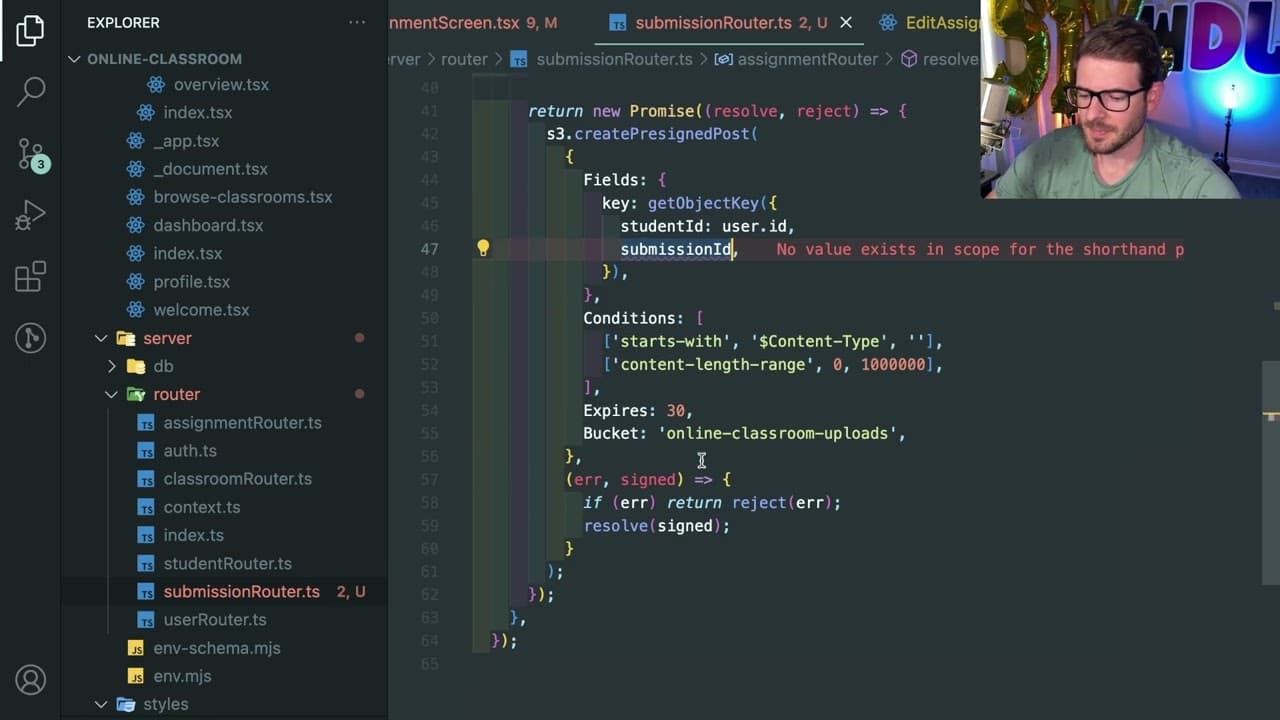
This content details how to enable student assignment submissions in a JavaScript online classroom application.
Transcript
all right how's it going so I want to add a little feature to my JavaScript uh my online classroom application if you haven't seen my streams I have this application where you can log in as a teacher and you can create assignments and I want to basically add the ability for students to also upload their submissions right so if I go to a student and... Read More
Key Insights
- 👤 Implementing assignment submissions enhances interactivity in educational applications, catering to user needs and improving usability.
- 🧑🤝🧑 Utilizing libraries such as Luxon for date management and markdown components for styling enhances the visual quality of the application.
- 👨💻 Prioritizing best coding practices, such as context management and clear routing, simplifies the overall code structure and improves long-term maintainability.
- 😑 AWS S3 integration via pre-signed URLs facilitates secure file uploads, which is crucial for sensitive educational data.
- 👤 Emphasis on user experience is critical, as dynamic feedback regarding submission success contributes to user satisfaction.
- 📽️ The importance of unit testing and gradual feature addition helps maintain project timeline efficiency while ensuring quality.
- 🧑🎓 Education-focused applications should prioritize a seamless experience for both students and teachers to foster a productive learning environment.
Install to Summarize YouTube Videos and Get Transcripts
Explore YouTube Video Summarizer or Get YouTube Transcript Extractor
Questions & Answers
Q: What is the main purpose of the feature being added?
The feature aims to allow students to upload their assignment submissions within an online classroom application. By introducing this functionality, students can engage more actively with the assignments and provide teachers with their completed work for evaluation.
Q: How does the application manage file submissions to S3?
The application uses a method called create pre-signed URL to upload files directly to AWS S3. This allows secure and efficient file transfers without exposing sensitive data. When a student selects a file for upload, the application retrieves a unique upload URL to facilitate the submission to the S3 bucket.
Q: What are the challenges faced while implementing this feature?
Some challenges include ensuring that the front-end dynamically displays submission statuses, managing state changes for file uploads, and refining user experience by providing feedback upon successful submissions. Furthermore, integrating the application with a backend database to track submissions effectively adds complexity to the implementation process.
Q: What coding practices are highlighted during the feature addition?
The video emphasizes the importance of clean code, reusable components, and refactoring. It illustrates how to keep the code maintainable by linking models correctly within a database and ensuring that functions are generalized for both submission and assignment creation processes, thus preventing duplication of code.
Summary & Key Takeaways
-
The aim of this content is to add a feature that enables students to upload their assignment submissions in an online classroom application, enhancing user interactivity.
-
The implementation focuses on utilizing a combination of JavaScript components, including a markdown formatter for assignment descriptions, and integrating file uploads with AWS S3 via pre-signed URLs.
-
Best practices in coding and development are emphasized throughout the process, including the importance of refactoring code and utilizing context for user data management.
Read in Other Languages (beta)
Share This Summary 📚
Summarize YouTube Videos and Get Video Transcripts with 1-Click
Try YouTube Summary with ChatGPT & Claude or YouTube Transcript Generator
Explore More Summaries from Web Dev Cody 📚





Summarize YouTube Videos and Get Video Transcripts with 1-Click
Try YouTube Summary with ChatGPT & Claude or YouTube Transcript Generator