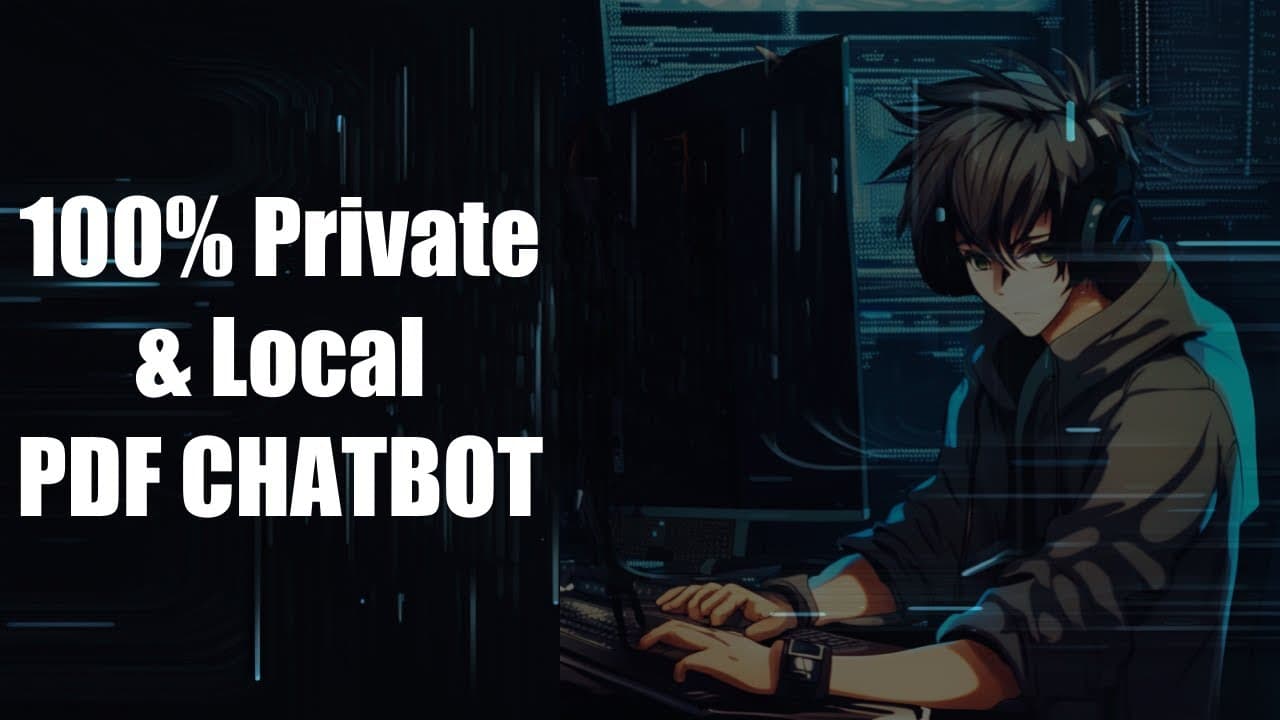
100% Private & Local PDF ChatBot (without langchain)
TL;DR
Learn how to build a PDF chatbot from scratch using PDF Miner and Sentence Transformer libraries.
Transcript
hello everyone and welcome to my YouTube channel today we are going to build a PDF chatbot today we are not going to use open AI or chat apt or any other libraries that office create a lot of code we are going to write the code on our own uh for the pre-processing part and we are going to use only two libraries one of them is PDF Miner and another ... Read More
Key Insights
- 🤳 The PDF chatbot is built without relying on external libraries like OpenAI or ChatGPT, making the code more self-contained.
- 📚 The PDF Miner library is used to extract text from PDF files, while the Sentence Transformer library is used for creating sentence embeddings.
- 😚 The search function utilizes cosine similarity to find the closest matches to a given query.
- 😜 The Cross Encoder model is used to re-rank the search results and improve the relevance of the chatbot's responses.
- 😑 The code can be easily extended to work with different types of documents and perform more advanced pre-processing techniques.
- 👨🔬 The chatbot can handle multiple queries and returns the top five search results for each query.
- 👨💻 The code can be run locally or using the Docker server for text generation.
Install to Summarize YouTube Videos and Get Transcripts
Explore YouTube Video Summarizer or Get YouTube Transcript Extractor
Questions & Answers
Q: What libraries are used to build the PDF chatbot?
The PDF chatbot is built using the PDF Miner library for text extraction and Sentence Transformer library for creating sentence embeddings.
Q: How are the extracted paragraphs preprocessed?
The extracted paragraphs are preprocessed by removing white spaces and splitting them into sentences.
Q: How does the search function work?
The search function takes a query and finds the closest matches based on the cosine similarity between the query embedding and paragraph embeddings.
Q: What is the purpose of the Cross Encoder model?
The Cross Encoder model is used to re-rank the search results and improve the accuracy of the chatbot.
Summary & Key Takeaways
-
Utilize PDF Miner library to extract text from PDF files and preprocess the text by removing white spaces and splitting it into sentences.
-
Use Sentence Transformer library to create sentence embeddings for the extracted paragraphs.
-
Implement a search function that takes a query and returns the closest matches based on cosine similarity between the query embedding and paragraph embeddings.
-
Re-rank the search results using the Cross Encoder model and display the top five results.
Read in Other Languages (beta)
Share This Summary 📚
Summarize YouTube Videos and Get Video Transcripts with 1-Click
Try YouTube Summary with ChatGPT & Claude or YouTube Transcript Generator
Explore More Summaries from Abhishek Thakur 📚
Summarize YouTube Videos and Get Video Transcripts with 1-Click
Try YouTube Summary with ChatGPT & Claude or YouTube Transcript Generator