How to Create a Squash Pong Game with Pygame
TL;DR
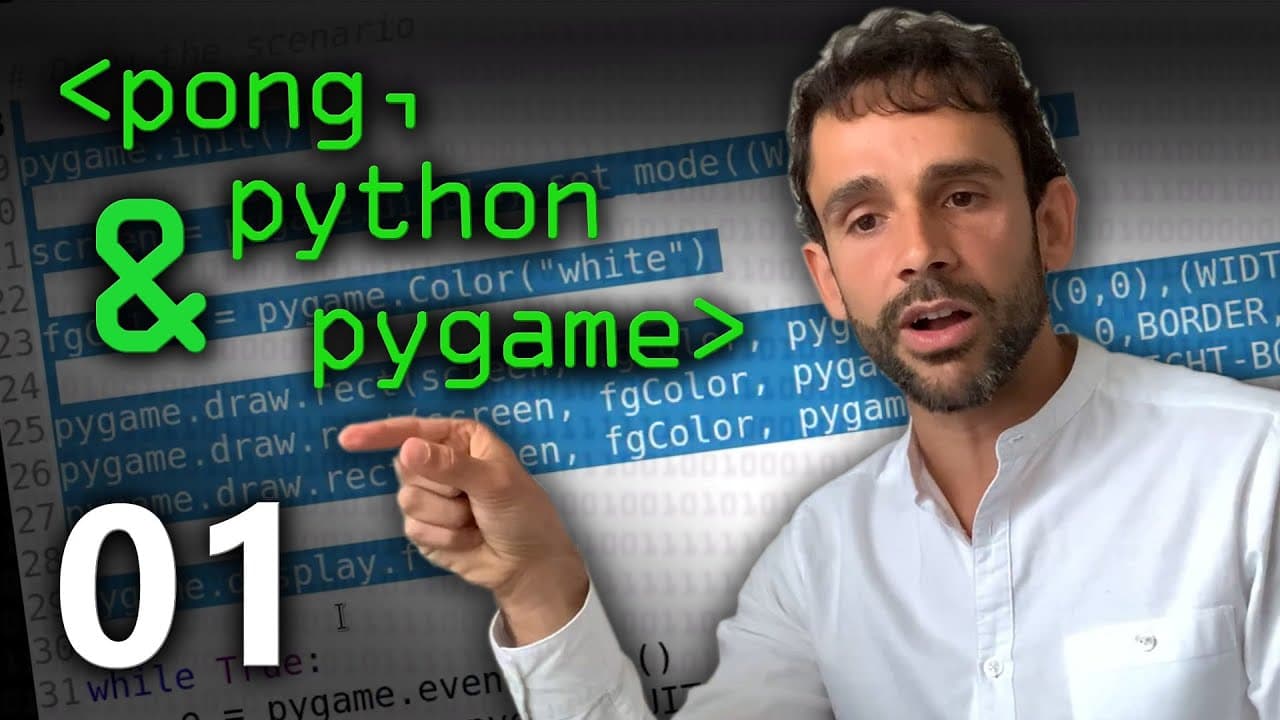
To create a squash pong game using the Pygame library, start by importing and initialising Pygame to set up the display screen. Define game objects' attributes and draw the game environment using the rectangle function, ensuring to handle user interactions through event management for a smooth experience.
Transcript
hey Isaac so last time we look to sketching out some of the ideas of this this game I'm gonna not call it pong a squash pong game that you can implement with the PI game library where do we go from here so basically what we did in the previous video was to basically try to understand how the screen will look like the things that are going to be fix... Read More
Key Insights
- 👾 Implementing a game involves defining the coordinates and attributes of game objects like walls, paddles, and balls.
- 👾 PI Game library provides various functionality to create games, such as drawing, handling events, and working with images.
- 👨💻 It is essential to follow proper coding practices by using variables instead of hard-coding values.
- 👾 Drawing game elements like walls can be done using the "draw.rectangle" function from the PI Game library.
- 🐬 The "flip" function is used to refresh the display and show any changes made.
- 😚 Handling user interaction, such as closing the program, can be done using the "events" class and checking for specific event types.
- 👾 An infinite loop is used to continuously check for events and update the game accordingly.
Install to Summarize YouTube Videos and Get Transcripts
Explore YouTube Video Summarizer or Get YouTube Transcript Extractor
Questions & Answers
Q: What was the purpose of the previous video?
The previous video aimed to define the coordinates and attributes of the game objects to understand the game screen layout.
Q: How do you import and initialize the PI Game library?
To import the PI Game library, one needs to install it on their computer. After installation, the library can be imported using "import PI_Game". Initialization is done by calling the "init()" function.
Q: What is the purpose of calling the "flip" function?
The "flip" function is used to tell the display to refresh and display the changes made, such as drawing the rectangle. It ensures that the changes made are shown on the screen.
Q: How do you handle the user clicking on the cross to close the program?
To handle the user clicking on the cross, an infinite loop is created. The loop continuously checks for events using the "events" class. If the event type is "quit", indicating the user clicked on the cross, the loop breaks.
Summary & Key Takeaways
-
The previous video focused on defining the coordinates and attributes of the game objects (walls, paddle, ball) in order to understand how the game screen will look.
-
Now, the content creator will show how to use the PI Game library to implement the game.
-
The first step is to import the PI Game library and initialize it to create a screen. Then, the main game scenario is drawn using the rectangle function.
Read in Other Languages (beta)
Share This Summary 📚
Summarize YouTube Videos and Get Video Transcripts with 1-Click
Try YouTube Summary with ChatGPT & Claude or YouTube Transcript Generator
Explore More Summaries from Computerphile 📚


Summarize YouTube Videos and Get Video Transcripts with 1-Click
Try YouTube Summary with ChatGPT & Claude or YouTube Transcript Generator