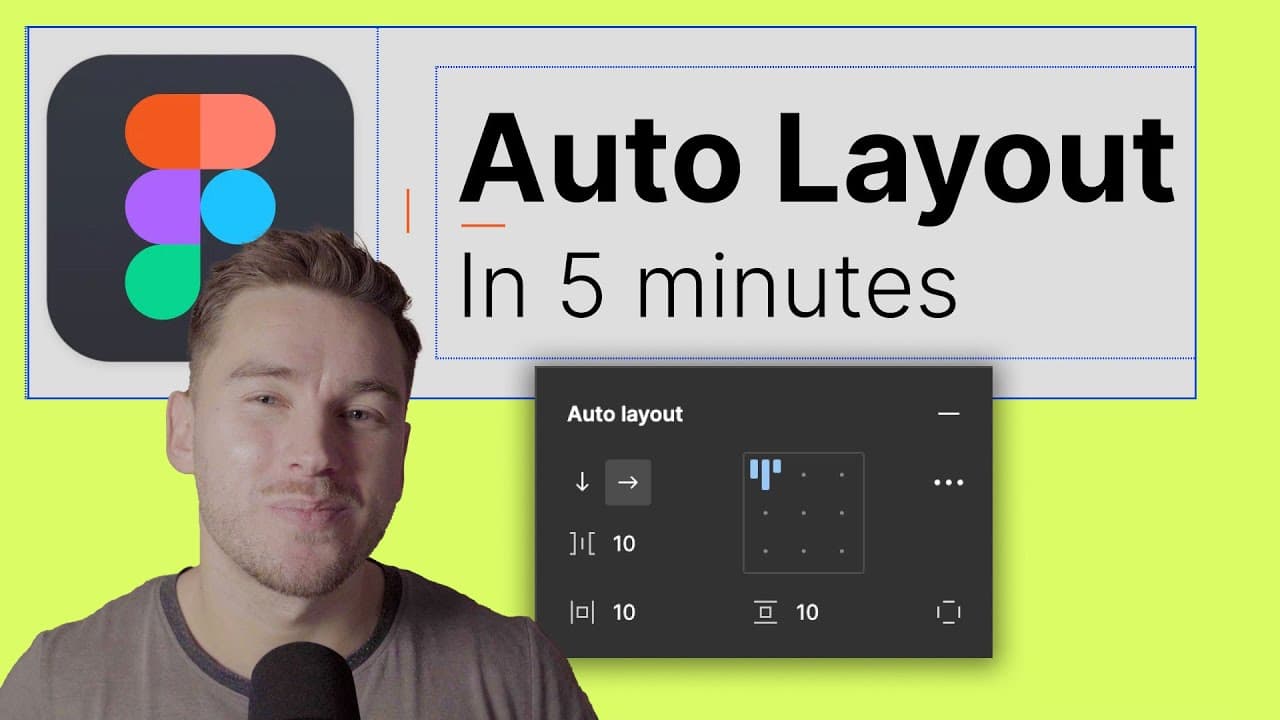
Figma Auto-layout Explained In 5 Minutes
TL;DR
Auto Layout in Figma automates the process of laying out elements in designs, saving time and improving productivity.
Transcript
if I can get you to understand all the layout in the next 5 minutes you save 15 000 hours of work this year and make an extra 7.3 million dollars that you can use to quit your job buy a private island and then fly there on your private jet you get it the next five minutes can change your life so let's go Auto layout as its name suggests makes the w... Read More
Key Insights
- 🚗 Auto Layout in Figma automates the layout process, saving designers significant time and effort.
- ⚾ Auto Layout is based on the concept of flexbox in CSS, facilitating a smooth design-to-development transition.
- 👥 By grouping elements and applying Auto Layout, designers can easily create responsive layouts and tables.
- 📳 Responsive behavior in Auto Layout can be achieved by adjusting spacing mode and width settings.
- 🎨 Auto Layout streamlines the design process and improves collaboration between designers and developers.
- 🎨 Designing with Auto Layout results in easily adaptable layouts for different screen sizes and devices.
- 👾 Auto Layout ensures consistent spacing between elements and eliminates the need for manual adjustments.
Install to Summarize YouTube Videos and Get Transcripts
Explore YouTube Video Summarizer or Get YouTube Transcript Extractor
Questions & Answers
Q: How does Auto Layout in Figma save time in design?
Auto Layout reduces the need for manual dragging and spacing adjustments, allowing for quick rearrangement and consistent spacing between elements, saving designers countless hours of work.
Q: What is the relationship between Auto Layout and flexbox in CSS?
Auto Layout and flexbox serve the same purpose of automating layout in web development. By using Auto Layout in Figma, designers can align their designs with the development process, ensuring a seamless transition.
Q: How can designers create responsive layouts with Auto Layout?
To create responsive layouts, designers can group individual items within Auto Layouts, and then group those layouts into rows or tables. By setting the spacing mode to "space between" and adjusting width settings, responsive behavior can be achieved.
Q: What are the advantages of designing with Auto Layout in Figma?
Designing with Auto Layout ensures that the layout created is easily adaptable to different screen sizes and devices. It also allows for efficient iteration and collaboration among designers and developers.
Key Insights:
- Auto Layout in Figma automates the layout process, saving designers significant time and effort.
- Auto Layout is based on the concept of flexbox in CSS, facilitating a smooth design-to-development transition.
- By grouping elements and applying Auto Layout, designers can easily create responsive layouts and tables.
- Responsive behavior in Auto Layout can be achieved by adjusting spacing mode and width settings.
- Auto Layout streamlines the design process and improves collaboration between designers and developers.
- Designing with Auto Layout results in easily adaptable layouts for different screen sizes and devices.
- Auto Layout ensures consistent spacing between elements and eliminates the need for manual adjustments.
- Mastering Auto Layout in Figma can significantly improve productivity and efficiency in design workflows.
Summary & Key Takeaways
-
Auto Layout in Figma automates the process of rearranging and spacing elements in designs, saving hours of manual work.
-
It is based on the concept of flexbox in CSS, allowing for easy design-to-development transition.
-
By grouping elements and adding Auto Layout to them, designers can create responsive layouts and tables efficiently.
Read in Other Languages (beta)
Share This Summary 📚
Summarize YouTube Videos and Get Video Transcripts with 1-Click
Try YouTube Summary with ChatGPT & Claude or YouTube Transcript Generator
Explore More Summaries from Flux Academy 📚





Summarize YouTube Videos and Get Video Transcripts with 1-Click
Try YouTube Summary with ChatGPT & Claude or YouTube Transcript Generator