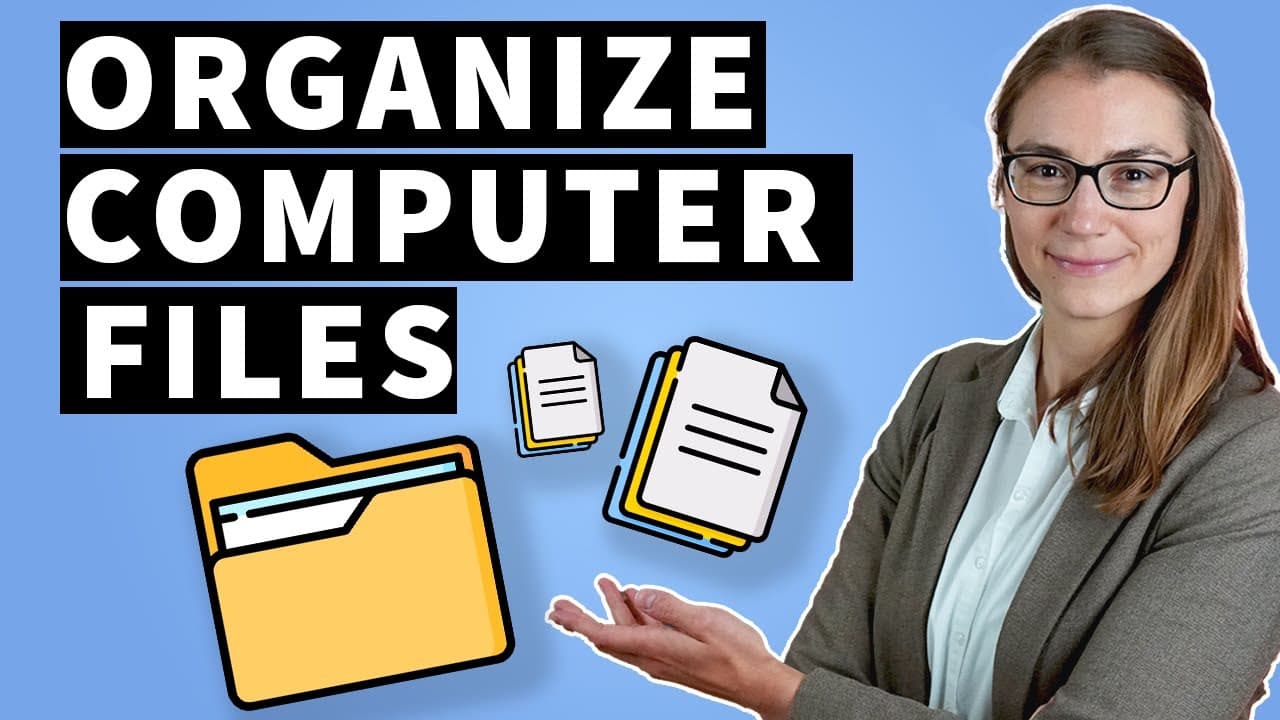
How Can You Effectively Organize Computer Files?
TL;DR
Using a hierarchical structure is the key to effective digital file organization. This method involves creating levels of folders that categorize files, making them easier to find and manage. The video offers practical examples for organizing files in work, school, and personal settings.
Transcript
in this video i will show you how to properly organize probably the most common thing you own well what could that possibly be i'm not talking about money nor is your clothes or anything like that it's simply your digital files on your computer of which you own at least thousands or even hundreds of thousands or millions so in this video i will not... Read More
Key Insights
- 💆 There are three major file management systems: chaotic storage, mass dumping, and hierarchy structures.
- 📁 The hierarchy structure is the most effective method for organizing digital files.
- 🎚️ Organizing files using a hierarchy structure involves creating levels and sub-levels of folders.
- 📁 Proper folder and file naming, including dates, is crucial for efficient file organization.
- 💦 Hierarchy structures can be used effectively at work, university/school, and in private life.
- 😶🌫️ Microsoft Office 365, with its included OneDrive cloud storage, is a useful tool for file organization and synchronization.
Install to Summarize YouTube Videos and Get Transcripts
Explore YouTube Video Summarizer or Get YouTube Transcript Extractor
Questions & Answers
Q: What are the three major types of file management systems discussed in the video?
The three types mentioned are chaotic storage, mass dumping, and hierarchy structures. Chaotic storage is used in warehouses, mass dumping involves storing all files in one place, and hierarchy structures use a multi-level folder system.
Q: Why is the hierarchy structure considered the most effective file management system?
The hierarchy structure allows for a clear and organized system of folders and subfolders, making it easy to find specific files. It provides a logical structure for file organization.
Q: Can you provide an example of a hierarchy structure for organizing files at work?
At work, you can create a level 0 folder with overarching topics such as admin, projects, and topics/domains. Within each folder, use an ascending two-digit numbering system for subfolders. For example, within the admin folder, have subfolders like employment documents, resume, and training.
Q: What is the importance of labeling documents properly?
Proper labeling, including clear names and dates, helps in quickly identifying and retrieving specific documents. It is recommended to include the year, month, date, and relevant details in the file name.
Key Insights:
- There are three major file management systems: chaotic storage, mass dumping, and hierarchy structures.
- The hierarchy structure is the most effective method for organizing digital files.
- Organizing files using a hierarchy structure involves creating levels and sub-levels of folders.
- Proper folder and file naming, including dates, is crucial for efficient file organization.
- Hierarchy structures can be used effectively at work, university/school, and in private life.
- Microsoft Office 365, with its included OneDrive cloud storage, is a useful tool for file organization and synchronization.
- Short and concise folder and file names should be used to avoid exceeding the maximum file path length on Windows systems.
Summary & Key Takeaways
-
The video discusses three file management systems: chaotic storage, mass dumping, and hierarchy structures. The hierarchy structure is the most popular and effective method.
-
The hierarchy structure involves organizing files into different levels, with overarching folders at level 0 and subtopics at lower levels.
-
Practical examples of file organization are given for work, university/school, and private life.
Read in Other Languages (beta)
Share This Summary 📚
Summarize YouTube Videos and Get Video Transcripts with 1-Click
Try YouTube Summary with ChatGPT & Claude or YouTube Transcript Generator
Explore More Summaries from Lea David 📚

Summarize YouTube Videos and Get Video Transcripts with 1-Click
Try YouTube Summary with ChatGPT & Claude or YouTube Transcript Generator