How to add your contribution to The Coding Train website
TL;DR
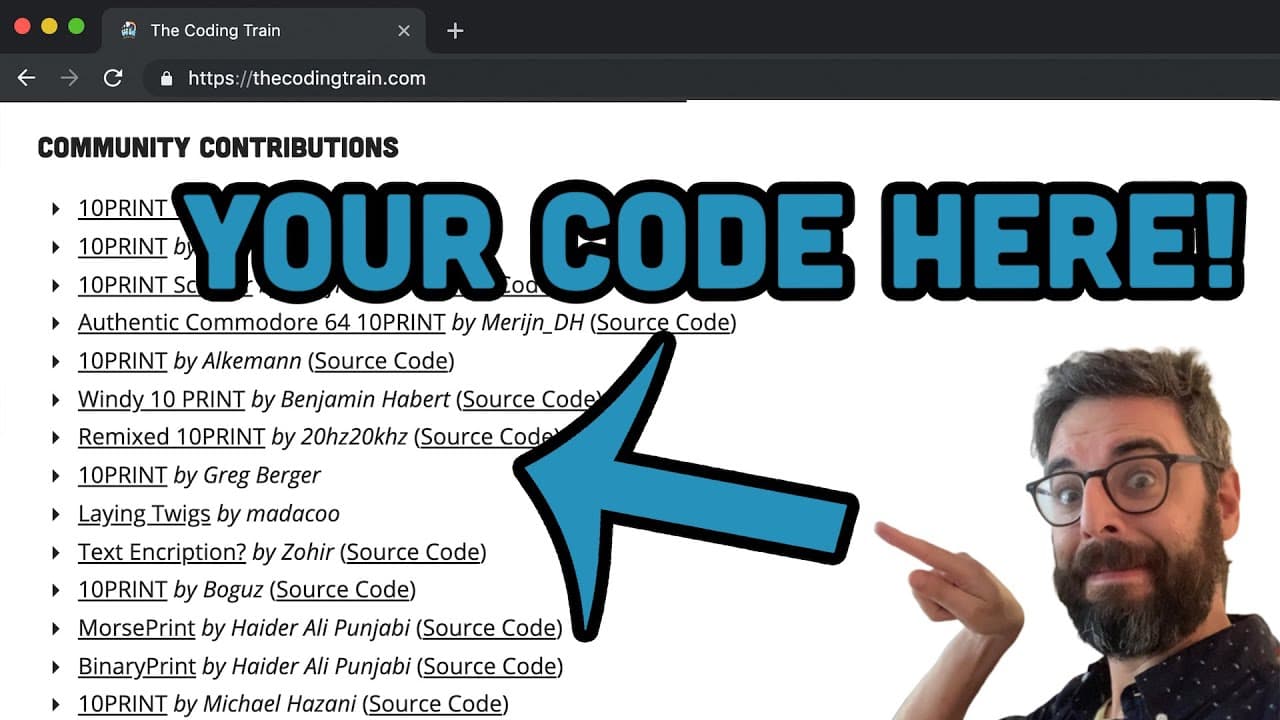
Learn how to submit your coding project to thecodingtrain.com, join the community, and share your creative twist.
Transcript
Hello, and welcome to a quick tutorial on how to submit your own project to the contributions on thecodingtrain.com. So at thecodingtrain.com, on the home page, you'll find the most recent coding challenge. And then, if you click on Coding Challenges, you'll find all the coding challenges that I've done. And each one of those has an individual page... Read More
Key Insights
- 👨💻 Successfully submitting a project involves creating a unique twist on an existing coding challenge.
- 😒 The use of GitHub and YAML format streamlines the submission process for community contributions.
- 🎮 Emphasis on unit testing and error correction highlights the importance of quality control in project submissions.
- 👨💻 Joining the Coding Train community offers support, feedback, and opportunities to showcase your coding projects.
- 🔰 The tutorial encourages beginners to dive into GitHub and community contributions as a valuable learning experience.
- 📽️ Understanding the submission process and following guidelines ensures your project is featured on thecodingtrain.com.
- 👨💻 Collaborating with others and sharing creative adaptations fosters a vibrant community of coding enthusiasts.
Install to Summarize YouTube Videos and Get Transcripts
Explore YouTube Video Summarizer or Get YouTube Transcript Extractor
Questions & Answers
Q: What is the first step in submitting a project to thecodingtrain.com?
The first step is to create your own version of a coding challenge, ensuring it reflects your creativity and coding skills before proceeding to submit it.
Q: Why is it essential to follow the YAML format when submitting a project?
The YAML format is crucial as it organizes essential metadata about the project, such as title, author, URLs, and sources, making it easier for the community to review and access your contribution.
Q: What should you do if your submission fails the unit tests on GitHub?
If your submission fails the unit tests, don't be discouraged. Use this feedback to identify and rectify errors, or seek help from the Coding Train community to improve and resubmit your contribution.
Q: Why is adding a link to your project in the extended description important?
Adding a link to your project's documentation helps reviewers easily access and review your work, making it more likely to be shared and appreciated by the community.
Summary & Key Takeaways
-
The tutorial shows how to submit a project to thecodingtrain.com, modify an existing coding challenge, and contribute to the community.
-
Steps include creating, saving, and submitting your project via GitHub, following the YAML format.
-
Emphasis on testing, fixing errors, and merging contributions to showcase them on the platform.
Read in Other Languages (beta)
Share This Summary 📚
Summarize YouTube Videos and Get Video Transcripts with 1-Click
Try YouTube Summary with ChatGPT & Claude or YouTube Transcript Generator
Explore More Summaries from The Coding Train 📚






Summarize YouTube Videos and Get Video Transcripts with 1-Click
Try YouTube Summary with ChatGPT & Claude or YouTube Transcript Generator