How to Create a Feedback Feature with AI Suggestions
TL;DR
To create a feedback feature with AI suggestions, implement a user input system that collects feedback and integrates it into your application. The AI component parses this feedback to generate actionable work item suggestions, streamlining task management and improving user engagement. Ensure user authorization and subscription checks to maintain resource security and manage AI-related costs.
Transcript
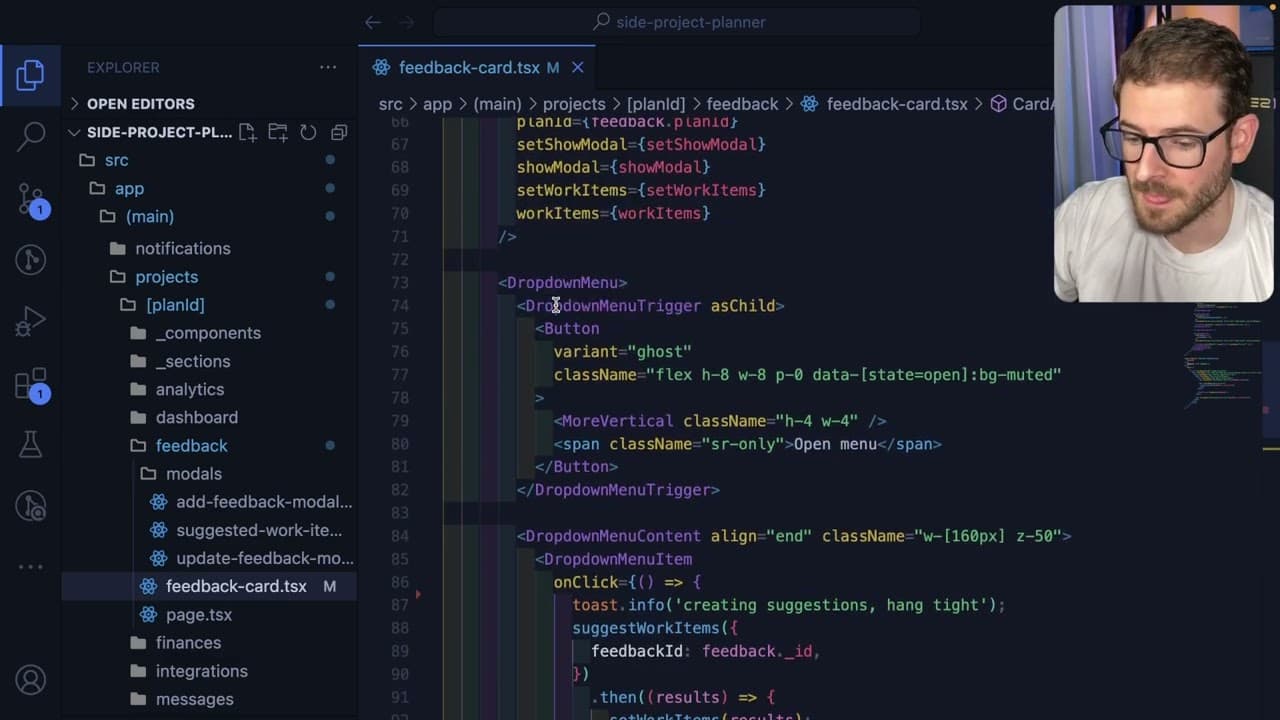
so I added a new feature to project planner Ai and I wanted to demo that feature to you all today and also walk you through the code in case you want to also add something like this to your own application so let's go and manage my projects I'm going to go to my dashboard and I have a couple of projects I'm trying to manage some of these I need to ... Read More
Key Insights
- 👻 The integration of a feedback feature enhances user engagement by allowing direct input on the application.
- 🧑🦽 AI suggestions streamline task management, reducing the manual effort required to parse and implement user feedback.
- 👤 User authorization and subscription checks protect the application's resources from unauthorized usage.
- 🆘 Implementing limitations helps manage operational costs associated with AI integrations.
- 🎨 The feature's design aims to simplify the workflow between feedback submission and task creation.
- 🧡 The inclusion of both manual feedback and AI-generated suggestions caters to a broader range of user preferences and needs.
- 🛀 Regular updates and improvements are encouraged, showing an agile response to user feedback for future developments.
Install to Summarize YouTube Videos and Get Transcripts
Explore YouTube Video Summarizer or Get YouTube Transcript Extractor
Questions & Answers
Q: What is the main purpose of the new feedback feature in Project Planner AI?
The new feedback feature allows users to submit feedback, which is then directly integrated into the application's feedback section. This provides a more streamlined way for users to express their thoughts and suggestions, improving the application's responsiveness to user needs. It also enables better project management by tracking user input.
Q: How does the AI suggestions feature work in the application?
The AI suggestions feature takes user-submitted feedback and processes it to generate potential work items. By analyzing the content of the feedback, the system can provide actionable suggestions that can be directly added to the user’s work item list, simplifying the task management process.
Q: What checks are in place for user access and subscription in the application?
The application includes multiple checks for user access, including verifying that users have the necessary permissions to modify the feedback and ensuring that they have a premium subscription. This is designed to prevent unauthorized use of resources and to manage the costs associated with the AI features effectively.
Q: Why is it important to have a limit on the number of AI suggestions a user can make?
Setting a limit on AI suggestions is crucial to control costs associated with using AI services, like OpenAI. By capping the number of suggestions per month, the application can prevent abuse and ensure that users do not incur unexpected charges, maintaining responsible usage and financial sustainability.
Summary & Key Takeaways
-
The demo introduces a new feedback feature that allows users to input feedback directly, which then gets integrated into the application’s feedback section.
-
A unique AI suggestions functionality has been implemented, where user feedback is parsed, and work item suggestions are automatically generated based on the requests.
-
The presenter explains the backend logic, including user authorization, subscription checks, and the use of OpenAI to enhance task management within the application.
Read in Other Languages (beta)
Share This Summary 📚
Summarize YouTube Videos and Get Video Transcripts with 1-Click
Try YouTube Summary with ChatGPT & Claude or YouTube Transcript Generator
Explore More Summaries from Web Dev Cody 📚





Summarize YouTube Videos and Get Video Transcripts with 1-Click
Try YouTube Summary with ChatGPT & Claude or YouTube Transcript Generator