How to Create Animated Fractal Trees with Objects
TL;DR
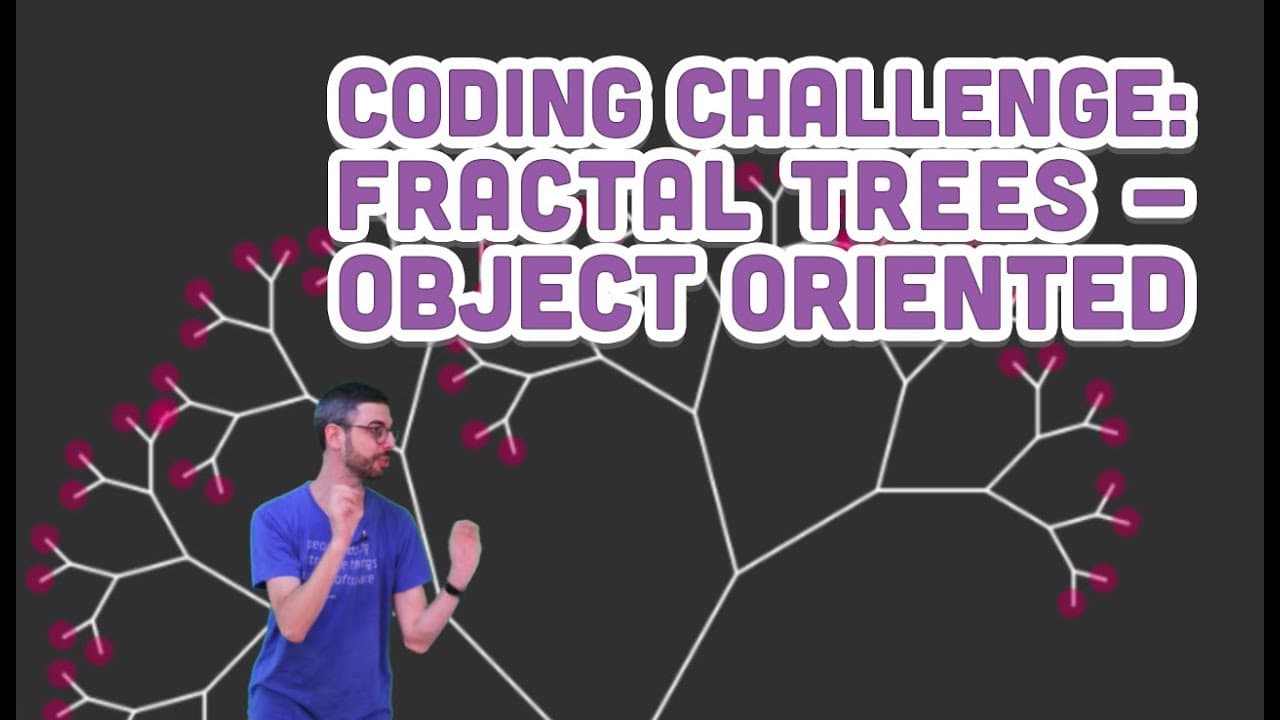
To create animated fractal trees using object-oriented programming, define branch objects with start and end points. This approach allows for dynamic animations, such as leaves falling and branches growing, by manipulating these objects after creation. By clicking, new branches can be spawned, making the tree interactive and visually captivating.
Transcript
Hello welcome to another coding challenge this one is a follow up on a Previous the previous fractal tree coding challenge one of the first things that people often ask me when they first see a fractal tree is oh I want it to grow from the bottom so how do you have it grow from the bottom this is also the same question as Oh, I want to put leaves o... Read More
Key Insights
- 🌲 Object-oriented programming enhances the creation of fractal trees for dynamic animations.
- 😥 Defining branch objects with starting and ending points provides flexibility in customizing tree structures.
- 👻 Manipulating objects post-creation allows for interactive and visually appealing animations.
- 🍃 Using objects can lead to creative applications like wind effects, falling leaves, and interactive simulations.
Install to Summarize YouTube Videos and Get Transcripts
Explore YouTube Video Summarizer or Get YouTube Transcript Extractor
Questions & Answers
Q: What is the advantage of using objects to create fractal trees?
Objects provide flexibility for dynamic animations, customizable structures, and post-creation manipulations, enhancing visual effects.
Q: How can objects in programming represent branch elements in a fractal tree?
By defining objects with starting and ending points, the structure of a fractal tree can be dynamically built and displayed.
Q: How can object-oriented programming improve the animation of fractal trees?
By utilizing objects to represent branches and leaves, animations like swaying, falling leaves, and wind effects can be easily implemented and customized.
Q: What are some potential applications of using objects for fractal tree creation?
Objects allow for interactive tree simulations, dynamic animations, and unique visual effects like falling leaves and swaying branches.
Summary & Key Takeaways
-
Object-oriented approach to creating fractal trees enables dynamic animations and interactions.
-
Branch objects are defined with starting and ending points, allowing for customizable tree structures.
-
Objects can be manipulated post-creation for unique visual effects and animations.
Read in Other Languages (beta)
Share This Summary 📚
Summarize YouTube Videos and Get Video Transcripts with 1-Click
Try YouTube Summary with ChatGPT & Claude or YouTube Transcript Generator
Explore More Summaries from The Coding Train 📚






Summarize YouTube Videos and Get Video Transcripts with 1-Click
Try YouTube Summary with ChatGPT & Claude or YouTube Transcript Generator