Samsung Galaxy Buds 2 | Top 5 Features !!!
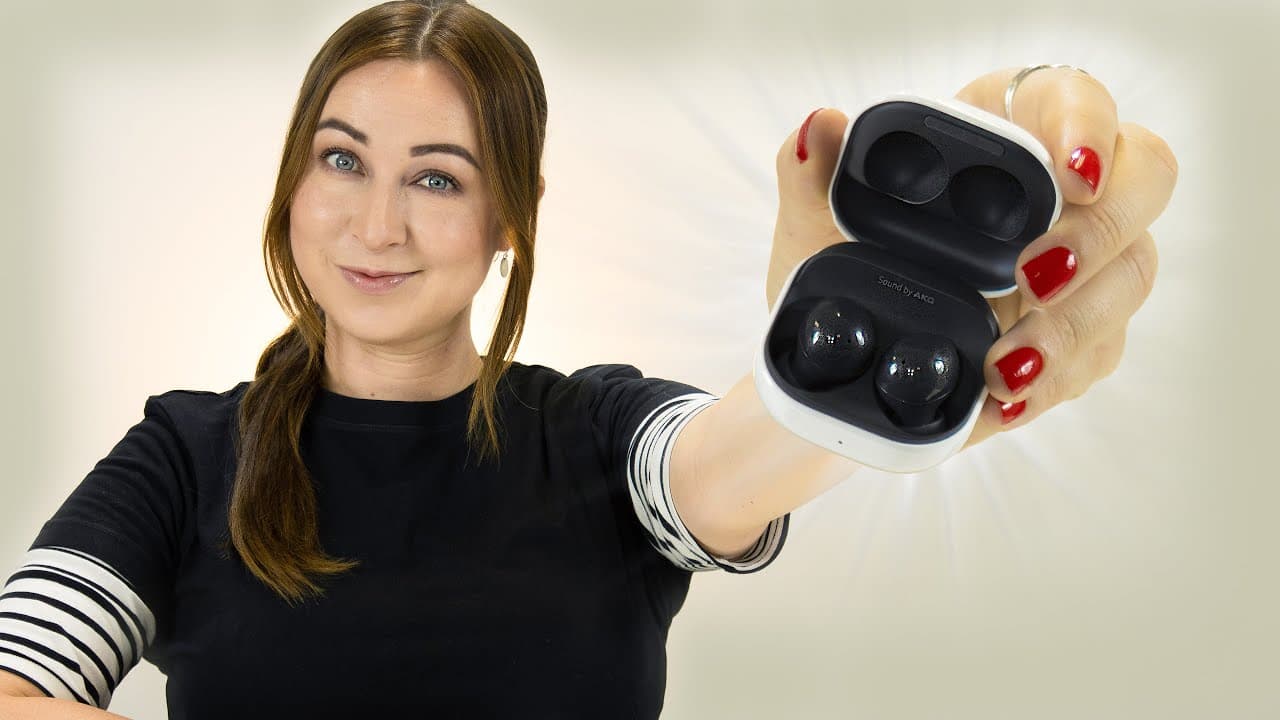
TL;DR
The Galaxy Buds 2 offer features such as active noise cancellation and ambient sound mode, as well as customizable touch controls and the ability to share audio with friends.
Transcript
hey guys welcome back to hale's world and these are the galaxy buds 2 which are some pretty sweet little buds and they come with some great features like active noise cancellation sharing audio with friends surround ambient sound so there are definitely some features to explore let's just get into it now let's start off with some useful gestures wi... Read More
Key Insights
- 🤟 The Galaxy Buds 2 offer useful gestures for controlling music playback and answering calls.
- 🖤 They lack intelligent active noise cancellation, but the feature can still be manually toggled on and off.
- 🔇 Ambient sound mode allows users to amplify their surroundings and customize the volume and settings.
- 🎮 The buds have customizable touch controls, including the ability to activate Spotify.
- 👤 Users can share audio with friends who also have Samsung buds.
- 💯 The buds have an earbud fit test feature to ensure a perfect fit.
- 🛜 Wireless charging is possible with the buds when using Samsung's wireless powershare feature.
- 🇦🇬 "Find my buds" feature helps locate misplaced or lost buds.
Install to Summarize YouTube Videos and Get Transcripts
Explore YouTube Video Summarizer or Get YouTube Transcript Extractor
Questions & Answers
Q: How can I control the volume on the Galaxy Buds 2?
You can control the volume by enabling the "Earbud Edge" feature within the Galaxy Wearables app. Tapping on the right side increases the volume, while tapping on the left side decreases it.
Q: Does the Galaxy Buds 2 have intelligent active noise cancellation?
No, the Galaxy Buds 2 do not have intelligent active noise cancellation like the Galaxy Buds Pro. The active noise cancellation is always on, even when you're speaking.
Q: Can I customize the ambient sound settings on the Galaxy Buds 2?
Yes, you can customize the ambient sound settings within the wearables app. You can adjust the volume of ambient sound and even toggle it on for phone calls.
Q: Is it possible to activate Spotify by clicking and holding the Galaxy Buds 2?
Yes, you can activate Spotify by configuring the touch and hold function in the wearables app. Simply click and hold down on either the right or left bud to start playing music on Spotify.
Q: Can I share audio with a friend using the Galaxy Buds 2?
Yes, you can share audio with a friend who also has Samsung buds. Just make sure both pairs are connected to the same phone and use the media button in the notification panel to toggle between them.
Summary & Key Takeaways
-
The Galaxy Buds 2 have useful gestures for controlling music playback, answering calls, and switching between active noise cancellation and ambient sound.
-
These buds lack intelligent active noise cancellation, but the feature can be toggled on and off easily within the wearables app.
-
Ambient sound mode amplifies the sounds around the user and can be customized for volume and settings, including during phone calls.
Read in Other Languages (beta)
Share This Summary 📚
Summarize YouTube Videos and Get Video Transcripts with 1-Click
Try YouTube Summary with ChatGPT & Claude or YouTube Transcript Generator
Explore More Summaries from Hayls World 📚






Summarize YouTube Videos and Get Video Transcripts with 1-Click
Try YouTube Summary with ChatGPT & Claude or YouTube Transcript Generator