4. Strings [Python 3 Programming Tutorials]
TL;DR
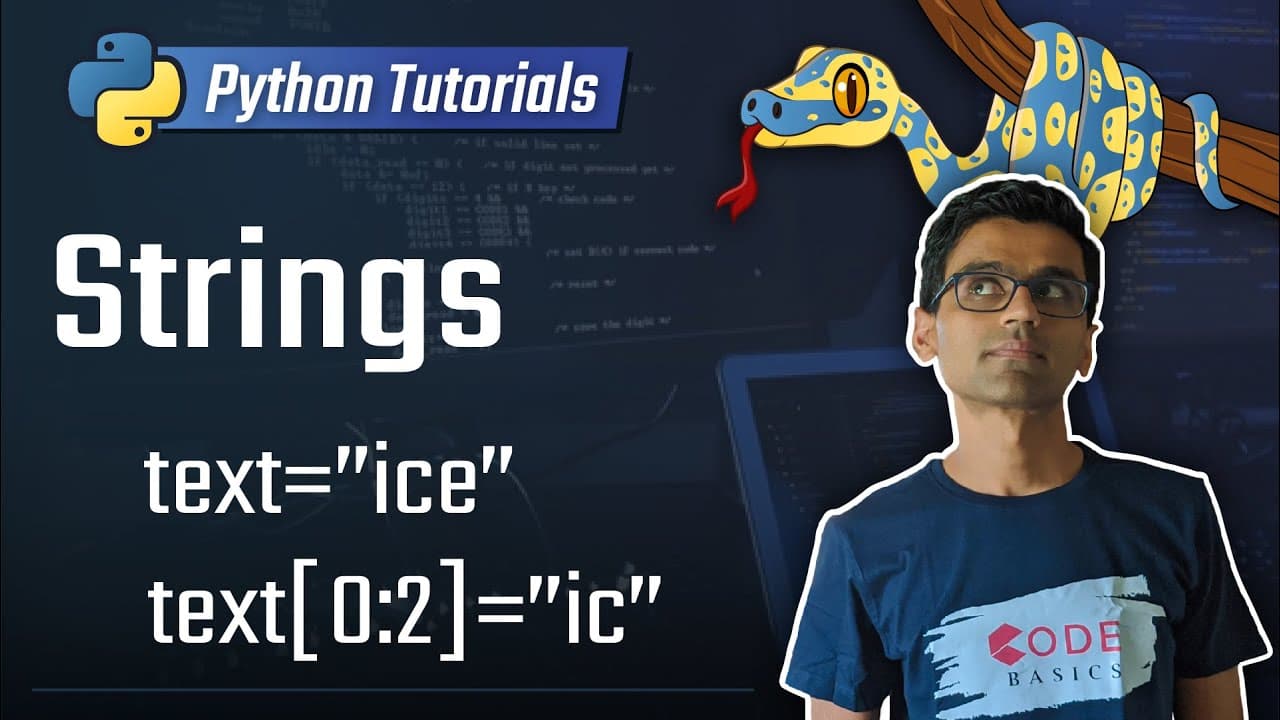
Learn about how strings are used to store text data in Python, including accessing characters, substrings, immutability, and concatenation.
Transcript
today's topic is strings in Python strings are used to store text data in Python let me show you example so let's say you want to store ice-cream and to do that you create a variable called text and using double quotation mark you type in icecream when you hit Enter what happened is this variable now contains this data called ice cream since you se... Read More
Key Insights
- 🏪 Strings in Python are used to store and manipulate text data.
- 🫰 Indexes are used to access individual characters within a string.
- 💱 Strings in Python are immutable and cannot be partially changed after they are created.
- 🫰 Substrings can be accessed using the index range, with the first index being inclusive and the second index being exclusive.
- 🔂 Single quotes and double quotes can be used interchangeably to define a string.
- 🏪 Multiline strings can be stored using triple quotes.
- ❓ Strings can be concatenated using the "+" operator.
Install to Summarize YouTube Videos and Get Transcripts
Explore YouTube Video Summarizer or Get YouTube Transcript Extractor
Questions & Answers
Q: What is a string in Python?
In Python, a string is used to store text data. It can be created using double quotation marks or single quotation marks.
Q: How can individual characters in a string be accessed?
Characters in a string can be accessed using indexes. For example, text[0] would return the first character.
Q: Can a string be partially changed after it is created?
No, strings are immutable in Python. Once a string is created, it cannot be partially changed by modifying individual characters.
Q: How can a substring be accessed within a main string?
A substring can be accessed using the index range. The first index is inclusive, and the second index is exclusive. For example, text[1:3] would return the substring "ic".
Q: Can single quotes and double quotes be used interchangeably to define a string?
Yes, both single quotes and double quotes can be used to define a string in Python. They are essentially the same.
Q: How can multiline strings be stored in Python?
Multiline strings can be stored using triple quotes at the beginning and end of the string. This allows for a string to span multiple lines.
Q: How can two strings be concatenated in Python?
Two strings can be concatenated using the "+" operator. For example, s1 + s2 would join the strings s1 and s2 together.
Q: Can a numeric value be directly concatenated with a string?
No, a numeric value needs to be converted to a string before it can be concatenated with a string. This can be done using the STR function.
Key Insights:
- Strings in Python are used to store and manipulate text data.
- Indexes are used to access individual characters within a string.
- Strings in Python are immutable and cannot be partially changed after they are created.
- Substrings can be accessed using the index range, with the first index being inclusive and the second index being exclusive.
- Single quotes and double quotes can be used interchangeably to define a string.
- Multiline strings can be stored using triple quotes.
- Strings can be concatenated using the "+" operator.
- Numeric values need to be converted to strings before they can be concatenated with other strings.
Summary & Key Takeaways
-
Strings in Python are used to store text data, and they are created using quotation marks.
-
Characters in a string can be accessed using indexes, and strings are immutable, meaning they cannot be partially changed.
-
Substrings can be accessed using the index range, with the first index being inclusive and the second index being exclusive.
-
Strings can be concatenated using the "+" operator, but numeric values need to be converted to strings using the STR function.
Read in Other Languages (beta)
Share This Summary 📚
Summarize YouTube Videos and Get Video Transcripts with 1-Click
Try YouTube Summary with ChatGPT & Claude or YouTube Transcript Generator
Explore More Summaries from codebasics 📚


Summarize YouTube Videos and Get Video Transcripts with 1-Click
Try YouTube Summary with ChatGPT & Claude or YouTube Transcript Generator