What Are Variables in Python and How Do They Work?
TL;DR
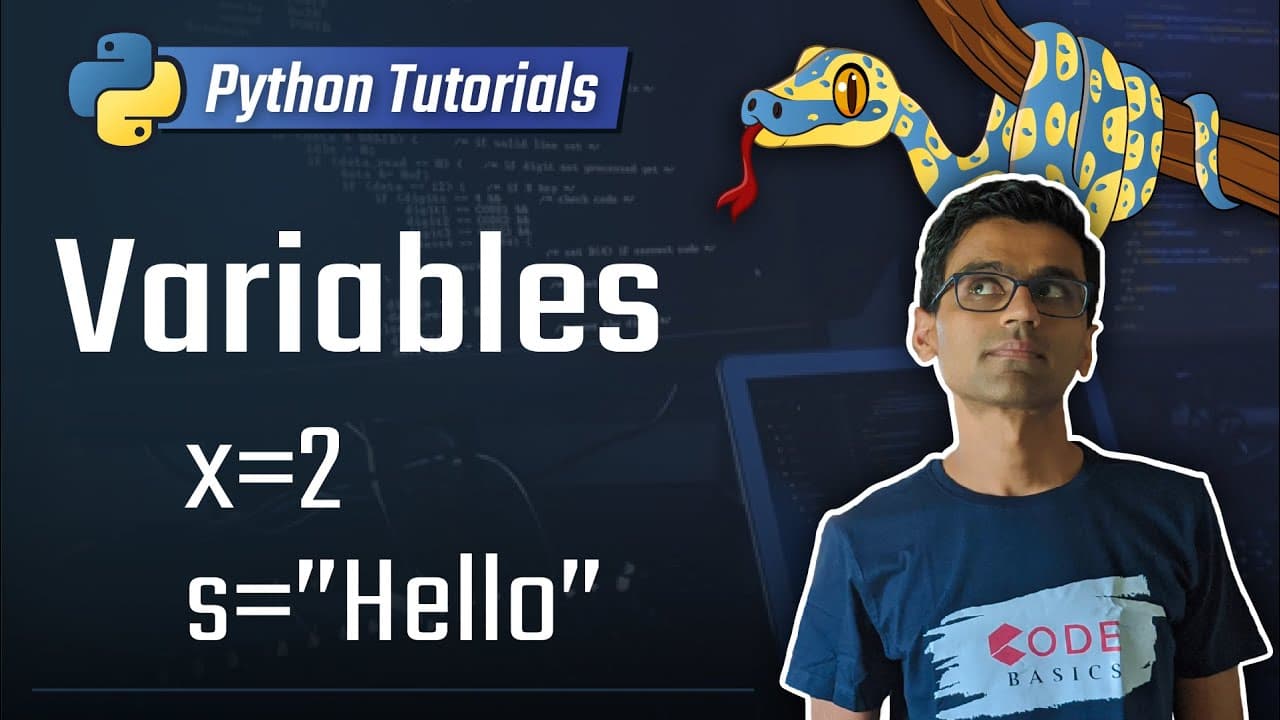
Variables in Python are containers that hold data, allowing you to store and manipulate information, such as numerical values or text. They are created using the assignment operator, with the variable name on the left and the value on the right, enabling operations like calculating the total of expenses. Python also has specific rules for naming variables to ensure they are valid.
Transcript
today's topic is variables in Python now what are variables variables are containers that can hold any data so you can use them to store numerical data tax data etc so let's say you want to track down your monthly expenses in Python programming language what you need to do first to solve this problem is store unusual expenses in some place and then... Read More
Key Insights
- Variables are containers that can hold any type of data, such as numerical or tax data.
- By assigning values using the assignment operator, you can store data in variables.
- To calculate total expenses, you can create a variable and add individual expenses to it.
- Variables are named as such because their values can vary, allowing for easy updates.
- You can store different types of data in variables, including names of expense items.
- Printing variables allows you to display their values, such as expense items or total expenses.
- Python has rules for variable naming, including avoiding reserved keywords and special characters.
- For a complete list of Python keywords, a quick Google search will provide the necessary information.
Install to Summarize YouTube Videos and Get Transcripts
Explore YouTube Video Summarizer or Get YouTube Transcript Extractor
Questions & Answers
Q: How are variables used to store and manipulate data in Python?
In Python, variables are used to store data by assigning a value to them. They can hold different types of data, such as numbers, text, or even other variables. Variables provide a way to access and manipulate the data they hold, making it easier to work with and perform calculations or operations.
Q: What is the purpose of variables in programming?
The purpose of variables in programming is to store and manage data. They allow programmers to assign values to specific names, making it easier to work with and manipulate data throughout the program. Variables help in organizing and storing information, and they can be used in calculations or operations.
Q: Can variables hold different types of data?
Yes, variables in Python can hold different types of data, depending on the value assigned to them. For example, a variable can hold numbers, such as integers or floating-point values, or it can hold text (strings), boolean values (True or False), or even more complex data structures like lists or dictionaries.
Q: How can variables be used to calculate totals?
Variables can be used to calculate totals in Python by assigning individual values to different variables and then performing mathematical operations on those variables. For example, if you have expenses stored in variables, you can add those variables together using the addition operator to calculate the total expense.
Q: Are there any restrictions on variable naming in Python?
Yes, there are certain restrictions on variable naming in Python. Variables cannot use Python keywords as their names, as these keywords have special meanings in the language. Additionally, variables cannot contain special characters or spaces in their names. It is recommended to use descriptive names that are easily understandable to improve code readability.
Summary & Key Takeaways
-
Variables in Python are containers that hold data such as numerical values or text.
-
They are created using an assignment operator, with the variable name on the left and the value on the right.
-
Variables can be used to perform operations, such as calculating the total of multiple expenses.
Read in Other Languages (beta)
Share This Summary 📚
Summarize YouTube Videos and Get Video Transcripts with 1-Click
Try YouTube Summary with ChatGPT & Claude or YouTube Transcript Generator
Explore More Summaries from codebasics 📚



Summarize YouTube Videos and Get Video Transcripts with 1-Click
Try YouTube Summary with ChatGPT & Claude or YouTube Transcript Generator