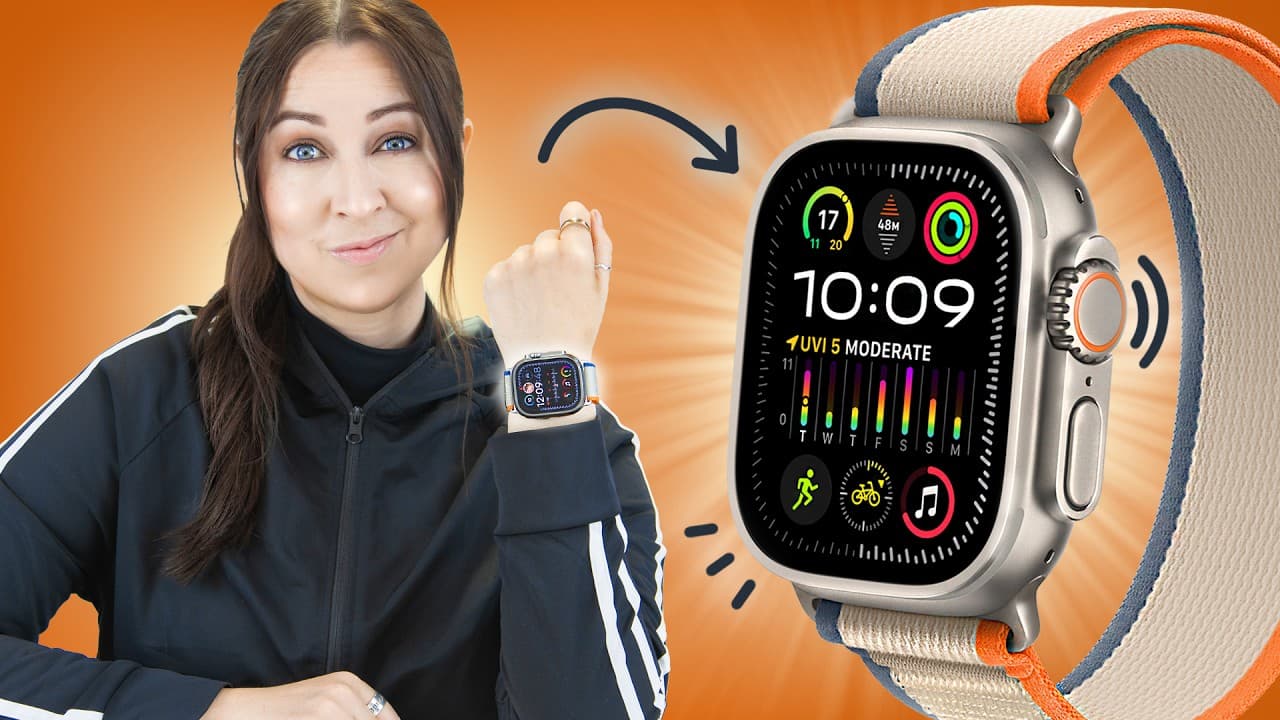
Apple Watch Ultra 2 - TIPS, TRICKS & HIDDEN FEATURES!!!
TL;DR
The Apple Watch Ultra 2 offers a range of innovative features, such as the double tap gesture, bright screen for outdoor photography, easy contact sharing, GPS tracking tricks, customizable watch faces, Siri functionality, and diving apps.
Transcript
the Apple watch Ultra 2 is the most Ultra smart watch in the world and I've got the most Ultra tips and tricks to take it to the max let's go so straight out the box one of the ultra's best new features is the brand new double tap all you got to do is tap your index finger together with your thumb or you could use your middle finger and it will ini... Read More
Key Insights
- 😀 The Apple Watch Ultra 2 introduces the double tap gesture, enhancing user interaction with different apps.
- 😀 The bright screen and remote camera app make the Ultra 2 a versatile tool for outdoor photography.
- 🥹 Contact sharing becomes effortless with the Ultra 2, allowing users to instantly exchange details by holding the watch next to an iPhone.
- 😨 GPS tracking features, such as finding a misplaced iPhone and navigating to a parked car, add convenience to daily life.
- 🌚 Customizable watch faces, including the new modular Ultra watch face, enable users to personalize their Ultra 2 experience.
- 👻 Siri can now be used offline on the Apple Watch Ultra 2, allowing users to quickly start workouts, check health stats, and perform other tasks.
- 🔄 Apple Music integration and the ability to assign shortcuts to the action button enhance the functionality of the Ultra 2.
Install to Summarize YouTube Videos and Get Transcripts
Explore YouTube Video Summarizer or Get YouTube Transcript Extractor
Questions & Answers
Q: How does the double tap gesture work on the Apple Watch Ultra 2?
The double tap gesture on the Ultra 2 allows users to perform different actions based on the app they are using. For example, in the timer app, it can pause the timer, while in the messaging app, it takes the user to a screen where they can reply using voice dictation.
Q: Can the Apple Watch Ultra 2 be used for photography?
Yes, the Ultra 2 has a bright screen and a remote camera app, making it suitable for taking photos and videos. Users can tap and hold on the shutter button to record a video or double-tap their fingers to take a quick snapshot.
Q: How does contact sharing work on the Ultra 2?
By enabling the name drop feature and adding contact details in the phone application, users can instantly share their details with someone by holding up their Ultra 2 next to the iPhone. This feature works with any iPhone running iOS 17.
Q: What are some GPS tracking tricks on the Apple Watch Ultra 2?
The Ultra 2 offers a "Ring your iPhone" feature in the control center, which allows users to find their misplaced or lost phone and see the distance to it. Additionally, the watch can remember the parked location of a car and provide directions to it using the Compass app.
Summary & Key Takeaways
-
The Apple Watch Ultra 2 introduces the double tap gesture, allowing users to perform different actions in various apps, such as pausing timers, answering calls, and replying to messages using voice dictation.
-
The bright screen and remote camera app make it convenient for taking photos and videos, especially during outdoor activities.
-
The watch enables quick contact sharing between devices by holding them together, as well as GPS tracking tricks for finding lost iPhones and parked cars.
Read in Other Languages (beta)
Share This Summary 📚
Summarize YouTube Videos and Get Video Transcripts with 1-Click
Try YouTube Summary with ChatGPT & Claude or YouTube Transcript Generator
Explore More Summaries from Hayls World 📚






Summarize YouTube Videos and Get Video Transcripts with 1-Click
Try YouTube Summary with ChatGPT & Claude or YouTube Transcript Generator