Tips For Using A Teleprompter | Phil Pallen
TL;DR
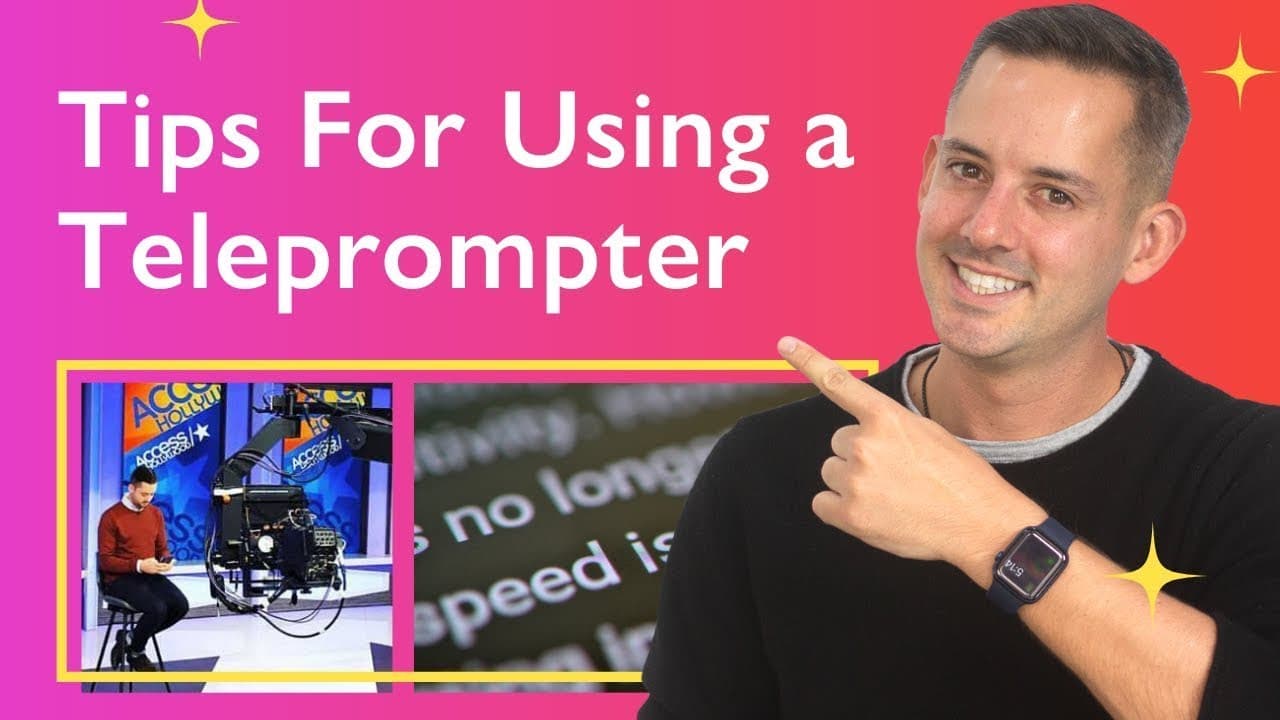
Learn essential tips for using a teleprompter to deliver information in videos or presentations, including practicing, writing one idea per sentence, looking past the prompter, finding your settings, and building confidence.
Transcript
in this video i'm sharing some essential tips for anyone who wants to use a teleprompter to deliver information like in a youtube video or a presentation i'm using one right now but if i didn't tell you that you probably wouldn't have known for the first time ever i'm sharing my secrets stay with me i'm phil palin a brand strategist welcome to my c... Read More
Key Insights
- 👻 Using a teleprompter can help anyone efficiently create video content, not just TV hosts.
- 🥌 Writing one idea per sentence helps maintain a conversational tone and prevents stumbling while reading.
- 👀 Looking into the camera lens, rather than focusing on the prompter, creates a more natural delivery.
- 🗯️ Adjusting settings and finding the right teleprompter setup can greatly enhance the user experience.
- ☄️ Confidence in using a teleprompter comes with practice and critiquing one's own recordings.
- 😀 Experimenting with different teleprompter apps can help find the most suitable one for your needs.
- 🚚 The script should be written in the speaker's own voice for a more natural delivery.
Install to Summarize YouTube Videos and Get Transcripts
Explore YouTube Video Summarizer or Get YouTube Transcript Extractor
Questions & Answers
Q: What are the benefits of using a teleprompter?
Using a teleprompter allows you to deliver information efficiently, reduces filming and editing time, and helps prevent forgetting important points.
Q: How can I effectively practice using a teleprompter?
To practice, read the script out loud, familiarize yourself with formatting techniques, and rewrite any parts that don't sound natural.
Q: Should I look at the prompter or the camera when using a teleprompter?
It is important to look into the camera lens while using a teleprompter to maintain a natural delivery. The prompter serves as a reminder, but should not be the focus of attention.
Q: What settings should I adjust on a teleprompter?
Experiment with font size, background color, margins, speed, and mirroring options to find the most comfortable configuration for you. It's important to find your own preferences through practice.
Summary & Key Takeaways
-
Using a teleprompter can help streamline video creation and ensure important points are not forgotten.
-
Practice reading the script out loud and familiarize yourself with the formatting and punctuation techniques.
-
Look past the prompter and into the camera lens to maintain a natural delivery.
-
Experiment with different settings and setups to find the most comfortable configuration.
-
Building confidence comes with practice and critiquing your own recordings.
Read in Other Languages (beta)
Share This Summary 📚
Summarize YouTube Videos and Get Video Transcripts with 1-Click
Try YouTube Summary with ChatGPT & Claude or YouTube Transcript Generator
Explore More Summaries from Phil Pallen 📚






Summarize YouTube Videos and Get Video Transcripts with 1-Click
Try YouTube Summary with ChatGPT & Claude or YouTube Transcript Generator