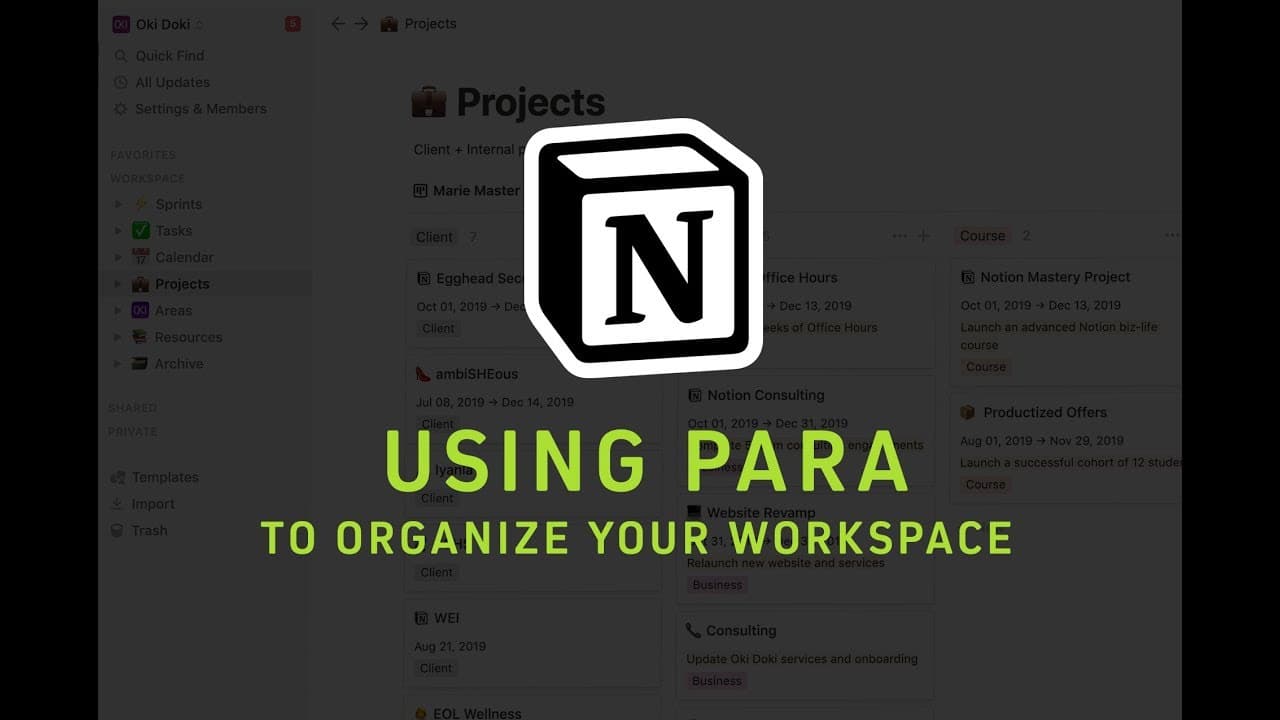
Using PARA to Organize Your Notion Workspace
TL;DR
The PARA method is a framework for organizing digital information, consisting of projects, areas, resources, and archives.
Transcript
I want to give you a quick high-level tour of my space and how I use the paramedicine so you've probably heard me chat about this before if you aren't familiar with it the paramedic or ghen izing is basically projects areas resources and archives it's based on Thiago Forte's building a second brain and so this is the structure that I use for my own... Read More
Key Insights
- 🤲 The PARA method provides a structured framework for organizing digital information, ensuring nothing gets overlooked or forgotten.
- 🫵 Starting with a brain dump of areas and projects helps create a comprehensive view of commitments and responsibilities.
- 💦 Relating tasks to projects and areas improves visibility and helps prioritize work.
- 👻 Regularly reviewing and updating the PARA system allows for continuous improvement and adaptability.
- 🫥 Making digital information visible and easily accessible reduces the risk of over-committing and improves productivity.
- ⌛ Creating templates for recurring tasks and projects saves time and ensures consistency.
- 👻 The PARA method can be tailored to personal preferences and business needs, allowing for customization.
Install to Summarize YouTube Videos and Get Transcripts
Explore YouTube Video Summarizer or Get YouTube Transcript Extractor
Questions & Answers
Q: What is the PARA method and how does it help with organizing digital information?
The PARA method stands for projects, areas, resources, and archives. It provides a framework to categorize and organize digital information, making it easier to find and manage.
Q: How can one get started with the PARA method?
Start by listing out areas in your life or business, such as health, finances, hobbies, etc. Then, create a brain dump of projects within each area. Assign start and end dates to projects to define their scope.
Q: What is the importance of tasks in the PARA method?
Tasks are associated with projects and help break them down into actionable steps. Create a tasks database and assign due dates, status, and type to each task for better organization and visibility.
Q: How can one visualize and track projects and tasks in the PARA method?
Use a Kanban view to organize projects and tasks by status, such as in progress, completed, or waiting. Connect projects to tasks and use tags and filters to easily track and manage them.
Key Insights:
- The PARA method provides a structured framework for organizing digital information, ensuring nothing gets overlooked or forgotten.
- Starting with a brain dump of areas and projects helps create a comprehensive view of commitments and responsibilities.
- Relating tasks to projects and areas improves visibility and helps prioritize work.
- Regularly reviewing and updating the PARA system allows for continuous improvement and adaptability.
- Making digital information visible and easily accessible reduces the risk of over-committing and improves productivity.
- Creating templates for recurring tasks and projects saves time and ensures consistency.
- The PARA method can be tailored to personal preferences and business needs, allowing for customization.
- Utilizing databases and linking resources enhances organization and streamlines access to relevant information.
Summary & Key Takeaways
-
The PARA method helps organize digital information by creating areas and projects to categorize different aspects of life and work.
-
Start by listing out areas and projects, followed by outlining tasks associated with each project.
-
Create databases and relate tasks and projects for better visibility and organization.
Read in Other Languages (beta)
Share This Summary 📚
Summarize YouTube Videos and Get Video Transcripts with 1-Click
Try YouTube Summary with ChatGPT & Claude or YouTube Transcript Generator
Explore More Summaries from Marie Poulin 📚

Summarize YouTube Videos and Get Video Transcripts with 1-Click
Try YouTube Summary with ChatGPT & Claude or YouTube Transcript Generator