How to Run x86 Applications on ARM Devices
TL;DR
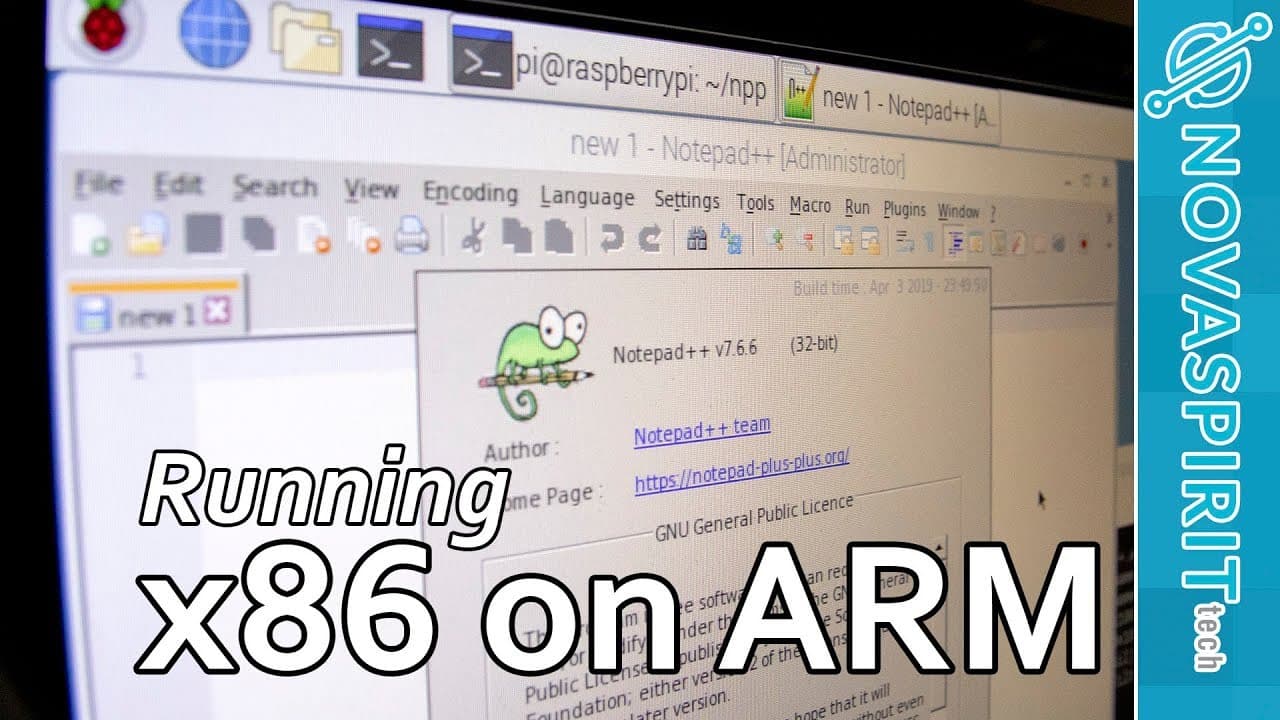
To run x86 applications on ARM devices like Raspberry Pi, compile a custom kernel and set up QEMU for emulation. This process involves updating the system, configuring the environment, and installing necessary packages. By following these steps, you can effectively execute x86 code on ARM architectures.
Transcript
hey guys what is going on it's dawn here from Nova spirit Tech it's been awhile since I uploaded I know but I got a really cool guide for you guys today which is running x86 on arm-based devices like the Raspberry Pi tinker board or whatnot so let's get started I know that I covered this topic before a couple of times on x86 code running on the Ras... Read More
Key Insights
- 😫 Maintaining an updated system image is crucial to ensure compatibility and security when setting up emulation environments.
- 🚵 The process involves several steps including kernel compilation, system mounting, and configuring various necessary software packages.
- 😘 Performance of x86 applications on ARM devices may vary, with estimations likened to that of low-end x86 processors.
- 👤 Users should leverage community resources and guides available online for assistance with compiling kernels and installing necessary packages.
- 👋 The setup procedure can be complex and requires a good understanding of Linux commands and system configurations.
- 💳 Creating startup scripts can significantly streamline the process when accessing the emulated x86 environment.
- ❤️🩹 Wine serves as an option for running specific Windows applications, showcasing the flexibility of using different methods to achieve similar ends.
Install to Summarize YouTube Videos and Get Transcripts
Explore YouTube Video Summarizer or Get YouTube Transcript Extractor
Questions & Answers
Q: Why is it important to compile a custom kernel for running x86 on ARM devices?
Compiling a custom kernel allows for enabling specific settings, such as changing memory splits, that enhances compatibility for running x86 applications on ARM architecture. The default kernel may not be optimized or configured to handle the requirements of emulation, thus compiling a tailored kernel is essential for executing such environments efficiently.
Q: What are some challenges faced when running x86 applications on ARM?
Challenges include potential compatibility issues stemming from different architectures, limitations of ARM hardware that could slow down performance, and outdated software images that lack necessary updates or support for newer x86 applications. Additionally, users may encounter difficulty finding proper installation guides tailored for various ARM devices.
Q: Can this process be applied to devices other than Raspberry Pi?
Yes, the outlined process can be adapted for other ARM-based devices, such as Tinker Board, as long as the user follows specific instructions tailored to the individual hardware’s requirements. However, some steps may vary due to differing hardware configurations and support, requiring users to consult device-specific documentation.
Q: What is the role of QEMU in this setup?
QEMU is a key tool used to emulate x86 architecture on ARM devices, enabling users to run x86 applications. It provides the necessary virtualization support that allows for executing binaries compiled for x86 while operating on ARM architecture, effectively bridging the gap between the two processor types.
Summary & Key Takeaways
-
The guide explains how to run x86 applications on ARM devices, particularly focusing on Raspberry Pi and Tinker Board, using methods beyond outdated images.
-
It outlines necessary steps including compiling a custom kernel and setting up configurations to enable x86 code execution on an ARM architecture.
-
Users are also provided with links and references for additional resources and a detailed walkthrough of the entire setup process.
Read in Other Languages (beta)
Share This Summary 📚
Summarize YouTube Videos and Get Video Transcripts with 1-Click
Try YouTube Summary with ChatGPT & Claude or YouTube Transcript Generator
Explore More Summaries from Novaspirit Tech 📚






Summarize YouTube Videos and Get Video Transcripts with 1-Click
Try YouTube Summary with ChatGPT & Claude or YouTube Transcript Generator