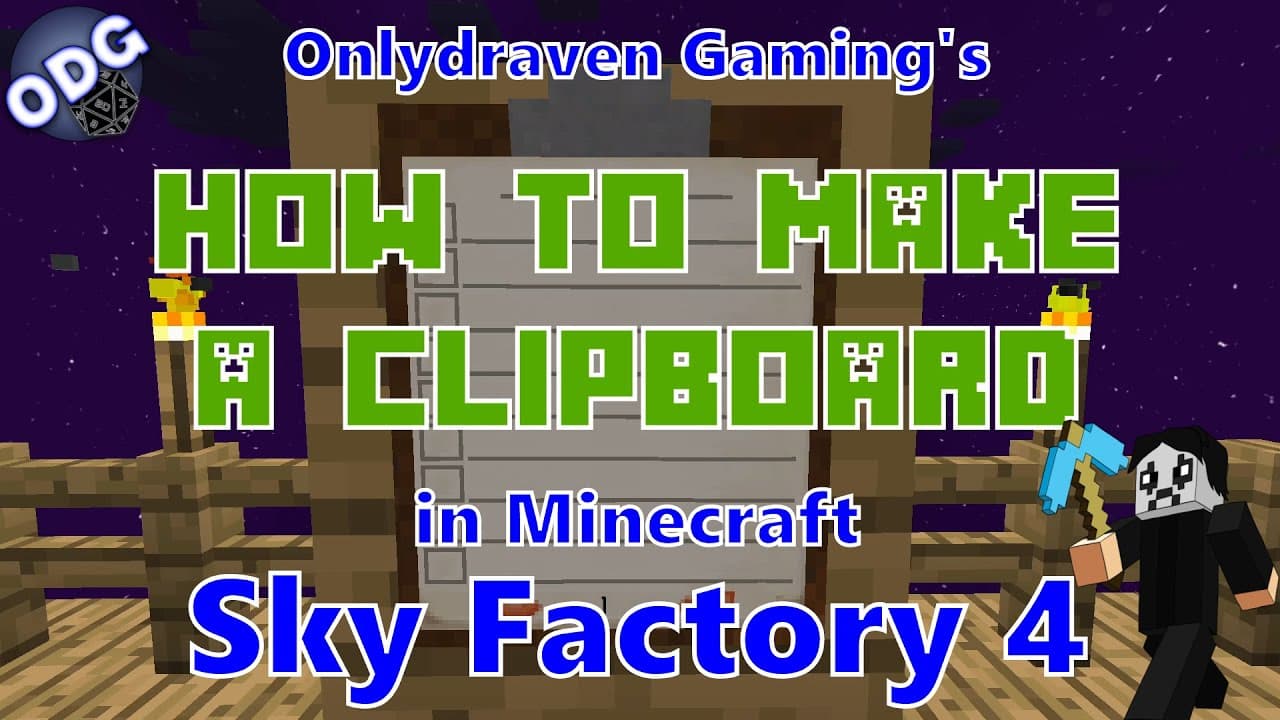
Minecraft - Sky Factory 4 - How to Make and Use the Clipboard
TL;DR
Learn to create and use a clipboard in Minecraft Sky Factory 4 for organizing tasks and projects.
Transcript
future hello everyone onlydraven here again and today we're doing another tutorial in minecraft sky factory 4. today i'm going to be showing you how to make and use a handy little item called the clipboard it's a lot of fun and you may find it pretty useful now if you find this video helpful and you like it please be sure to click like but most imp... Read More
Key Insights
- 💄 Crafting a clipboard involves simple materials, making it accessible for any player in Minecraft Sky Factory 4.
- 🛟 The clipboard serves as a digital notepad, enhancing organization and task management for players.
- 😄 It allows interaction while hung, but editing requires you to take it down, ensuring ease of use.
- 📋 The multiplayer aspect of the clipboard promotes teamwork among players, fostering a collaborative gaming experience.
- 🫵 Viewers are encouraged to engage with the content creator for questions and future tutorial suggestions.
- 🛟 The creator's website serves as a valuable resource for additional tutorials, merchandise, and community interaction.
- 🦻 The clipboard can aid in tracking long-term goals or project ideas within player servers, acting as a scorecard.
Install to Summarize YouTube Videos and Get Transcripts
Explore YouTube Video Summarizer or Get YouTube Transcript Extractor
Questions & Answers
Q: What materials do I need to craft the clipboard in Minecraft Sky Factory 4?
To craft a clipboard in Minecraft Sky Factory 4, you will need one wooden pressure plate, three pieces of paper, one feather, and one ink sack. These materials can be gathered relatively easily in the game, making the clipboard a straightforward item to create for your gameplay.
Q: How do I use the clipboard once I have crafted it?
Once you have crafted the clipboard, you can hold it in your hand and right-click to bring it up on your screen. This allows you to type in notes or to-do lists, similar to using a sign. You can then interact with it, adding tasks or objectives that you want to keep track of.
Q: Can I use the clipboard in multiplayer games?
Yes, the clipboard is particularly useful in multiplayer settings. Players can share the clipboard with others, allowing everyone on the server to see tasks or goals. This collaborative feature enhances teamwork and ensures all players are on the same page regarding projects and efforts in the game.
Q: Is it possible to edit the clipboard while it is hanging on a wall?
No, you cannot edit the clipboard while it is hanging on the wall. To make changes to what you have written, you will need to take it down by shift-right-clicking, which puts it back into your inventory. After editing, you can re-hang the clipboard for continued use.
Q: What should I do if I want to delete an item from my clipboard?
To delete an item or information from your clipboard, you simply need to access it while it’s in your hand. You can remove items or make adjustments as needed. This flexibility allows you to keep your clipboard up to date with your goals and projects.
Summary & Key Takeaways
-
The tutorial demonstrates how to craft a clipboard using a wooden pressure plate, paper, a feather, and an ink sack. It is an easy process that enhances gameplay organization in Minecraft Sky Factory 4.
-
Players can utilize the clipboard to make to-do lists and share goals in multiplayer servers, allowing for collaborative gameplay. It can be interacted with both in hand and while placed on surfaces.
-
The video encourages viewers to ask questions or suggest future tutorials, promoting community engagement. Additionally, the creator's website offers resources, a streaming schedule, and merchandise.
Read in Other Languages (beta)
Share This Summary 📚
Summarize YouTube Videos and Get Video Transcripts with 1-Click
Try YouTube Summary with ChatGPT & Claude or YouTube Transcript Generator
Explore More Summaries from Onlydraven Gaming 📚



Summarize YouTube Videos and Get Video Transcripts with 1-Click
Try YouTube Summary with ChatGPT & Claude or YouTube Transcript Generator