Products
Features
YouTube Video Summarizer
Summarize YouTube videos
Web & PDF Highlighter
Highlight web pages & PDFs
Chat with PDF
Ask any PDF questions with AI
Ask AI Clone
Chat with your highlights & memories
Audio Transcriber
Transcribe audio files to text
Glasp Reader
Read and highlight articles
Kindle Highlight Export
Export your Kindle highlights
Idea Hatch
Hatch ideas from your highlights
Integrations
Obsidian Plugin
Notion Integration
Pocket Integration
Instapaper Integration
Medium Integration
Readwise Integration
Snipd Integration
Hypothesis Integration
Apps & Extensions
Chrome Extension
Safari Extension
Edge Add-ons
Firefox Add-ons
iOS App
Android App
Discover
Discover
Ideas
Discover new ideas and insights
Articles
Curated articles and insights
Books
Book recommendations by great minds
Posts
Essays and notes from readers
Quotes
Inspiring quotes collection
Videos
Curated videos and summaries
Explore Glasp
Glasp Newsletter
Weekly insights and updates
Glasp Talk
Interview series with great minds
Glasp Blog
Latest news and articles
Glasp Use Cases
Learn how others use Glasp
Build & Support
Glasp API
Access Glasp's API for developers
MCP Connector
Connect Glasp to Claude & ChatGPT
Community
Glasp Reddit Community
Students
Student discount and benefits
FAQs
Frequently Asked Questions
AboutPricing
DashboardLog inSign up

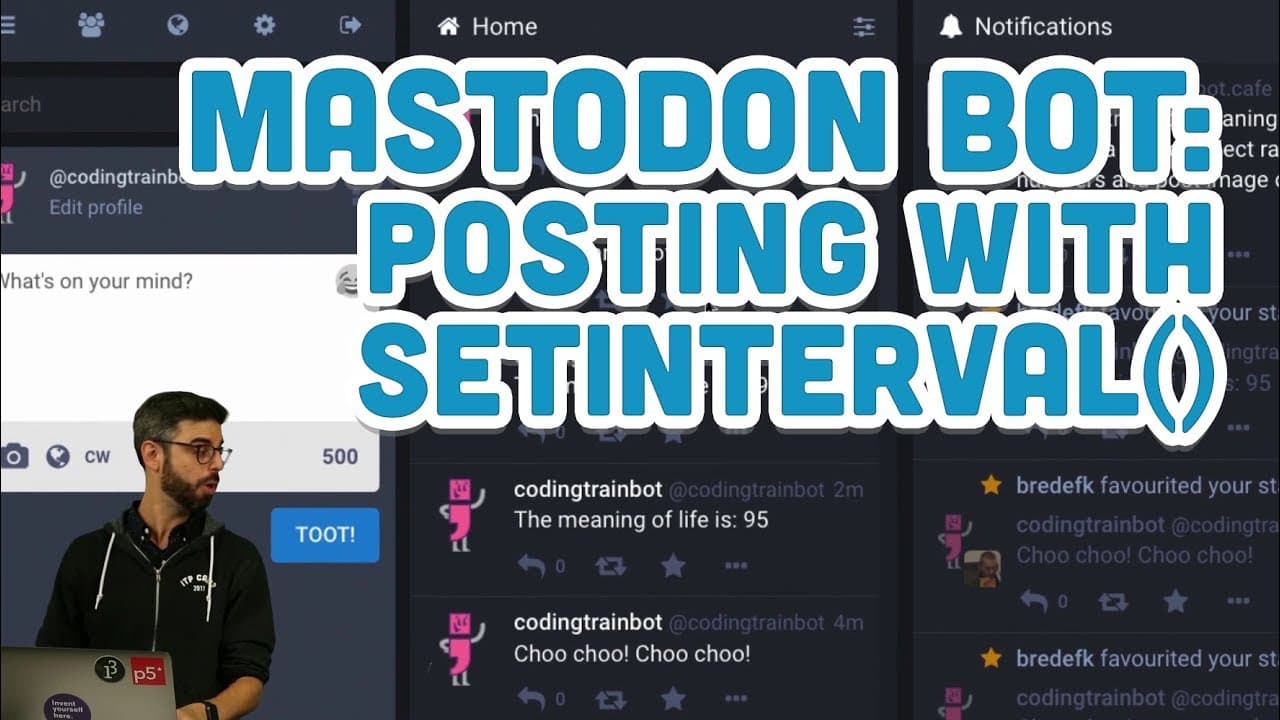
4.4: Mastodon Bot - Posting with setInterval()
6.5K views
•
October 10, 2018
by
The Coding Train
YouTube video player
4.4: Mastodon Bot - Posting with setInterval()

TL;DR

Creating a Mastodon Bot using Node.js to post automated messages with interval functionality.

Transcript

(bell rings) - Alright I'm back again, this is another video, I'm just continuing making this Mastodon Bot. (claps hands) And I got some good tips, first of all I did kind of like a goofy thing here. This .ENV package, it's I guess good practice or convention to put it as the first thing. And I can just call .ENV .config, I don't need to save it. T... Read More

Key Insights

  • 😑 Utilizing template literals simplifies string concatenation and expression embedding.
  • 📁 File system package in Node.js can be useful for writing data to files synchronously.
  • 🤖 Considerations for deploying the Mastodon bot on a server for continuous operation.
  • 👂 Exploring the streaming API for listening and engaging in user conversations.
  • 🤖 Importance of maintaining bot etiquette to prioritize user engagement and opt-in interactions.
  • 🤖 Spoiler text feature adds an interactive element to bot posts in Mastodon.
  • 🏣 Introducing setInterval function for scheduling automated posts at specific intervals.

Install to Summarize YouTube Videos and Get Transcripts

Explore YouTube Video Summarizer or Get YouTube Transcript Extractor

Questions & Answers

Q: What is the purpose of using the .ENV package in the project?

The .ENV package is used to store sensitive information like API keys securely and is conventionally placed at the beginning of the application for easy access.

Q: How can setInterval function be used to schedule automated posts?

setInterval allows for executing a function at specified intervals, enabling the bot to post messages regularly, which can be customized to suit different timeframes.

Q: What is the significance of spoiler text in Mastodon bot posts?

Spoiler text adds an element of surprise to the status post, revealing the actual content only upon user interaction, enhancing user engagement and interaction.

Q: Why is it essential to consider bot etiquette while creating automated bots?

Bot etiquette ensures respectful engagement with users, avoiding spamming and focusing on opt-in interactions to provide a positive user experience and engagement.

Summary & Key Takeaways

  • Demonstrates setting up a Mastodon Bot using Node.js.

  • Utilizes setInterval function for regular posts and spoiler text feature.

  • Discusses deployment options and bot etiquette for engaging with users.


Read in Other Languages (beta)

English

Share This Summary 📚

Summarize YouTube Videos and Get Video Transcripts with 1-Click

Download browser extensions on:

Try YouTube Summary with ChatGPT & Claude or YouTube Transcript Generator

Explore More Summaries from The Coding Train 📚

Computer Mouse Conference Demos! (node.js + tensorflow.js) thumbnail
Computer Mouse Conference Demos! (node.js + tensorflow.js)
The Coding Train
9.4: Genetic Algorithm: Looking at Code - The Nature of Code thumbnail
9.4: Genetic Algorithm: Looking at Code - The Nature of Code
The Coding Train
Coding Challenge #116: Lissajous Curve Table thumbnail
Coding Challenge #116: Lissajous Curve Table
The Coding Train
Text Generation using Spell with Nabil Hassein thumbnail
Text Generation using Spell with Nabil Hassein
The Coding Train
Classifying Poses with ml5.js Part 2 thumbnail
Classifying Poses with ml5.js Part 2
The Coding Train
ITP/IMA Winter Show 2018 thumbnail
ITP/IMA Winter Show 2018
The Coding Train

Summarize YouTube Videos and Get Video Transcripts with 1-Click

Download browser extensions on:

Try YouTube Summary with ChatGPT & Claude or YouTube Transcript Generator

Apps & Extensions

  • Chrome Extension
  • Safari Extension
  • Edge Add-ons
  • Firefox Add-ons
  • iOS App
  • Android App

Key Features

  • YouTube Video Summarizer
  • Web & PDF Summarizer
  • Web & PDF Highlighter
  • Chat with PDF
  • Ask AI Clone
  • Audio Transcriber
  • Glasp Reader
  • Kindle Highlight Export
  • Idea Hatch

Integrations

  • Obsidian Plugin
  • Notion Integration
  • Pocket Integration
  • Instapaper Integration
  • Medium Integration
  • Readwise Integration
  • Snipd Integration
  • Hypothesis Integration

More Features

  • APIs
  • MCP Connector
  • Blog & Post
  • Embed Links
  • Image Highlight
  • Personality Test
  • Quote Shots

Company

  • About us
  • Blog
  • Community
  • FAQs
  • Job Board
  • Newsletter
  • Pricing
Terms

•

Privacy

•

Guidelines

© 2026 Glasp Inc. All rights reserved.




