How to Use the Risk Profile Tool on thinkorswim
TL;DR
To use the Risk Profile tool on thinkorswim, navigate to the Analyze tab to simulate trades and calculate the probability of profit. You can customize price slices, adjust volatility, and set time inputs to analyze potential profit and loss outcomes before placing your trades.
Transcript
Hello, traders. I'm Dan Suvulak. Analyzing the risk and reward of a position is crucial for every trader, and in this video, I'm going to show you how to use the Risk Profile on thinkorswim® to do that. Let's jump in. The Risk Profile on thinkorswim's Analyze tab is one of the most powerful tools on the platform. This tool helps you calculate proba... Read More
Key Insights
- 🔨 The Risk Profile tool on thinkorswim's Analyze tab is a valuable tool for traders to calculate the probability of profit on their positions and analyze new strategies.
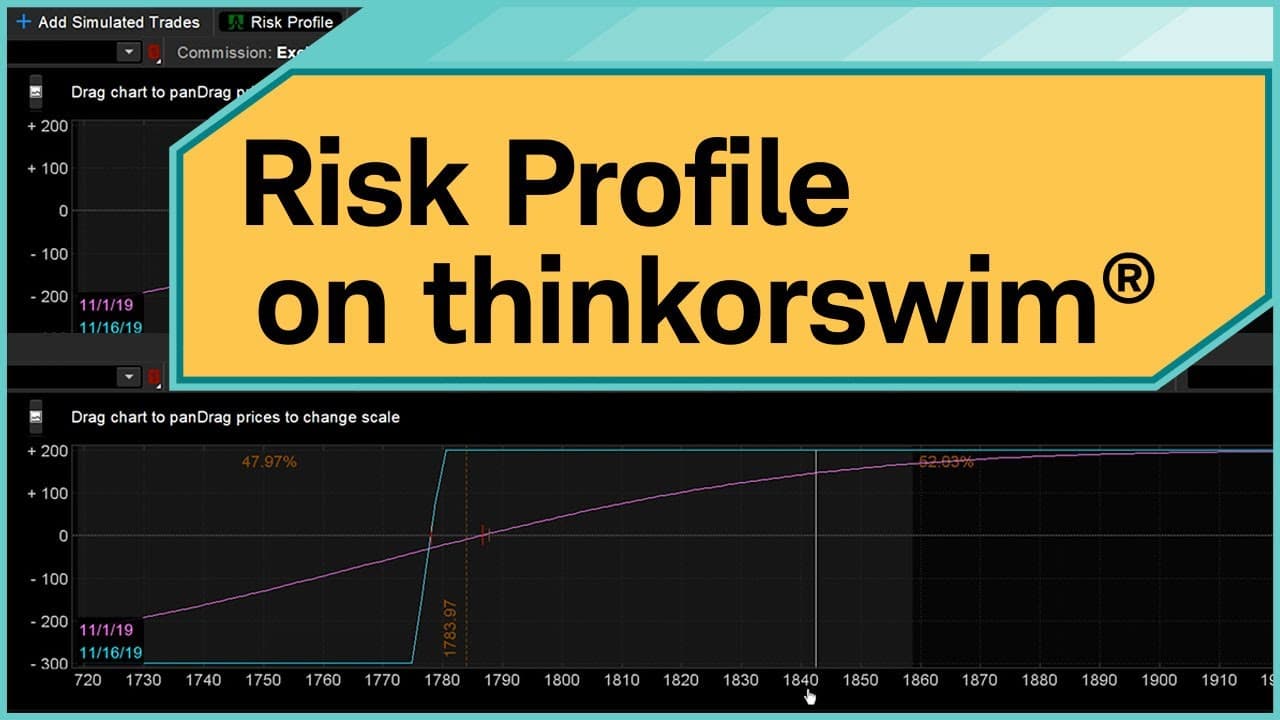
- 🌸 Traders can simulate trades and analyze the profit and loss potential at expiration using the Risk Profile graph.
- 🧡 The shaded area in the Risk Profile graph represents the future expected price range based on a one-standard-deviation probability between the time input and the selected probability date.
- 😥 Price slices can be adjusted to analyze break-even points and customize the visual representation of the Risk Profile graph.
- 🌸 Traders can customize various parameters, such as volatility and time input, to understand the effects on probability and potential profit and loss.
- ✳️ The Risk Profile tool allows traders to make informed trading decisions by visualizing the risk and reward of their positions.
- 🥇 Traders can easily amend and place trades based on their analysis within the Risk Profile tool.
Install to Summarize YouTube Videos and Get Transcripts
Explore YouTube Video Summarizer or Get YouTube Transcript Extractor
Questions & Answers
Q: What is the Risk Profile tool on thinkorswim?
The Risk Profile tool on thinkorswim's Analyze tab is a powerful tool that helps traders calculate the probability of profit on positions within their portfolio and analyze new strategies they want to implement.
Q: How can the Risk Profile tool be used to simulate trades?
Traders can simulate trades by selecting the desired options strategy and inputting the necessary parameters, such as the option type, strike price, and expiration date. The Risk Profile tool will then display a graph showing the profit and loss potential at expiration.
Q: What is the significance of the shaded area in the Risk Profile graph?
The lightly shaded area in the risk profile graph represents the future expected price range based on a one-standard-deviation probability between the time input and the selected probability date. Traders can use this information to understand the potential outcome of their strategy within a certain range.
Q: How can traders adjust the price slices in the Risk Profile tool?
Traders can adjust the price slices by navigating to the right side of the Risk Profile chart and clicking on the three horizontal menu button. They can then customize the price slices based on various parameters such as percentage move, standard deviation, expected price range, or notional dollars.
Summary & Key Takeaways
-
The Risk Profile tool on thinkorswim's Analyze tab helps traders calculate the probability of profit on positions in their portfolio.
-
Traders can simulate trades using the Risk Profile tool and analyze the profit and loss potential at expiration.
-
Price slices and customization options allow traders to adjust volatility, time input, and probability to make informed trading decisions.
Read in Other Languages (beta)
Share This Summary 📚
Summarize YouTube Videos and Get Video Transcripts with 1-Click
Try YouTube Summary with ChatGPT & Claude or YouTube Transcript Generator
Explore More Summaries from Charles Schwab 📚






Summarize YouTube Videos and Get Video Transcripts with 1-Click
Try YouTube Summary with ChatGPT & Claude or YouTube Transcript Generator