How to Make ANIMATED Facebook Ads in Canva
TL;DR
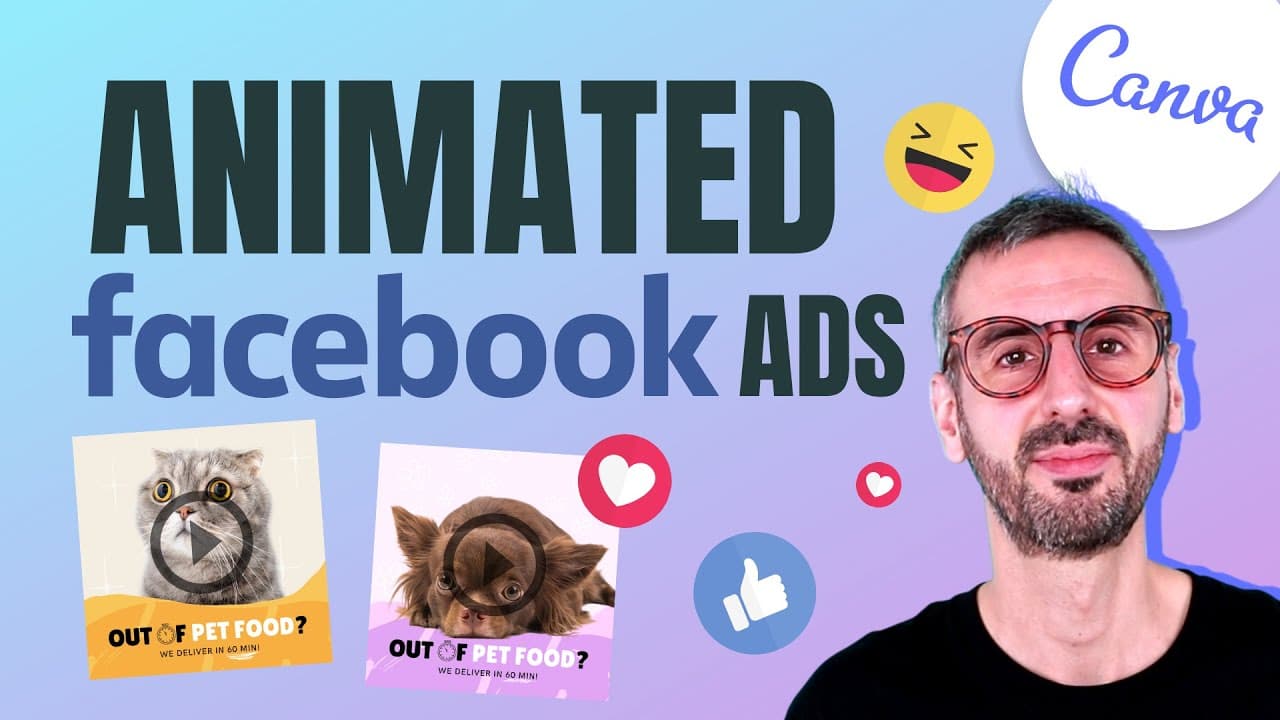
Learn to create eye-catching animated Facebook ads in Canva with step-by-step guidance.
Transcript
what is up guys ronnie here welcome back to the channel this is the right place for you to learn anything about canva today i have a very special tutorial for you we are going to learn how to design animated facebook ads so ads that are moving and catching your viewers attention in facebook news feed so if you want to learn how to design an ad like... Read More
Key Insights
- 🫠 Canva offers a user-friendly platform for creating animated Facebook ads, providing a range of customization options.
- 🪜 Adding motion elements like doodles and animations enhances the visual appeal and engagement of the ads.
- 🫠 Analyzing competitor ads using tools like the Facebook ads library can provide valuable insights for creating effective ad campaigns.
- 🫠 Customizing designs with brand colors, images, and text helps in creating unique and engaging ads.
- 🫠 Utilizing Canva Pro features like the background remover and advanced animations can elevate the quality of the animated ads.
- 👾 Leaving space for text to breathe and focusing on design elements that stop the scroll are crucial strategies for impactful Facebook ads.
- 🫠 Ronie emphasizes the importance of subtlety in animations and color choices for a cohesive and visually appealing ad design.
Install to Summarize YouTube Videos and Get Transcripts
Explore YouTube Video Summarizer or Get YouTube Transcript Extractor
Questions & Answers
Q: What is the main focus of the tutorial on designing animated Facebook ads?
The tutorial focuses on guiding viewers through the process of creating captivating animated Facebook ads using Canva, with detailed steps and tips for customization.
Q: How does Ronie suggest adding motion elements to the Facebook ads?
Ronie demonstrates adding subtle animations by incorporating doodles and using the Canva animate feature to make the ads more engaging and attention-grabbing for viewers.
Q: What bonus tool does Ronie share at the end of the tutorial, and how can it help viewers?
Ronie introduces the Facebook ads library tool, enabling users to analyze their competitors' ads on Facebook for inspiration, creative ideas, and understanding industry trends.
Q: What is the final step Ronie recommends after designing the animated Facebook ads in Canva?
After designing the ads, Ronie suggests exporting them in the correct format and then creating actual ads on Facebook based on the creatively designed templates.
Summary & Key Takeaways
-
Ronie presents a step-by-step tutorial on designing animated Facebook ads using Canva.
-
The tutorial includes searching for templates, customizing designs, adding motion elements, and animating the ad.
-
Ronie also shares a bonus tool to analyze competitors' Facebook ads for inspiration.
Read in Other Languages (beta)
Share This Summary 📚
Summarize YouTube Videos and Get Video Transcripts with 1-Click
Try YouTube Summary with ChatGPT & Claude or YouTube Transcript Generator
Explore More Summaries from Design with Canva 📚






Summarize YouTube Videos and Get Video Transcripts with 1-Click
Try YouTube Summary with ChatGPT & Claude or YouTube Transcript Generator