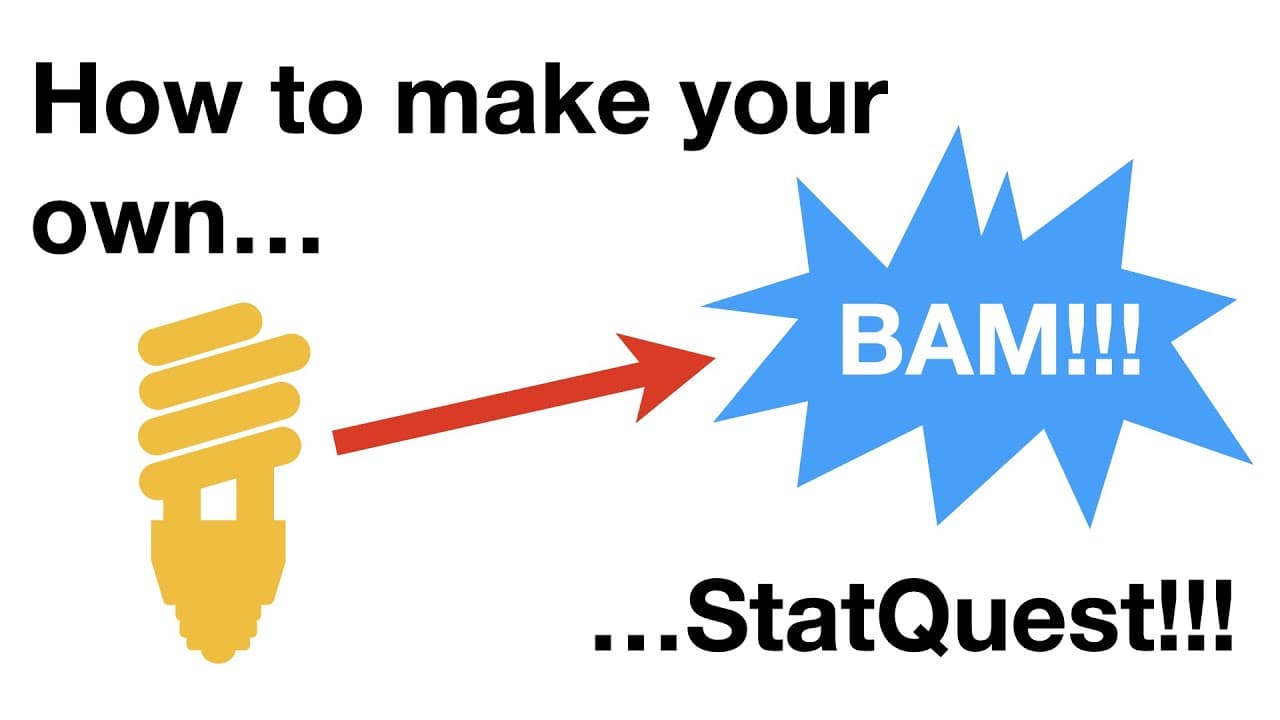
How to Create Your Own StatQuest Video Step-by-Step
TL;DR
To create your own StatQuest video, start by thoroughly researching your topic and gathering relevant resources. Next, create visually appealing slides, record your voiceover, and enhance the video with a fun, silly song. Quality equipment can improve production value, but you can begin with basic tools like Keynote and iMovie.
Transcript
if you wanna make us that quest then you gotta sing a silly song oh yeah stat quest hello i'm josh starmer and welcome to statquest today we're gonna talk about how to make your own stat quest step 0 research your topic believe me this is the hardest and most time consuming part that said here are my tips on how to research your topic first read ev... Read More
Key Insights
- 👨🔬 Thorough research is essential for creating informative Stat Quest videos.
- 🛝 Slide creation involves using software like Keynote or PowerPoint for visual clarity.
- ✋ Recording voiceovers with high-quality equipment enhances the overall production.
- 😜 Adding a silly song can make the video more engaging and memorable.
- 🎮 Investing in quality equipment, like a microphone and audio interface, can improve video production.
- 🫵 Viewers can support Stat Quest through various means, such as Patreon and merchandise purchases.
- 🗽 Experimenting with different tools and techniques can enhance the overall quality of Stat Quest videos.
Install to Summarize YouTube Videos and Get Transcripts
Explore YouTube Video Summarizer or Get YouTube Transcript Extractor
Questions & Answers
Q: What is the most time-consuming part of creating a Stat Quest video?
The research phase is the most time-consuming, requiring reading, experimenting with tools, and finding new perspectives on the topic before proceeding.
Q: How can you enhance the clarity of mathematical symbols in your slides?
Using an equation editor or writing equations as clear text can improve the readability of mathematical symbols on slides.
Q: What equipment does the creator use to record voiceovers for Stat Quest videos?
Initially, an Apple laptop with a built-in microphone was used, but now, an iMac with a Shure SM7B microphone through an audio interface is preferred for better audio quality.
Q: How can viewers support Stat Quest and access additional study materials?
Viewers can support Stat Quest by subscribing, contributing to Patreon, purchasing study guides, original songs, or merchandise, all of which are detailed in the video description.
Summary & Key Takeaways
-
Research your topic thoroughly by reading multiple sources and experimenting with relevant tools.
-
Create slides using software like Keynote or PowerPoint, focusing on clarity and visual appeal.
-
Record voiceover and add a silly song to make your Stat Quest engaging and memorable.
Read in Other Languages (beta)
Share This Summary 📚
Summarize YouTube Videos and Get Video Transcripts with 1-Click
Try YouTube Summary with ChatGPT & Claude or YouTube Transcript Generator
Explore More Summaries from StatQuest with Josh Starmer 📚





Summarize YouTube Videos and Get Video Transcripts with 1-Click
Try YouTube Summary with ChatGPT & Claude or YouTube Transcript Generator