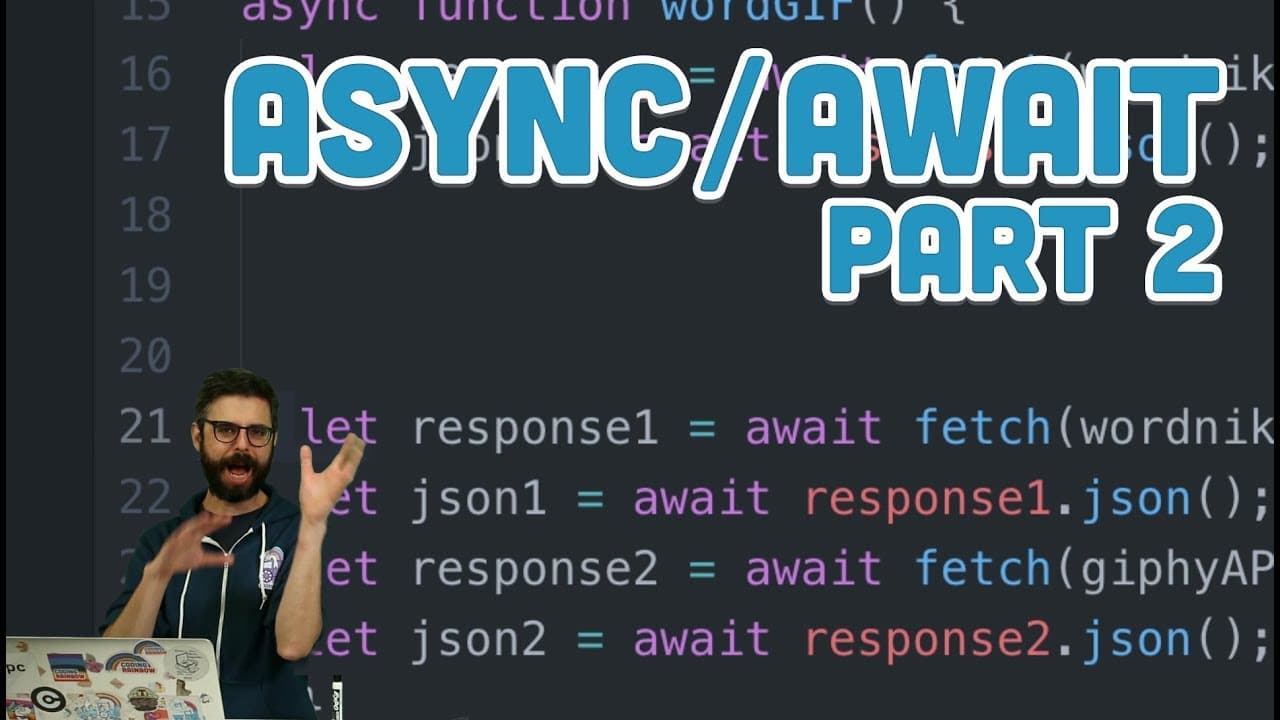
16.14: async/await Part 2 - Topics of JavaScript/ES8
TL;DR
Learn how to simplify asynchronous programming using async and await in JavaScript.
Transcript
hello alright in this video I am once again going to talk about a sink and a weight but in this case I'm gonna use a much more practical example so I'm gonna return back to what I did in the very first video about what is the promise and using fetch and I'm going to revisit this example so what this example does is it goes out to the word Nick API ... Read More
Key Insights
- ❓ Async and await simplify asynchronous programming in JavaScript.
- ❓ Error handling is more structured and manageable with async and await.
- 👨💻 Debugging asynchronous code is more straightforward with async and await.
- 👨💻 Using async and await enhances code readability and maintainability.
- ❓ Async and await cannot be used outside of async functions in JavaScript.
- ❓ Sequentially executing asynchronous tasks is more intuitive with async and await.
- 🍵 Async and await provide a more elegant solution for handling asynchronous operations in JavaScript.
Install to Summarize YouTube Videos and Get Transcripts
Explore YouTube Video Summarizer or Get YouTube Transcript Extractor
Questions & Answers
Q: What is the advantage of using async and await over traditional promise chaining?
Async and await simplify asynchronous programming by allowing developers to write asynchronous code sequentially, enhancing readability and reducing the need for nested promises.
Q: How do you handle errors in async and await functions?
Errors in async and await functions can be caught using try-catch blocks, making error handling more straightforward and improving code maintainability.
Q: Can async and await be used in all functions in JavaScript?
Async and await can only be used in functions marked as async; attempting to use await outside of an async function will result in a syntax error.
Q: How does async and await improve debugging in JavaScript?
Async and await make debugging easier by eliminating the need for chaining promises and using anonymous functions, allowing developers to track errors more efficiently.
Summary & Key Takeaways
-
Demonstrates the process of fetching data from APIs asynchronously using async and await in JavaScript.
-
Shows how to handle multiple asynchronous tasks sequentially without nesting promises.
-
Highlights the ease of debugging and readability when using async and await for asynchronous operations.
Read in Other Languages (beta)
Share This Summary 📚
Summarize YouTube Videos and Get Video Transcripts with 1-Click
Try YouTube Summary with ChatGPT & Claude or YouTube Transcript Generator
Explore More Summaries from The Coding Train 📚






Summarize YouTube Videos and Get Video Transcripts with 1-Click
Try YouTube Summary with ChatGPT & Claude or YouTube Transcript Generator