How Can I Enhance My Podcast Sound in Adobe Audition?
TL;DR
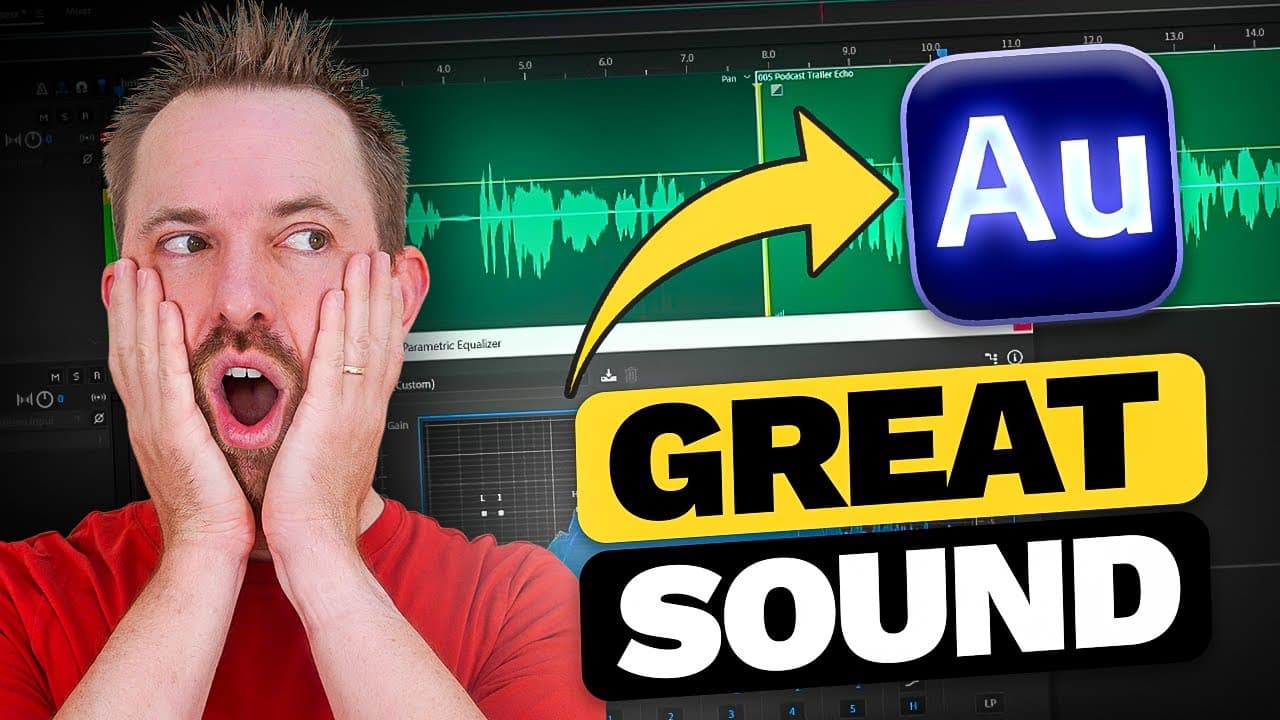
You can significantly improve your podcast’s audio quality in Adobe Audition by applying techniques like noise reduction and EQ adjustments. Utilize the multi-track view for non-destructive editing and add effects like reverb to eliminate room echo while managing breath sounds effectively.
Transcript
- Hello, I'm Mike Russell from musicradiocreative.com. In this video, I'll show you how to make a podcast that you've recorded sound better. (energetic upbeat music) First of all, if you enjoy this video, make sure to hit like. And also, subscribe and ding the bell, so you don't miss another video. I cover all kinds of audio production and podcast ... Read More
Key Insights
- 👂 Adobe Audition offers a variety of tools and effects to enhance the sound quality of a podcast recording.
- 👻 The multi-track view in Adobe Audition allows for easy organization and manipulation of different podcast elements.
- 🎙️ Techniques like noise gating and EQ adjustments can greatly improve the clarity and professionalism of a podcast.
- 🗯️ It is important to find the right balance when applying effects and adjustments to avoid compromising audio quality.
Install to Summarize YouTube Videos and Get Transcripts
Explore YouTube Video Summarizer or Get YouTube Transcript Extractor
Questions & Answers
Q: How can I reduce breaths and room echo in my podcast using Adobe Audition?
In Adobe Audition's waveform view or multi-track view, you can add effects like reverb to reduce room echo and use techniques like noise gating to eliminate breath sounds.
Q: What is the benefit of using the multi-track view in Adobe Audition for podcast production?
The multi-track view in Adobe Audition allows for non-destructive editing, enabling users to add or remove effects without permanently altering the original audio file.
Q: What is the purpose of using amplitude and compression dynamics in podcast production?
Amplitude and compression dynamics help balance audio levels, ensuring that speech opens the gate while breaths and background noise remain within the closed gate, resulting in improved sound quality.
Q: How can EQ be used to enhance podcast audio?
Parametric equalizers can be used to remove low-end frequencies that are not necessary, accentuate high-end frequencies, and achieve a well-balanced and polished sound for your podcast.
Key Insights:
- Adobe Audition offers a variety of tools and effects to enhance the sound quality of a podcast recording.
- The multi-track view in Adobe Audition allows for easy organization and manipulation of different podcast elements.
- Techniques like noise gating and EQ adjustments can greatly improve the clarity and professionalism of a podcast.
- It is important to find the right balance when applying effects and adjustments to avoid compromising audio quality.
- The provided tutorial offers useful tips and tricks for achieving a clean and polished podcast sound.
Summary & Key Takeaways
-
The video tutorial demonstrates how to improve the sound quality of a podcast recorded in a less optimal room.
-
It explains how to reduce breaths and room echo using effects in Adobe Audition's waveform view or multi-track view.
-
The tutorial also covers steps like adding a noise gate, adjusting amplitude and compression dynamics, making edits, and using EQ to enhance the podcast audio.
Read in Other Languages (beta)
Share This Summary 📚
Summarize YouTube Videos and Get Video Transcripts with 1-Click
Try YouTube Summary with ChatGPT & Claude or YouTube Transcript Generator
Explore More Summaries from Mike Russell 📚
Summarize YouTube Videos and Get Video Transcripts with 1-Click
Try YouTube Summary with ChatGPT & Claude or YouTube Transcript Generator