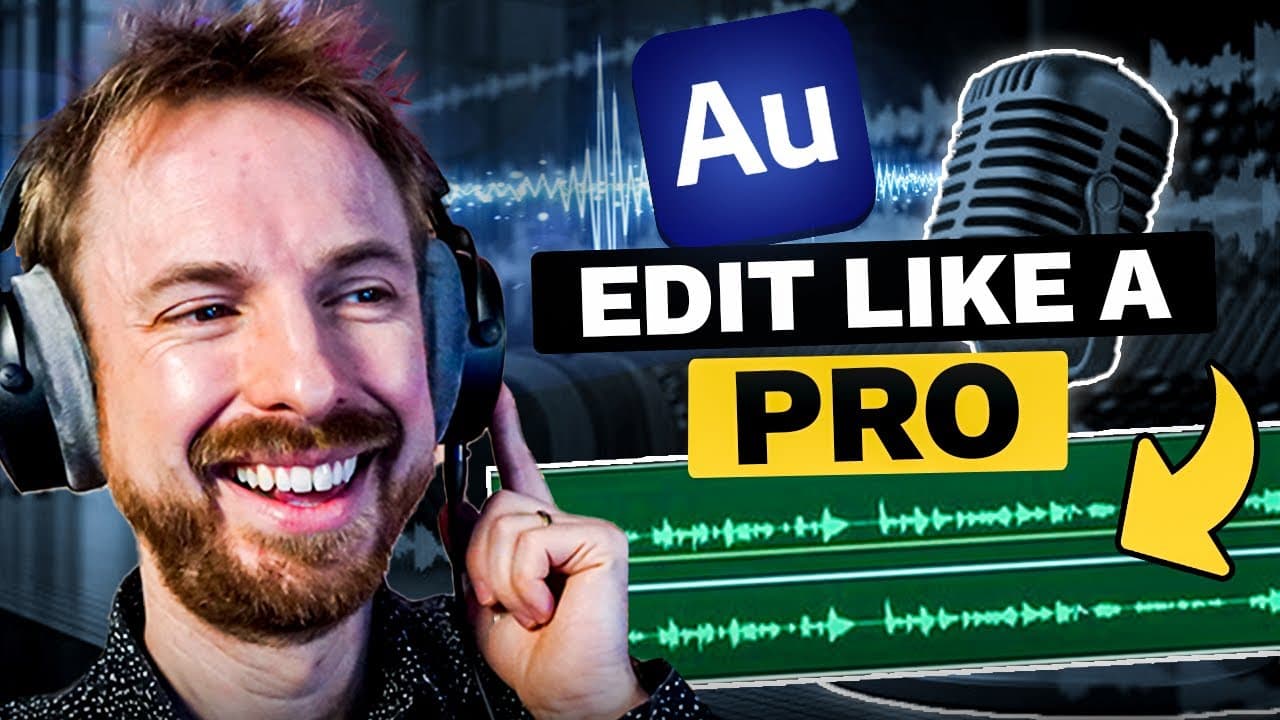
Adobe Audition Podcast Tutorial - How to Record and Edit a Podcast From Start to Finish
TL;DR
Learn how to easily create and edit your podcast using Adobe Audition, from setting up tracks to adding effects and exporting the final file.
Transcript
- This video will give you everything you need to know to create your own podcast in Adobe Audition. (screen buzzes) (resonant tone) It's really, really simple to get started. When you load up Adobe Audition, you're going to want to start mixing things together to make your podcast sound good, music, voice and a ton more. So let's go into the multi... Read More
Key Insights
- 🎧 Creating a podcast in Adobe Audition is simple and easy, making it accessible for beginners.
- 🎤 Adobe Audition allows users to mix different elements, such as music and voice, to enhance the overall sound quality of a podcast.
- 📝 Track management in Adobe Audition is straightforward, allowing users to delete unnecessary tracks and keep their project organized.
- 🚀 The recording process in Adobe Audition is straightforward, with options to enable and disable tracks, ensuring proper levels and quality.
- 🎶 Adding music to a podcast in Adobe Audition is as simple as dragging and dropping files into the program, with automatic sample rate conversion if necessary.
- 🔊 Adobe Audition provides tools to adjust the balance between voice and music, such as the "Match Clip Loudness" option, to create a harmonious mix.
- 🎙 Users can enhance the quality of their voice recordings in Adobe Audition by applying various effects, such as filters, equalizers, and compressors.
- ️ Adobe Audition offers the ability to customize the timing and arrangement of podcast elements, allowing for more dynamic and engaging episodes.
Install to Summarize YouTube Videos and Get Transcripts
Explore YouTube Video Summarizer or Get YouTube Transcript Extractor
Questions & Answers
Q: How can you delete unnecessary tracks in Adobe Audition?
To delete unnecessary tracks in Adobe Audition, simply right-click on the track, go to the track menu, and select "delete selected track." Alternatively, you can use the keyboard shortcut Option + Command + Delete (Alt + CTRL + Delete).
Q: How can you adjust the volume levels between the music and voice tracks in Adobe Audition?
To adjust the volume levels between the music and voice tracks, select both tracks, right-click, and choose the "Match Clip Loudness" option. This will automatically adjust the amplitude of the clips to ensure they do not overpower each other.
Q: How can you add effects to improve the sound quality of your voice in Adobe Audition?
In Adobe Audition, you can add effects to improve the sound quality of your voice by going to the effects rack on the host track. From there, you can add effects such as filters, equalizers, compressors, and more. You can also use presets to quickly enhance the voice.
Q: How can you save your podcast settings as a template in Adobe Audition?
To save your podcast settings as a template in Adobe Audition, go to the File menu and select "Export" followed by "Session as Template." Give your template a name and click OK. This will allow you to use the same settings for future podcast episodes by simply selecting the template when starting a new multi-track session.
Summary & Key Takeaways
-
The video tutorial demonstrates how to use Adobe Audition to create and improve the sound quality of a podcast.
-
The host explains how to set up different tracks for the host, guest, and music, and how to delete unnecessary tracks.
-
The tutorial covers techniques for adjusting volume levels, adding effects, trimming and fading tracks, and exporting the final podcast episode.
Read in Other Languages (beta)
Share This Summary 📚
Summarize YouTube Videos and Get Video Transcripts with 1-Click
Try YouTube Summary with ChatGPT & Claude or YouTube Transcript Generator
Explore More Summaries from Mike Russell 📚

Summarize YouTube Videos and Get Video Transcripts with 1-Click
Try YouTube Summary with ChatGPT & Claude or YouTube Transcript Generator