How To Take Calls On A Live Stream
TL;DR
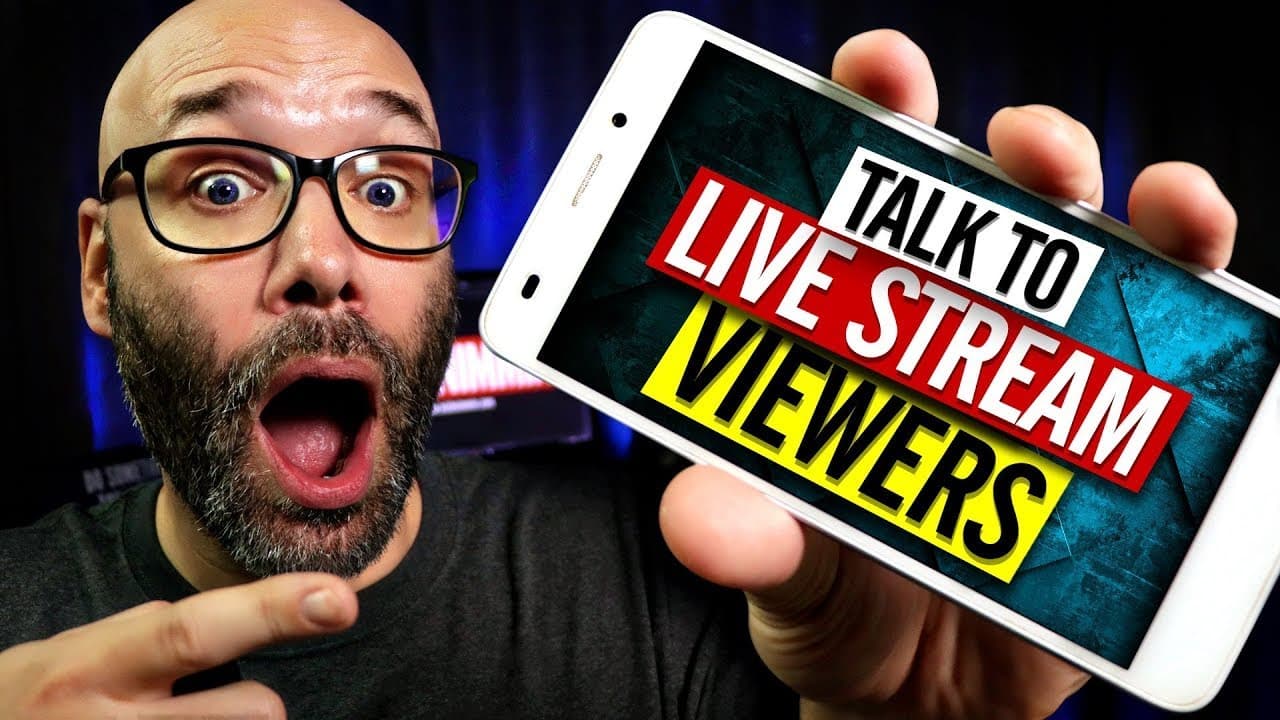
Learn how to level up your live-streams by taking live calls from viewers using Discord and Streamlabs OBS.
Transcript
We're gonna tell you how to put together a live call-in for your live-streams and we're starting right now. (Hip hop music) What is going on? My name is Nick. Welcome to another video. If this is your first time here and you wanna learn how to grow your channel, make videos and all types of other YouTube related stuff, start now by subscribing and ... Read More
Key Insights
- 🫒 Taking live calls during a live-stream can greatly enhance viewer engagement and create a more interactive experience.
- 🫒 Streamlabs OBS is recommended as a reliable software for live streaming.
- 👻 Creating different voice chat rooms on Discord allows for organized call-in sessions based on different formats.
- 👻 Moderators are essential in screening callers, managing the waiting room, and ensuring a smooth flow of questions for the host.
- 🤔 A step-by-step guide and guidelines for callers can help streamline the call-in process and ensure relevant and well-thought-out questions.
- 👊 Keeping the mod chat hidden ensures effective communication and coordination between moderators during the live show.
- 🤵 Having a few extra people waiting in live rooms helps maintain a consistent flow of questions, even if some callers become unavailable.
Install to Summarize YouTube Videos and Get Transcripts
Explore YouTube Video Summarizer or Get YouTube Transcript Extractor
Questions & Answers
Q: What software is recommended for live streaming?
The video suggests using Streamlabs OBS for live streaming, as it offers great features to enhance your live show experience.
Q: How do you create different voice chat rooms on Discord?
Within your Discord server, you can add multiple voice chat channels by clicking the "+" button next to the live show category and selecting the voice chat option.
Q: How do moderators help in running a call-in show?
Moderators assist in screening callers, ensuring they meet criteria like having a good microphone and relevant questions. They also manage the waiting room, move callers to live channels, and clear the rooms after each session.
Q: Why is it important to have additional people waiting in live rooms?
Having extra people waiting ensures a smooth transition between callers. If a caller is unavailable or disconnected, the host can move on to the next person without any interruption in the live show.
Summary & Key Takeaways
-
The video provides step-by-step instructions on setting up a live call-in show for live-streams using Discord and Streamlabs OBS.
-
Creating a new Discord server is the first step, and different voice chat rooms are needed based on the format of the call-in show.
-
Moderators play a crucial role in screening callers, moving them to appropriate rooms, and ensuring a smooth flow of questions for the host.
Read in Other Languages (beta)
Share This Summary 📚
Summarize YouTube Videos and Get Video Transcripts with 1-Click
Try YouTube Summary with ChatGPT & Claude or YouTube Transcript Generator
Explore More Summaries from Nick Nimmin 📚



Summarize YouTube Videos and Get Video Transcripts with 1-Click
Try YouTube Summary with ChatGPT & Claude or YouTube Transcript Generator