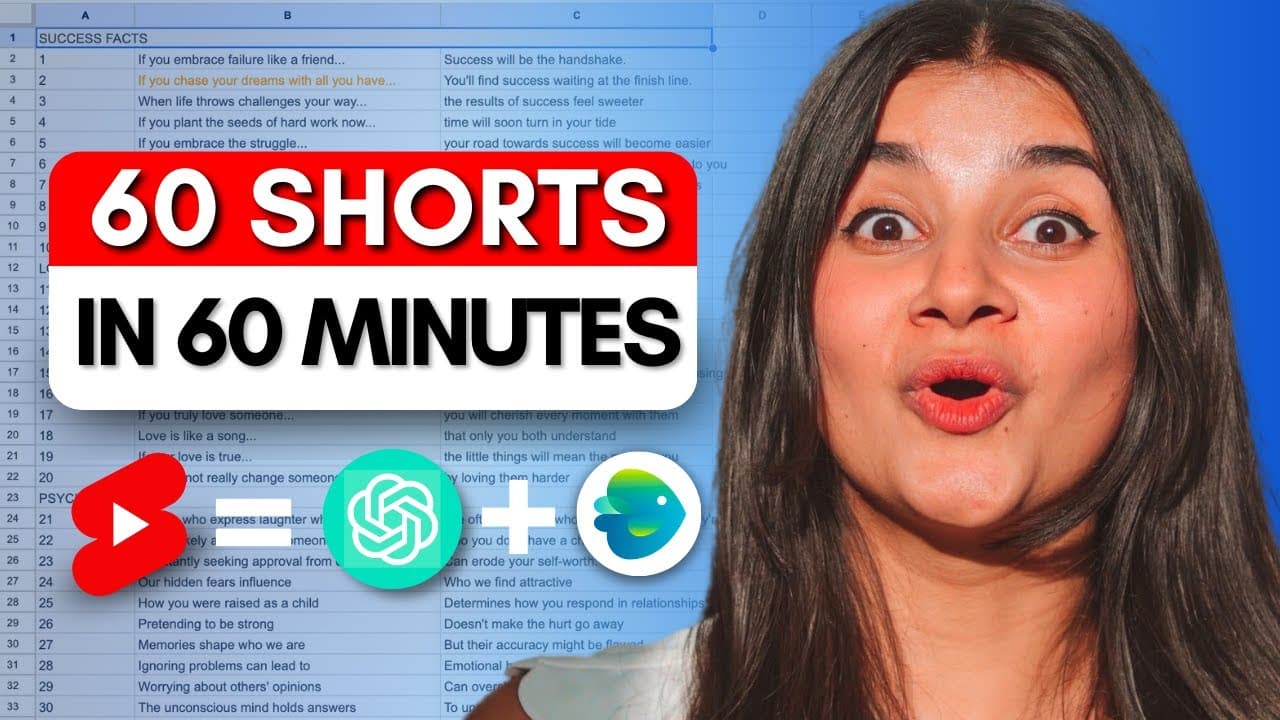
I made 60 YouTube shorts in 60 mins with just 2 AI tools
TL;DR
Learn how to create 60 YouTube shots in under 60 minutes using two AI tools, and discover the process of growing a faceless YouTube channel.
Transcript
this faceless YouTube channel gets over 7 million views a month and is monetized and is likely making thousands of dollars just by creating extremely simple YouTube shots most of their videos even have the same format so we wanted to find out exactly how hard it is to make videos like these and grow a brand new faceless YouTube channel you are not ... Read More
Key Insights
- 🫵 Faceless YouTube channels can generate significant views and revenue by creating simple YouTube shots.
- 🥳 Dividing quotes into two parts, with a build-up and a lesson, helps create anticipation and engagement from viewers.
- 👂 AI tools like ChatGPT can be utilized to generate a list of quotes quickly and efficiently.
- ⌛ Templates from platforms like InVideo make the process of creating YouTube shots easy and time-saving.
- 🫵 Uploading shots with attention-grabbing headlines and relevant hashtags can attract more viewers.
- 🎮 Customizing templates by changing background videos, colors, and fonts adds variety to the shots.
- 💗 Consistently uploading shots, following a posting schedule, and experimenting with different approaches can help grow a YouTube channel.
Install to Summarize YouTube Videos and Get Transcripts
Explore YouTube Video Summarizer or Get YouTube Transcript Extractor
Questions & Answers
Q: How can I create 60 YouTube shots in under 60 minutes?
To create 60 shots quickly, use AI tools like ChatGPT to generate quotes, and then use templates from platforms like InVideo to easily create the shots.
Q: What are the key elements of successful YouTube shots?
Successful YouTube shots usually have a build-up and a lesson, creating anticipation in viewers. They should be relatable, short, and have an intriguing and action-oriented first part.
Q: What are the recommended steps for uploading the shots to YouTube?
When uploading the shots, pay attention to the headlines and hashtags. Consider using the first part of the quote as the headline and include relevant hashtags such as "shorts" and "psychology facts."
Q: Can I customize the templates to bring more variety to my shots?
Yes, you can customize the templates by replacing the background video with clips that suit your shot's theme. You can also change text colors, fonts, and animations to add variety.
Key Insights:
- Faceless YouTube channels can generate significant views and revenue by creating simple YouTube shots.
- Dividing quotes into two parts, with a build-up and a lesson, helps create anticipation and engagement from viewers.
- AI tools like ChatGPT can be utilized to generate a list of quotes quickly and efficiently.
- Templates from platforms like InVideo make the process of creating YouTube shots easy and time-saving.
- Uploading shots with attention-grabbing headlines and relevant hashtags can attract more viewers.
- Customizing templates by changing background videos, colors, and fonts adds variety to the shots.
- Consistently uploading shots, following a posting schedule, and experimenting with different approaches can help grow a YouTube channel.
- Monitoring the progress of your channel and analyzing the performance of your shots is crucial for future improvement.
Summary & Key Takeaways
-
This content explores the process of creating simple YouTube shots for a faceless YouTube channel that gets over 7 million views a month.
-
The video focuses on picking categories, generating quotes using AI tools, and using templates to create the shots.
-
The content provides step-by-step instructions on creating 60 shots and highlights the importance of headlines and hashtags in attracting viewers.
Read in Other Languages (beta)
Share This Summary 📚
Summarize YouTube Videos and Get Video Transcripts with 1-Click
Try YouTube Summary with ChatGPT & Claude or YouTube Transcript Generator
Explore More Summaries from InVideo For Content Creators 📚


Summarize YouTube Videos and Get Video Transcripts with 1-Click
Try YouTube Summary with ChatGPT & Claude or YouTube Transcript Generator