How to make educational videos for YouTube with ChatGPT & InVideo
TL;DR
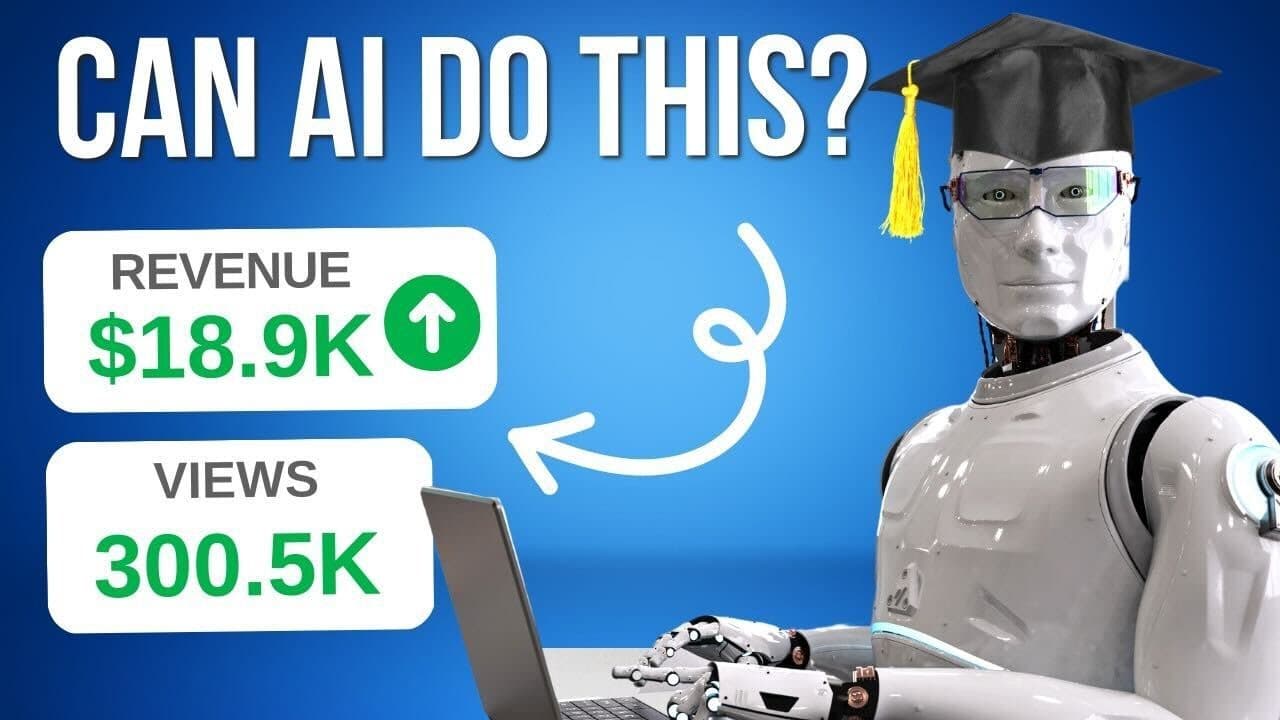
Learn how to create educational YouTube videos quickly and effortlessly using AI technology and InVideo's video editing platform.
Transcript
did you know that this educational YouTube channel gets over 4 million views and generates over fifteen thousand dollars in ad Revenue every month and here's another Channel taking in millions of views and thousands of dollars in revenue and they have achieved this without ever showing a face on camera now with the power of AI you too can create su... Read More
Key Insights
- 🫠 Educational YouTube channels can generate significant views and ad revenue without showing a face on camera.
- ✍️ Utilizing AI technology like Chat GPT can save time and effort in script writing for educational videos.
- 💨 InVideo's editing platform provides an accessible and affordable way to record voiceovers and edit videos.
- 🗯️ Choosing the right media clips and adding text and background music can enhance the quality and engagement of educational videos.
Install to Summarize YouTube Videos and Get Transcripts
Explore YouTube Video Summarizer or Get YouTube Transcript Extractor
Questions & Answers
Q: How can I come up with ideas for educational YouTube videos?
To come up with ideas, choose a niche and study popular channels in that category. Look for their top-performing videos to get inspiration for your own content.
Q: How does Chat GPT help in creating a script for a YouTube video?
Chat GPT, powered by AI, can generate unique scripts based on your prompts. You can specify the type of video, topic, length, tone, and additional details to create a detailed script quickly.
Q: Can I record a voiceover without hiring a voiceover artist?
Yes, InVideo's editor allows you to record a voiceover using your laptop's internal microphone. You can easily edit out mistakes, fumbles, or long pauses to create a polished voiceover.
Q: How do I enhance my educational YouTube videos with media clips?
Break down your script into smaller chunks and find relevant clips related to each part. Trim the clips to a few seconds each and add them to your video to visually support the content.
Key Insights:
- Educational YouTube channels can generate significant views and ad revenue without showing a face on camera.
- Utilizing AI technology like Chat GPT can save time and effort in script writing for educational videos.
- InVideo's editing platform provides an accessible and affordable way to record voiceovers and edit videos.
- Choosing the right media clips and adding text and background music can enhance the quality and engagement of educational videos.
- Proper planning, research, and attention to detail are key in creating successful educational YouTube videos.
Summary & Key Takeaways
-
Step 1: Choose a niche and find a popular channel in that category to get ideas for your own videos.
-
Step 2: Utilize OpenAI's Chat GPT to generate a unique script for your video in minutes.
-
Step 3: Record a voiceover based on your script using InVideo's intuitive editor.
-
Step 4: Add relevant media clips to enhance your video's content and engage viewers.
-
Step 5: Add text and background music to finalize your video, then export and upload it to your YouTube channel.
Read in Other Languages (beta)
Share This Summary 📚
Summarize YouTube Videos and Get Video Transcripts with 1-Click
Try YouTube Summary with ChatGPT & Claude or YouTube Transcript Generator
Explore More Summaries from InVideo For Content Creators 📚



Summarize YouTube Videos and Get Video Transcripts with 1-Click
Try YouTube Summary with ChatGPT & Claude or YouTube Transcript Generator