Products
Features
YouTube Video Summarizer
Summarize YouTube videos
Web & PDF Highlighter
Highlight web pages & PDFs
Chat with PDF
Ask any PDF questions with AI
Ask AI Clone
Chat with your highlights & memories
Audio Transcriber
Transcribe audio files to text
Glasp Reader
Read and highlight articles
Kindle Highlight Export
Export your Kindle highlights
Idea Hatch
Hatch ideas from your highlights
Integrations
Obsidian Plugin
Notion Integration
Pocket Integration
Instapaper Integration
Medium Integration
Readwise Integration
Snipd Integration
Hypothesis Integration
Apps & Extensions
Chrome Extension
Safari Extension
Edge Add-ons
Firefox Add-ons
iOS App
Android App
Discover
Discover
Ideas
Discover new ideas and insights
Articles
Curated articles and insights
Books
Book recommendations by great minds
Posts
Essays and notes from readers
Quotes
Inspiring quotes collection
Videos
Curated videos and summaries
Explore Glasp
Glasp Newsletter
Weekly insights and updates
Glasp Talk
Interview series with great minds
Glasp Blog
Latest news and articles
Glasp Use Cases
Learn how others use Glasp
Build & Support
Glasp API
Access Glasp's API for developers
MCP Connector
Connect Glasp to Claude & ChatGPT
Community
Glasp Reddit Community
Students
Student discount and benefits
FAQs
Frequently Asked Questions
AboutPricing
DashboardLog inSign up

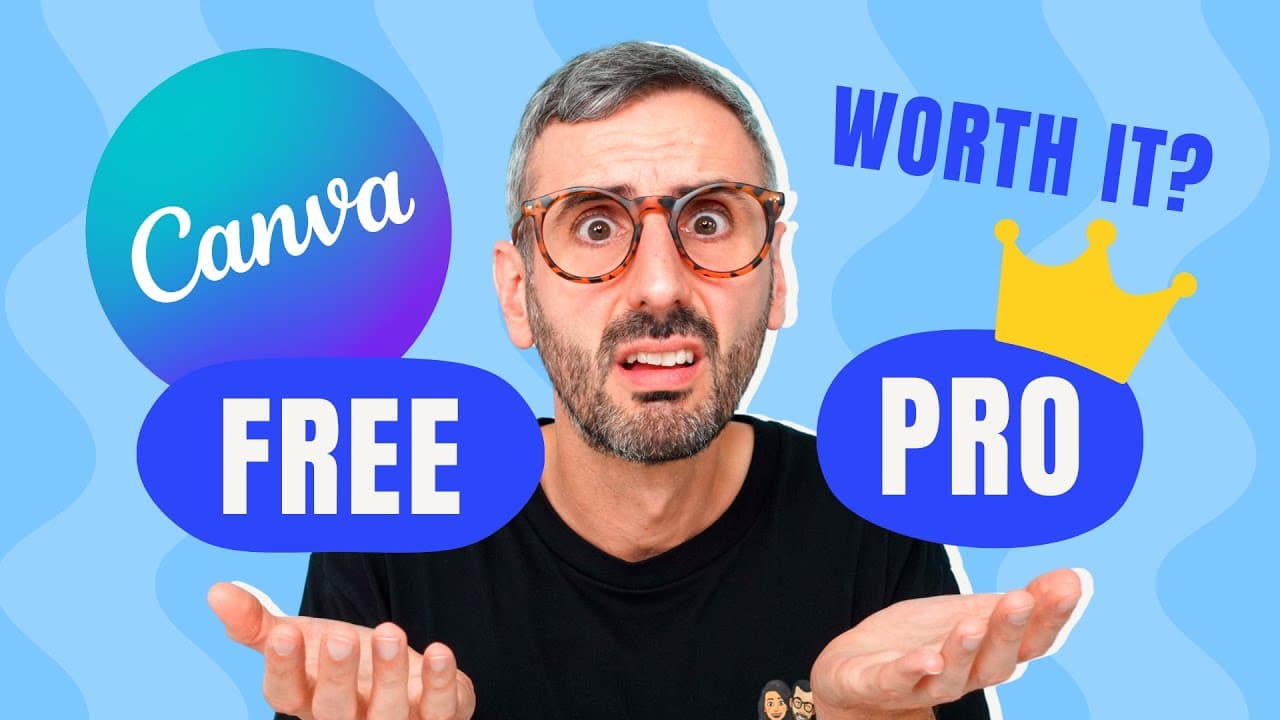
Is it worth it to upgrade to Canva Pro?
14.3K views
•
November 9, 2020
by
Design with Canva
YouTube video player
Is it worth it to upgrade to Canva Pro?

TL;DR

Decide if upgrading to Canva Pro is worth it based on enhanced features and extended trial offer.

Transcript

not so long ago i spotted this question in one of our canva facebook groups i'm starting a home baking business is it worth paying for canva pro monthly are you wondering if canva pro is for you are you trying to understand all the differences between the free and the pro version of canva if the answer is yes i suggest you stick around because in t... Read More

Key Insights

  • 🥶 Canva's free version includes essential design tools like drag-and-drop editing and video features.
  • 🎨 Canva Pro offers a significant upgrade with more templates, photos, graphics, fonts, animations, and advanced design features.
  • 🈷️ The pricing for Canva Pro is $9.95/month annually or $12.95/monthly, making it a cost-effective solution for design needs.
  • 👨‍💼 Enhanced features like background remover, transparent PNG export, and brand kit customization make Canva Pro a valuable tool for businesses.

Install to Summarize YouTube Videos and Get Transcripts

Explore YouTube Video Summarizer or Get YouTube Transcript Extractor

Questions & Answers

Q: What are the main differences between Canva Free and Canva Pro?

Canva Pro offers more templates, photos, graphics, fonts, animations, cloud storage, and pro-only features like brand kit and magic resize.

Q: Is it worth paying for Canva Pro monthly for a home baking business?

For businesses needing access to a wide range of media assets, pro-only features, and enhanced brand customization, Canva Pro may be worth the cost.

Q: What are the benefits of using Canva Pro over the free version?

Canva Pro provides access to more templates, photos, graphics, fonts, and animations, along with advanced features like background remover and transparent PNG export.

Q: How can one get an extended Canva Pro free trial?

By using the affiliate link provided in the video description, users can avail of a 45-day free trial instead of the standard 30-day trial offered on the Canva website.

Summary & Key Takeaways

  • Canva's free version offers drag-and-drop editing, video editing, custom dimensions, and more.

  • Canva Pro provides additional templates, photos, graphics, fonts, animations, and brand kit features.

  • Pricing for Canva Pro is $9.95/month annually or $12.95/monthly, with a 45-day extended trial available.


Read in Other Languages (beta)

English

Share This Summary 📚

Summarize YouTube Videos and Get Video Transcripts with 1-Click

Download browser extensions on:

Try YouTube Summary with ChatGPT & Claude or YouTube Transcript Generator

Explore More Summaries from Design with Canva 📚

Collaborative video editing - How to make a group video in Canva - New feature - Canva tutorial thumbnail
Collaborative video editing - How to make a group video in Canva - New feature - Canva tutorial
Design with Canva
How to Use DALL·E 3 in ChatGPT to Create Unique Images thumbnail
How to Use DALL·E 3 in ChatGPT to Create Unique Images
Design with Canva
5 Ways to USE Canva to MAKE MONEY (Part 1) - Tips you NEED to know to be successful thumbnail
5 Ways to USE Canva to MAKE MONEY (Part 1) - Tips you NEED to know to be successful
Design with Canva
How to Make a Logo and Download it with Transparent Background | FREE Canva Tutorial for Beginners thumbnail
How to Make a Logo and Download it with Transparent Background | FREE Canva Tutorial for Beginners
Design with Canva
How to BLUR OUT Portions of a Video | Free in Canva thumbnail
How to BLUR OUT Portions of a Video | Free in Canva
Design with Canva
OFFEO - First Impressions & first animated video thumbnail
OFFEO - First Impressions & first animated video
Design with Canva

Summarize YouTube Videos and Get Video Transcripts with 1-Click

Download browser extensions on:

Try YouTube Summary with ChatGPT & Claude or YouTube Transcript Generator

Apps & Extensions

  • Chrome Extension
  • Safari Extension
  • Edge Add-ons
  • Firefox Add-ons
  • iOS App
  • Android App

Key Features

  • YouTube Video Summarizer
  • Web & PDF Summarizer
  • Web & PDF Highlighter
  • Chat with PDF
  • Ask AI Clone
  • Audio Transcriber
  • Glasp Reader
  • Kindle Highlight Export
  • Idea Hatch

Integrations

  • Obsidian Plugin
  • Notion Integration
  • Pocket Integration
  • Instapaper Integration
  • Medium Integration
  • Readwise Integration
  • Snipd Integration
  • Hypothesis Integration

More Features

  • APIs
  • MCP Connector
  • Blog & Post
  • Embed Links
  • Image Highlight
  • Personality Test
  • Quote Shots

Company

  • About us
  • Blog
  • Community
  • FAQs
  • Job Board
  • Newsletter
  • Pricing
Terms

•

Privacy

•

Guidelines

© 2026 Glasp Inc. All rights reserved.



