Top 6 Features from Adobe Firefly & Adobe Express (Updates You Can't Ignore)
TL;DR
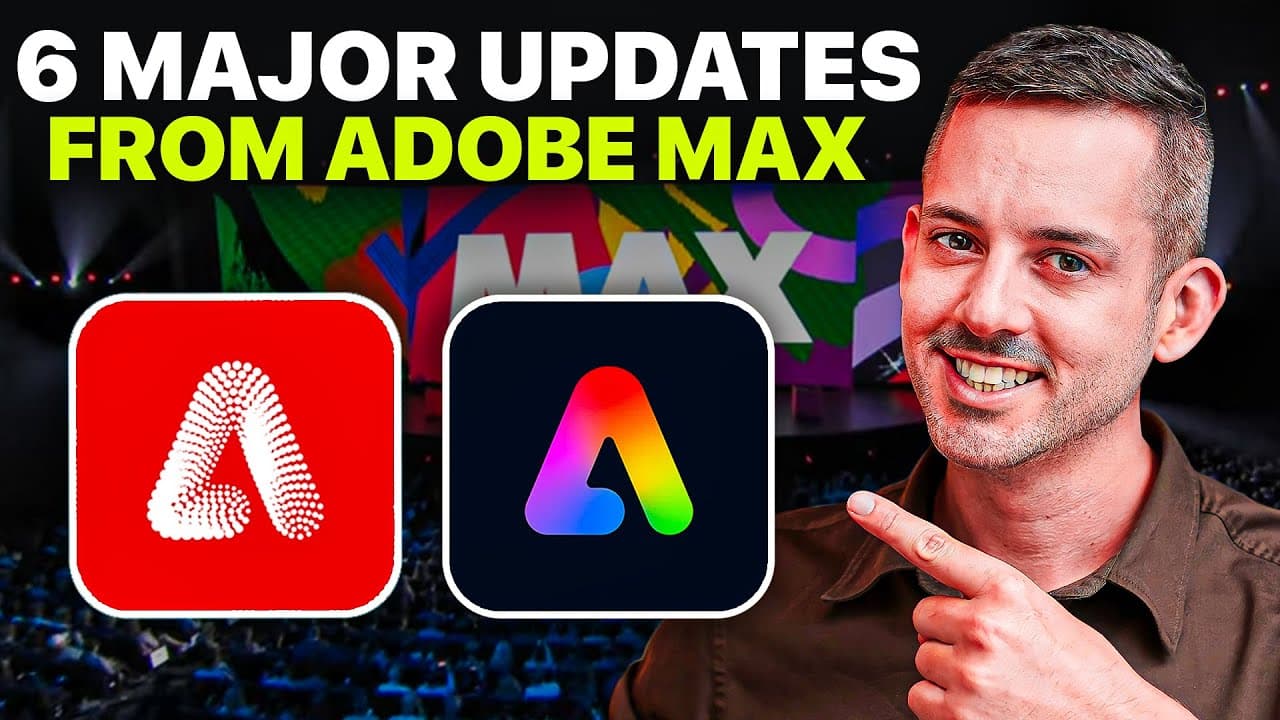
Adobe Max announced six new features for Adobe Firefly and Adobe Express, including improved image generation, vector graphics creation, layer and template locking, generative fill, content translation, and text-to-template conversion.
Transcript
so many exciting announcements from Adobe Max this year the privilege and the pleasure of being there in person thanks to Adobe Express who is sponsoring this video I'm sharing with you the top six features announced for Adobe Firefly and Adobe Express the best AI tools for small businesses corporations creatives and marketers everyone sh... Read More
Key Insights
- ❓ Adobe Firefly Image 2 Model offers advanced image generation capabilities, including the incorporation of specific reference images.
- 👻 Adobe Firefly Vector Model enhances vector graphics creation, allowing for scalable and customizable artwork.
- ⏰ Layer and template locking in Adobe Express provides precise control and collaborative options for creatives and marketers.
- 🤗 Generative fill in Adobe Express streamlines the image editing process, eliminating the need to open Photoshop.
- ❓ Content translation in Adobe Express enables the quick localization of content into multiple languages.
Install to Summarize YouTube Videos and Get Transcripts
Explore YouTube Video Summarizer or Get YouTube Transcript Extractor
Questions & Answers
Q: How does Adobe Firefly Image 2 Model improve image generation?
Adobe Firefly Image 2 Model enhances image generation by allowing users to create photorealistic images with impressive detail, including the option to incorporate specific reference images. This feature provides more control and customization for creative projects.
Q: What can users do with Adobe Firefly Vector Model?
With Adobe Firefly Vector Model, users can create vector graphics from text prompts, such as an airplane made from chocolate and marshmallows. The resulting vector graphics can be scaled to any size without losing quality, making it ideal for various design purposes.
Q: How does layer and template locking benefit creatives and marketers?
Layer and template locking in Adobe Express allows creatives to collaborate with marketers while maintaining control over specific elements within a project. This feature ensures that marketers can work efficiently while adhering to the design guidelines set by the creative team.
Q: How does generative fill in Adobe Express simplify the image editing process?
Generative fill in Adobe Express allows users to remove or change elements from images without the need to open Adobe Photoshop. By selecting the desired area and using the generative fill tool, users can quickly and easily edit images, saving time and effort.
Summary & Key Takeaways
-
Adobe Firefly Image 2 Model allows users to create photorealistic images with impressive detail, even incorporating specific reference images.
-
Adobe Firefly Vector Model enables the creation of vector graphics from text prompts, with options to match existing artwork styles.
-
Adobe Express introduces layer and template locking, providing more control for creatives and marketers collaborating on projects.
-
Generative fill in Adobe Express allows users to remove or change elements from images, without needing to open Photoshop.
-
Content translation in Adobe Express simplifies the localization of content into 45 different languages.
-
Text-to-template conversion in Adobe Express allows users to generate editable templates from text descriptions, saving time in the design process.
Read in Other Languages (beta)
Share This Summary 📚
Summarize YouTube Videos and Get Video Transcripts with 1-Click
Try YouTube Summary with ChatGPT & Claude or YouTube Transcript Generator
Explore More Summaries from Phil Pallen 📚






Summarize YouTube Videos and Get Video Transcripts with 1-Click
Try YouTube Summary with ChatGPT & Claude or YouTube Transcript Generator