The BEST Productivity Feature in Google Docs!
TL;DR
Google Docs introduces Smart Chips feature for seamless collaboration and document enhancement.
Transcript
that felt pretty good let's get started hi friends welcome back to channel if you're new here my name is jeff and ever since google announced the smart canvas update back in the i o event they've been adding some really cool features to google docs if you use docs at work or for school the collaboration experience just got so much smoother if you a... Read More
Key Insights
- 📜 Smart Chips in Google Docs streamline collaboration and document management.
- 🧑🤝🧑 Tagging files, dates, and checklist items with Smart Chips makes document content dynamic.
- 📄 Enhanced features like automatic tables of contents and page components enhance document formatting.
- 📝 Smart Chips simplify note-taking for recurring meetings and shared documents.
- ✊ Google Docs' Smart Chips feature showcases the power of the Google ecosystem.
- 💁 Users can customize formatting and interactive elements within documents using Smart Chips.
- 👤 Smart Chips make Google Docs more user-friendly and efficient for both individual and collaborative use.
Install to Summarize YouTube Videos and Get Transcripts
Explore YouTube Video Summarizer or Get YouTube Transcript Extractor
Questions & Answers
Q: What is the Smart Chips feature in Google Docs?
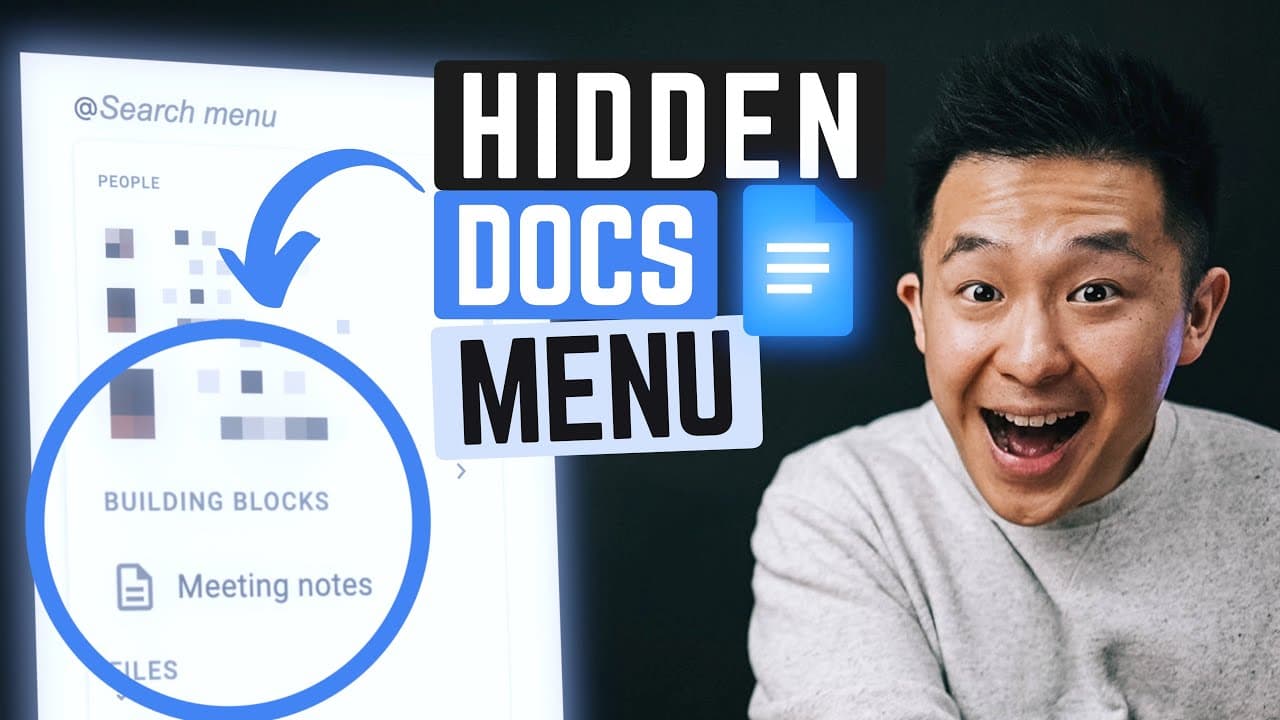
The Smart Chips feature in Google Docs allows users to tag people, files, dates, and checklist items within documents by simply typing the "@" symbol.
Q: How does Smart Chips enhance collaboration in Google Docs?
Smart Chips enhance collaboration in Google Docs by making tagged content dynamic and easily accessible, thus streamlining communication and document management.
Q: What are some best practices for using Smart Chips in Google Docs?
Best practices for using Smart Chips in Google Docs include creating central repository documents, tagging relevant individuals and items, and utilizing dynamic information for efficient workflow.
Q: How does Smart Chips simplify note-taking in Google Docs?
Smart Chips simplify note-taking in Google Docs by automatically generating meeting notes, action items, and attendee lists based on tagged content, making recurring meetings more organized and productive.
Summary & Key Takeaways
-
Google Docs introduces Smart Chips feature for easy tagging and dynamic information display.
-
Smart Chips allow users to tag people, files, dates, and checklist items within documents effortlessly.
-
Enhanced collaboration and document management capabilities make Google Docs more efficient and user-friendly.
Read in Other Languages (beta)
Share This Summary 📚
Summarize YouTube Videos and Get Video Transcripts with 1-Click
Try YouTube Summary with ChatGPT & Claude or YouTube Transcript Generator
Explore More Summaries from Jeff Su 📚






Summarize YouTube Videos and Get Video Transcripts with 1-Click
Try YouTube Summary with ChatGPT & Claude or YouTube Transcript Generator