Use iPhone As Webcam Best App 2021 - Phil Pallen
TL;DR
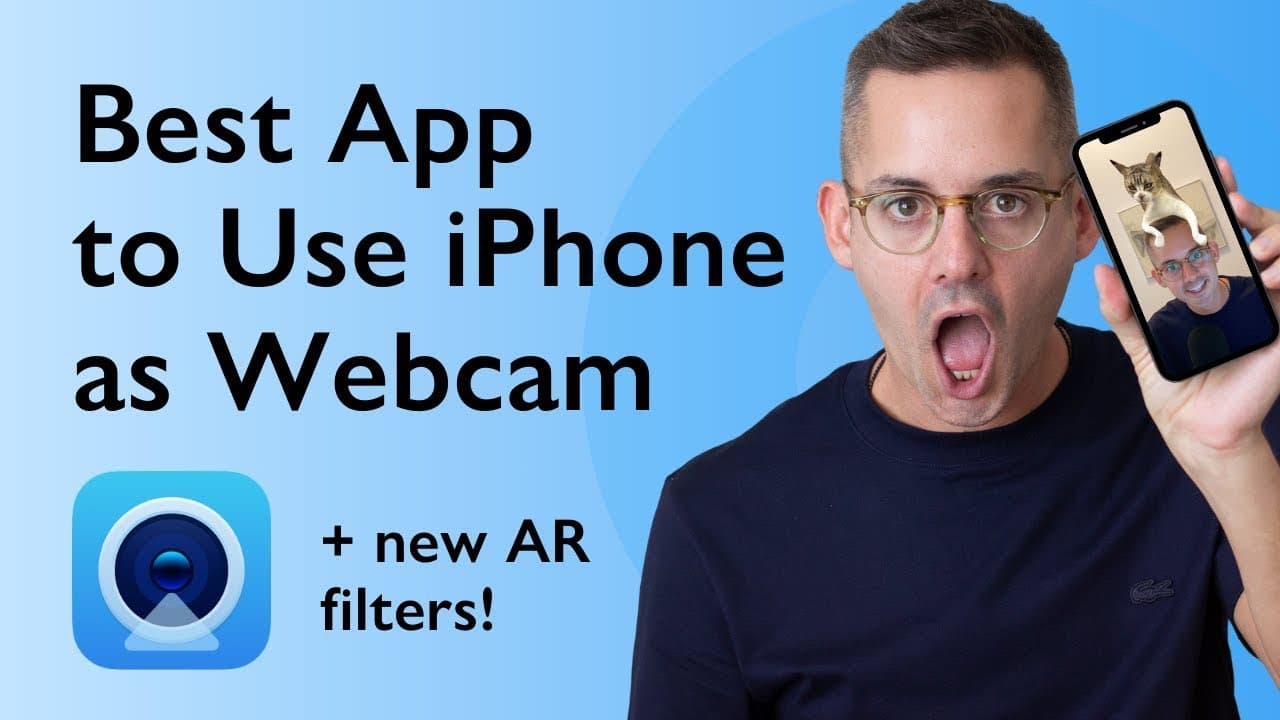
Camo is an impressive app that allows you to use your iPhone as a high-quality webcam, with a brand new feature called Snap that adds fun and creative options for video calls.
Transcript
today i'm recording using my iphone as a web camera i cannot believe how amazing this looks why didn't i think of this if you want to use your iphone as a webcam this is the video to watch plus this app just launched a brand new feature that you're going to want to know about let's check it out together hi i'm phil palin a brand strategist welcome ... Read More
Key Insights
- 🎮 Camo is a game-changer for individuals looking to improve the quality of their video calls by using their iPhone as a webcam.
- 😀 The app offers extensive control over camera settings such as lenses, lighting, colors, zoom, crop, and focus within the app itself.
- 👶 The new feature, Snap, adds creative options such as portrait mode, emoji overlays, and novelty settings for a fun and personalized video calling experience.
- 🎮 Camo is compatible with popular video conferencing software, making it a versatile tool for virtual meetings and conferences.
- 😀 The app is user-friendly with easy installation and plug-and-play functionality, eliminating the need for complicated setups or special commands.
- ✋ The high-quality video resolution of Camo makes it a superior choice compared to standard computer webcams.
- 💨 Camo offers a resizable preview window, providing users with a convenient way to monitor their video feed.
Install to Summarize YouTube Videos and Get Transcripts
Explore YouTube Video Summarizer or Get YouTube Transcript Extractor
Questions & Answers
Q: How does the video quality compare between using an iPhone with Camo and a standard computer webcam?
The video demonstrates that using Camo with an iPhone provides a much higher quality resolution compared to typical computer webcams, offering a crisp and clear image for video calls.
Q: What are the additional features offered by the Camo app?
The Camo app includes a new feature called Snap, which adds creative options such as portrait mode, emoji overlays for face and hands, and even settings like making yourself invisible or adding vintage filters.
Q: Can Camo be used with different video conferencing software?
Yes, Camo works seamlessly with various video conferencing platforms including Skype, Zoom, Slack, Google Chrome, Cisco Webex, and others without the need for special commands or configurations.
Q: Is Camo easy to set up and use?
Installing the app on the iPhone and the corresponding desktop suite on a computer (Windows or Mac) is a straightforward process. Once installed, Camo works plug and play without requiring any complicated drivers or configurations.
Summary & Key Takeaways
-
The content discusses how to use Camo, an app developed by reincubate, to transform your iPhone into a professional webcam that outperforms built-in computer webcams.
-
The video compares the quality of using the iPhone's camera with Camo versus a standard computer webcam.
-
The app offers various controls such as adjusting lenses, lighting, colors, zoom, crop, and focus, all conveniently accessible within the app.
Read in Other Languages (beta)
Share This Summary 📚
Summarize YouTube Videos and Get Video Transcripts with 1-Click
Try YouTube Summary with ChatGPT & Claude or YouTube Transcript Generator
Explore More Summaries from Phil Pallen 📚






Summarize YouTube Videos and Get Video Transcripts with 1-Click
Try YouTube Summary with ChatGPT & Claude or YouTube Transcript Generator