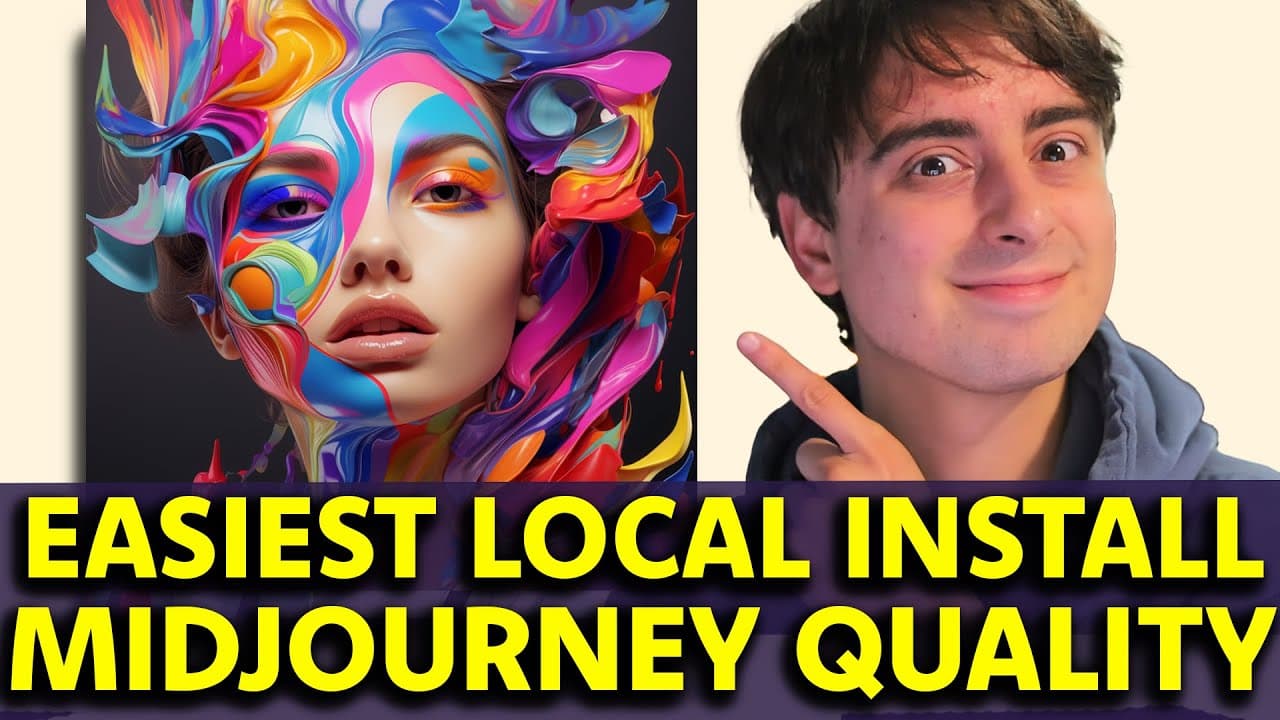
Easiest Install Ever! AI Art Generator on Your PC! MIDJOURNEY QUALITY | How to Install SDXL Locally
TL;DR
Learn how to create AI art for free on your Windows machine using an easy installation process and generate high-quality, photorealistic images.
Transcript
hello everyone and welcome back to the Matt vidpro AI YouTube channel today I'm going to show you the absolute easiest way to create AI art or AI images on your machine at home completely free your images are entirely private not shared with anyone else and the quality is mid journey level very good now I've done a similar tutorial in the past but ... Read More
Key Insights
- 🥰 The tutorial guides users through an easy installation process for AI art generation software on Windows machines.
- 🇲🇰 The software requires an Nvidia GPU with 4 GB of dedicated memory and is not currently compatible with Mac or AMD GPUs.
- 🏬 The generated AI art is stored locally, ensuring privacy and control over the data.
- 👤 Users can customize various settings, including resolution, style, and number of generated images.
- 🥰 The software provides high-quality, photorealistic AI art comparable to mid-journey models.
- 🏋️ The advanced settings offer additional customization options for more experienced users, including the ability to load custom weights and modify sampling sharpness.
- 🌱 Future compatibility with AMD GPUs on Linux and Mac is planned.
Install to Summarize YouTube Videos and Get Transcripts
Explore YouTube Video Summarizer or Get YouTube Transcript Extractor
Questions & Answers
Q: Is this AI art generation software compatible with Mac?
No, at the time of recording this tutorial, the software only works on Windows machines. However, future compatibility for Mac users may be introduced.
Q: Do I need a GPU to run the software?
Yes, the software requires an Nvidia GPU with at least 4 GB of dedicated memory. If your task manager does not list a GPU or graphics interface, your machine may not be compatible.
Q: Are the generated AI images stored privately?
Yes, all generated AI images are stored locally on your machine in a designated folder, ensuring complete privacy.
Q: Can I customize the style of the AI art?
Yes, there are various styles available to select from in the advanced settings of the software. However, it is recommended for beginners to stick to the default settings initially.
Q: How can I increase the resolution of the generated AI art?
The software has an upscaler feature that allows you to increase the resolution of the generated images. Simply enable the input image option, drag in the desired generation, and select the upscale option before generating.
Q: Are there plans for future compatibility with AMD GPUs and Mac?
Yes, the creator of the software has mentioned plans for future compatibility with AMD GPUs on Linux and Mac users. It is recommended to check for updates on the software's website for the latest compatibility information.
Summary & Key Takeaways
-
This video tutorial provides a step-by-step guide on how to install and use an AI art generation software on Windows machines.
-
The software utilizes an Nvidia GPU with at least 4 GB of dedicated memory and is not currently compatible with Mac or AMD GPUs.
-
The tutorial covers checking system compatibility, downloading and installing the software, generating AI art with various settings, and saving the generated images.
Read in Other Languages (beta)
Share This Summary 📚
Summarize YouTube Videos and Get Video Transcripts with 1-Click
Try YouTube Summary with ChatGPT & Claude or YouTube Transcript Generator
Explore More Summaries from MattVidPro AI 📚

Summarize YouTube Videos and Get Video Transcripts with 1-Click
Try YouTube Summary with ChatGPT & Claude or YouTube Transcript Generator